
Known Participant
September 22, 2025
Question

How to make a 2-visual Optical illusion

  • September 22, 2025
  • 1 reply
  • 238 views

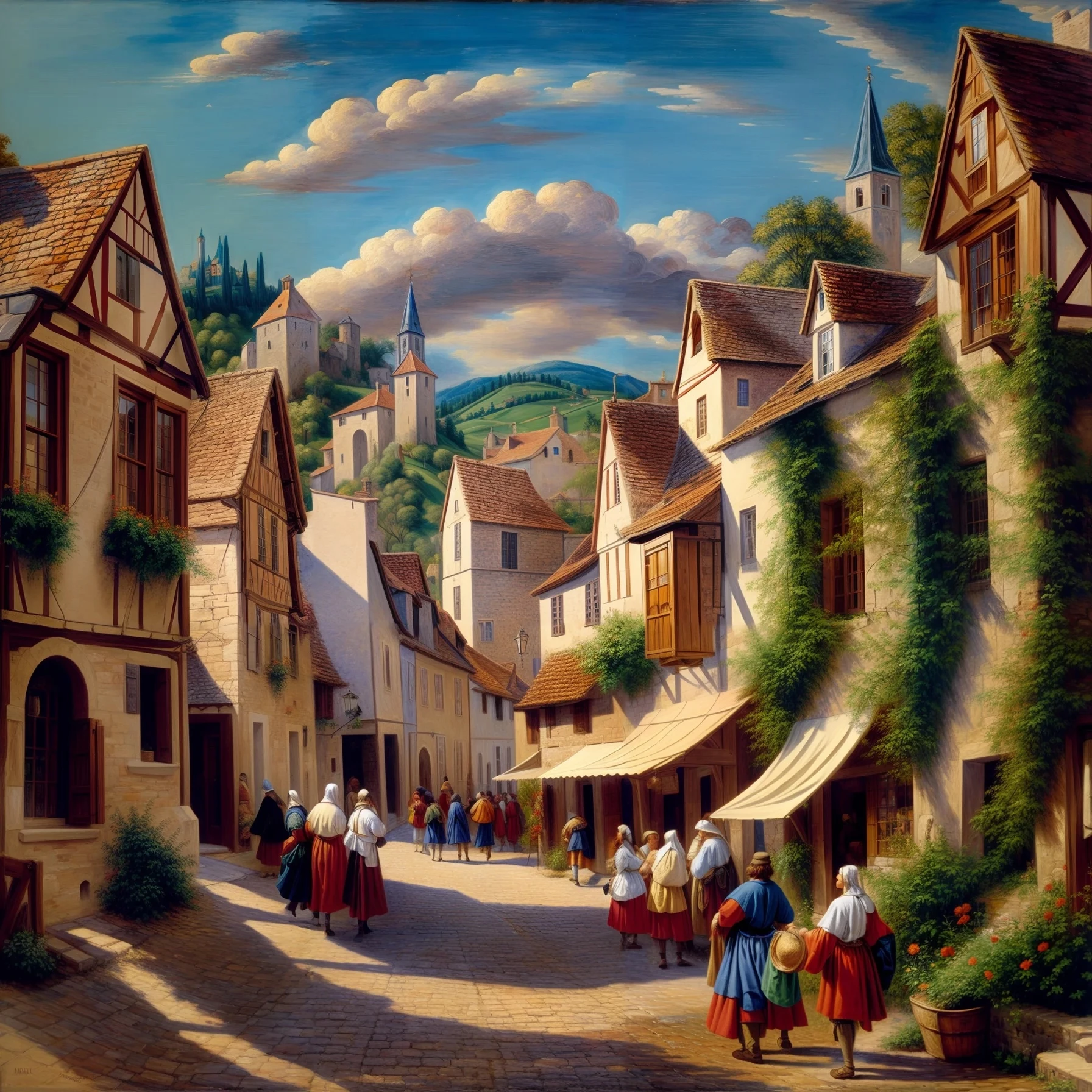
How can I make an optical illusion with a symbol or logo like the the 'Spiral Town' or 'girl with pearl earring' attached?


I’ve tried by placing the black logo on white background as Composition Reference with maximum strength, and using Optical Illusion and/or Trompe L’oeuil effects in addition to the prompt, but the result wasn’t even close.

 

1 reply

Kartika Rawat
Community Manager
Community Manager
September 22, 2025

Hi DANNY33987893ib5t!

Thanks for writing back. Could you share some reference images and the prompts you used with us? 


Let us know. Happy to test on this
^KR

DANNY_KhAuthor
Known Participant
September 23, 2025

I used Composition References on maximum strength.


For example, I used Apple logo, and got this (Firefly Image 3, Optical Illusion effect):

____________

I used Firefly image 4, Content type: Photo.

Another example has the following prompt:

An orchard of trees, surrounded by a fence, with a small cottage among the trees, and a couple of bunnies. the scene forms an optical illusion with the logo


Composition Reference:

With Optical Illusion effect selected:


Without any effect selected:

With Trompe l'oueil effect:


caroline_edits
Community Manager
Community Manager
September 29, 2025

Hey Danny, I filled out the prompt a little bit and it was giving me better results.


"An orchard of trees, surrounded by a fence, with a small cottage among the trees, and a couple of bunnies. the scene forms an optical illusion. use the shape of the reference image to decide where trees and fences should go."


When I use Firefly 4 or Firefly 4 Ultra, I get something similar with the psychadelic colors included in the "optical illusion." When I use Firefly 3, it gives me something more reasonable. See screenshots!


Hope this helps,

Caroline