



How to Style Generated Content Using a Reference Image

Generative Match in Adobe Firefly
Want to generate images using a specific look and feel in Adobe Firefly? You can now do that in Firefly using a feature called Generative Match.
Let's get started!
1. Open Firefly Image 2 (beta) by going tohttps://firefly.adobe.com/ and selecting Text to image. Check to make sure you're on Firefly Image 2 (Beta).

2. Scroll down and find the Style panel. There, you will find prepopulated Styles and a way to upload your image!
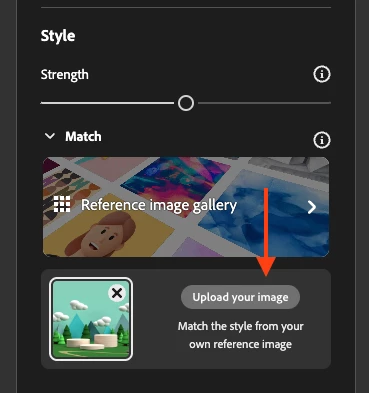
Note: If you're using an image that is not your own, ensure you have the required permissions to use the image. Also, Adobe Firefly checks the Content Credentials of the image before using it to style output.
3. Upload your reference image.
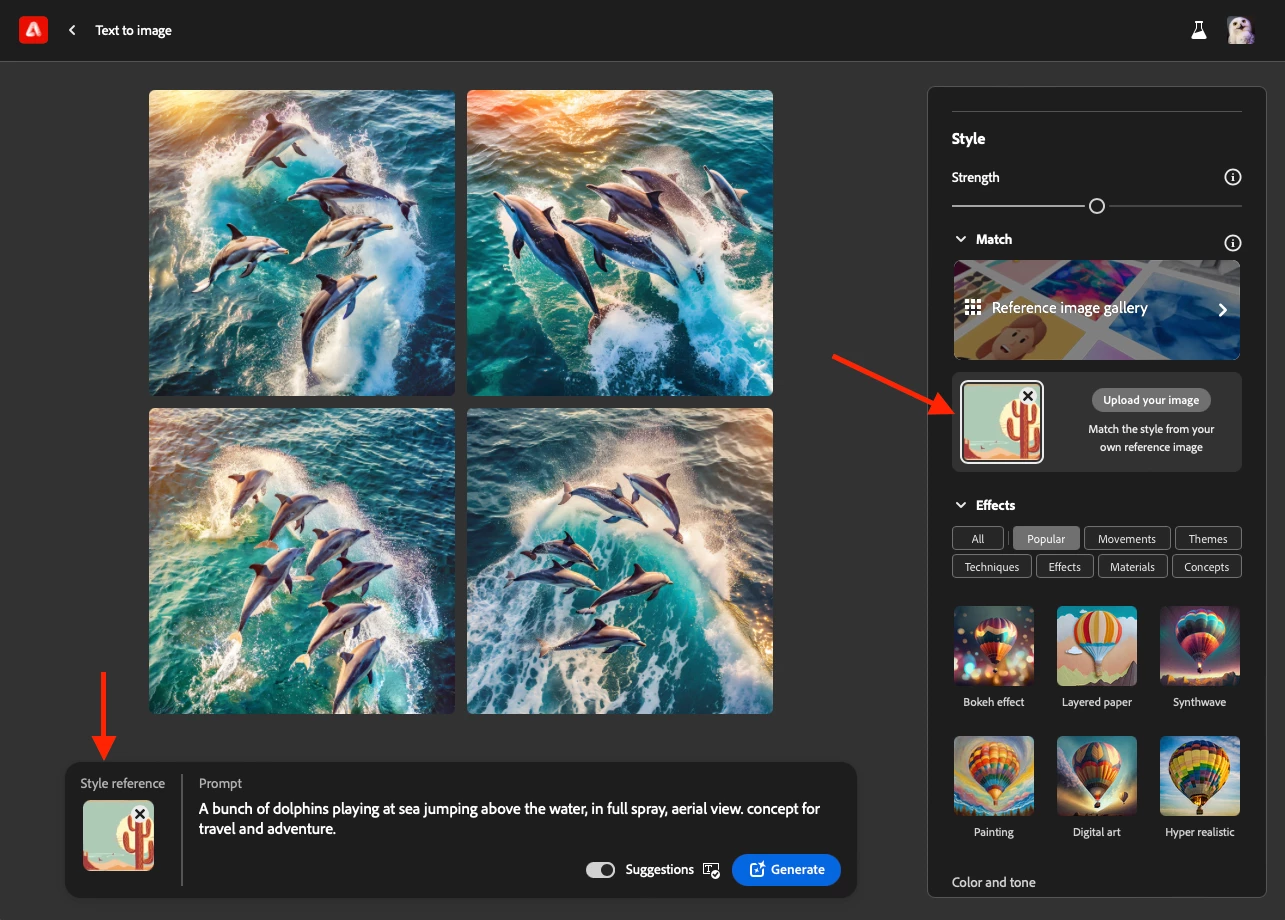
4. Hit the "Generate" button and watch the magic happen.
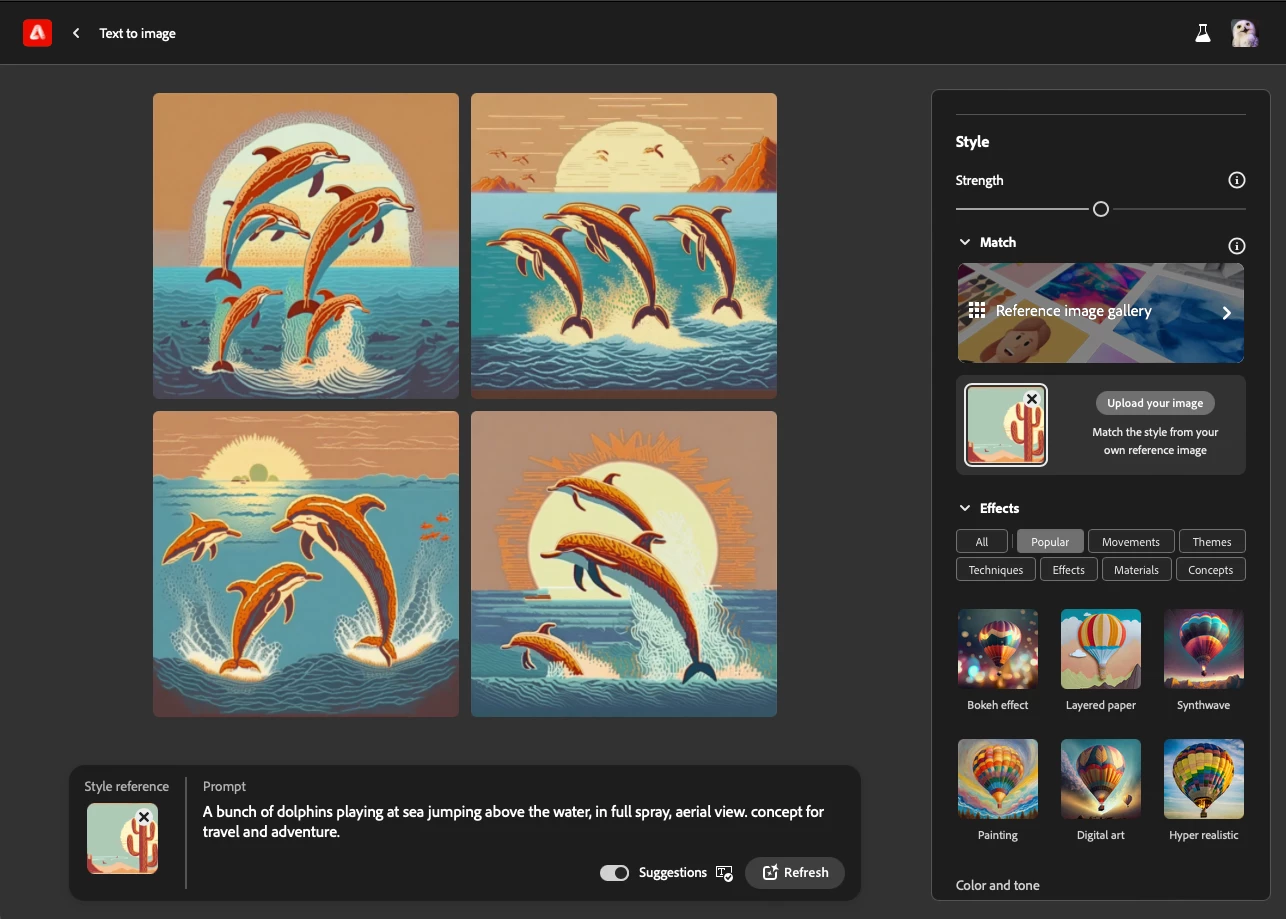
5. Have fun! And share what you create in the comments below!
Curious to try this prompt? Check it out. Reference image was sourced from Adobe Stock here.
 AdChoices