Participant
August 26, 2026

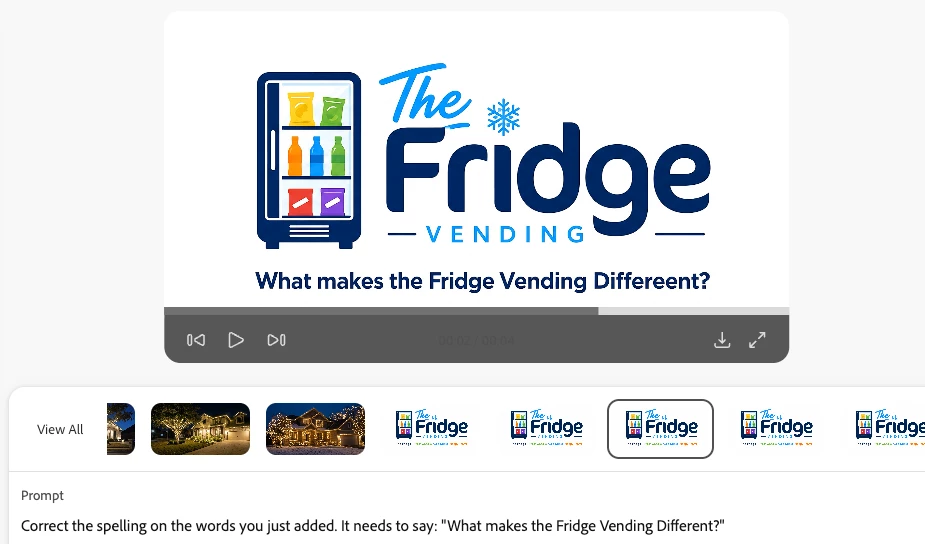
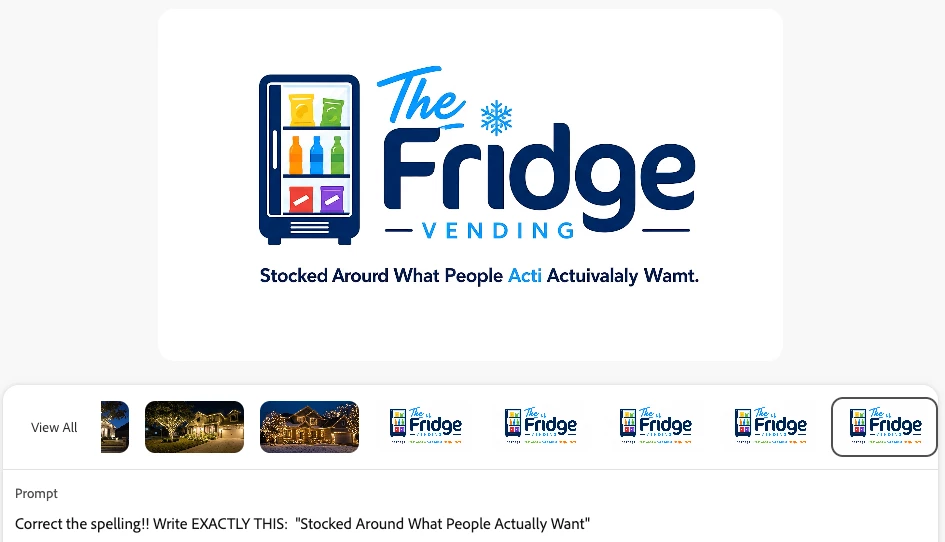
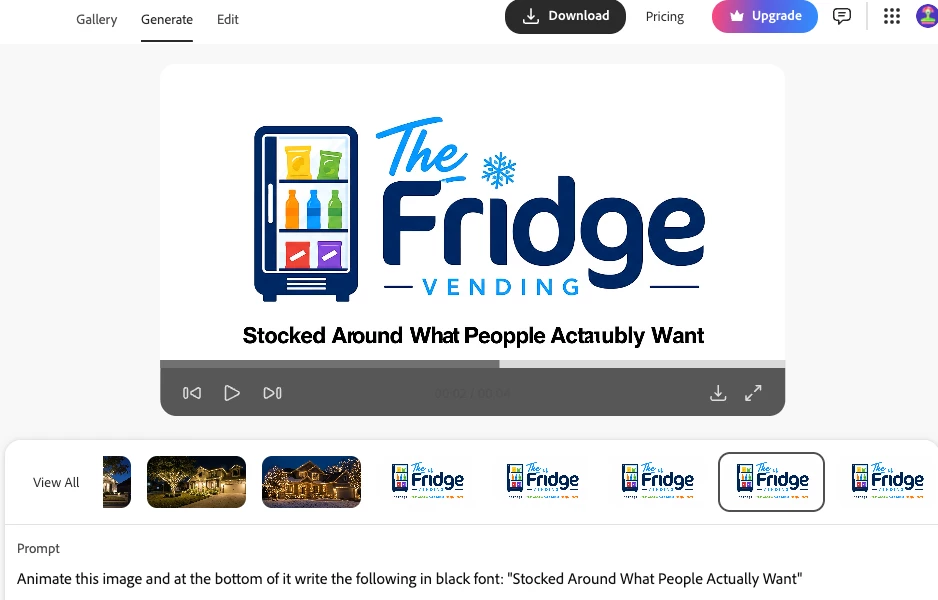
I am animating an image to video and when I add text your AI continues to misspell almost every word, every time!
  • August 26, 2026
  • 4 replies
  • 26 views


4 replies

August 26, 2026

Hi CJ26469144qu4r,

Thank you for reaching out about this.

Text generation within AI models is a known limitation, and Firefly is no exception. Adding text or symbols directly during the generation step can sometimes be unreliable, even when quoted.

One good option is to generate the image without the text/symbol and then add it afterward in Adobe Express.

Another workaround to fix distorted text in previously generated outputs is to use Boards. Load your generated image with the misspelled text, choose the three dots (...) option, then Edit text in image, and you’ll be able to correct the spelling.


Fix text in Boards

I hope these steps help you achieve the result you’re looking for. Please let us know how it goes.

Thanks

Matt

Participating Frequently
August 26, 2026

I would create an image with the phrase and add it as a reference.  I’ve found that if I want a specific phrase, using an image usually works fine.  Hope that helps!

daniellei4510
Community Expert
Community Expert
August 26, 2026

Firefly has never been well suited for including text in videos, or images for that matter. Add text using a video editor or try another partner model. 

Adobe Community Expert | I have miles to go before I sleep, but I'm all done on this end.
Participant
August 26, 2026

Adobe Firefly is the absolute worst. That is all.