Greenwich22
Participant
May 22, 2026
Answered

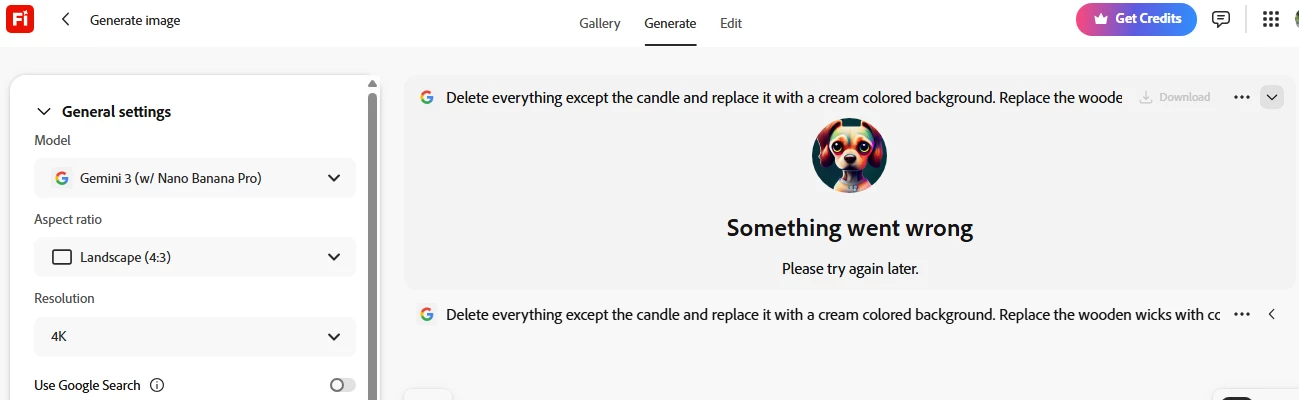
I am unable to generate an image from a reference image. It isn't working - again. It happens every day. It's always something with this program.

  • May 22, 2026
  • 2 replies
  • 14 views

I am unable to generate an image from a reference image. It isn't working - again - despite my having 3980 credits. It happens every day. It's always something with this program.  I’ve used google chrome and yahoo.  Nothing works, and I have work that needs to be done.


    Correct answer Oh.N8

    Hey ​@Greenwich22 
    You may want to use remove the background tool 1st. 
    In cases like this, I would use Photoshop. You are going to get a much more refined image, as the images may need some colour correction and matching to fit in w the background image.

    You could look at using Firefly Boards as well. 
    Use remove tool to remove any unwanted parts of the image to have the candlestick stand out.
    You may need to refine the image a bit.

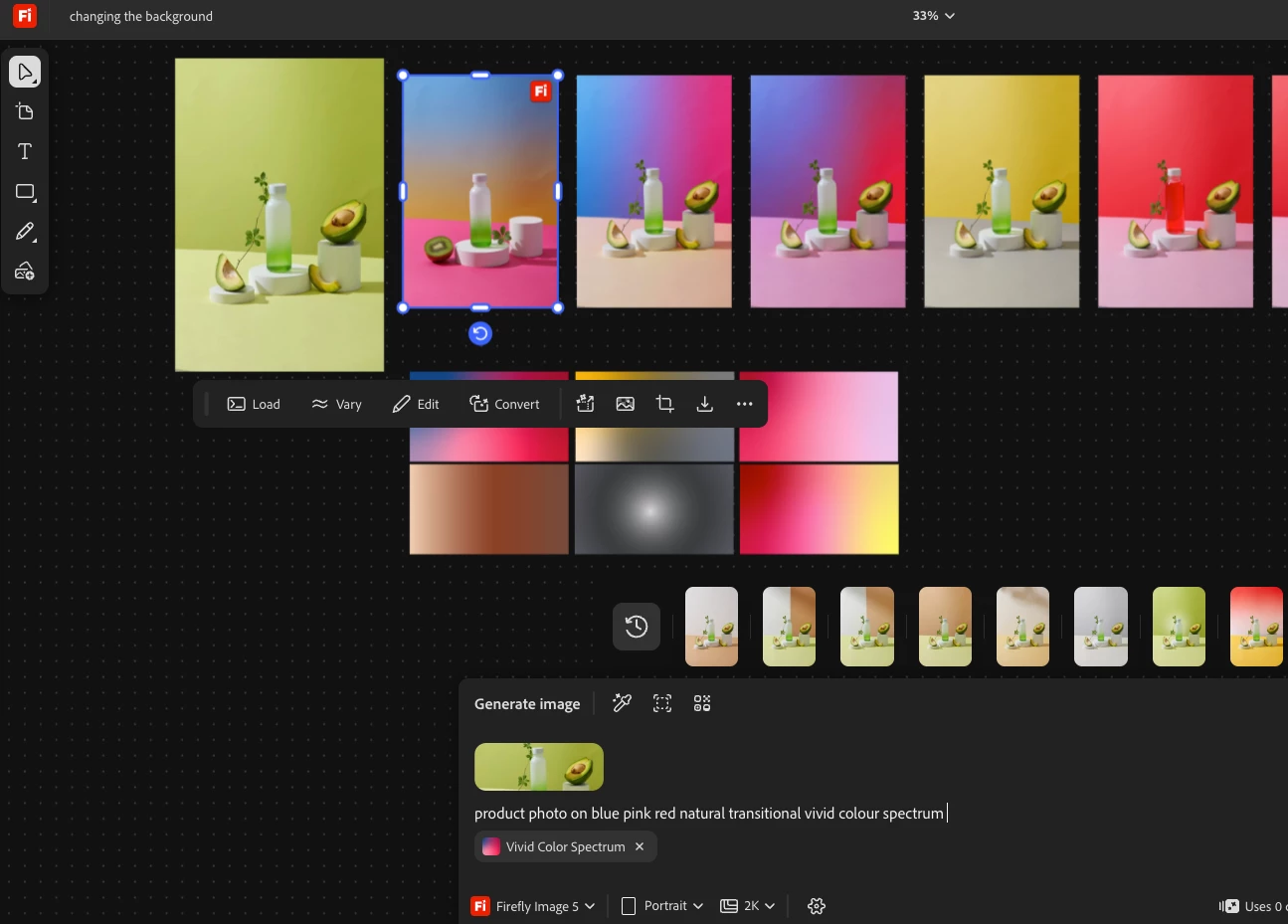
    1 Load the image.
    2 Load the background images (I find colour images work well for backgrounds
    3) Prompt Example 
    product photo on blue pink red natural transitional vivid colour spectrum

    Example 


    Cheers

    Nate

    2 replies

    herumane0
    Participant
    May 24, 2026

    That’s really frustrating, especially when you have credits available and actual work depending on it. Ongoing upload or reference-image issues can ruin workflow fast, something pk 365 users also complain about with creative tools sometimes.

    Oh.N8Community ExpertCorrect answer
    May 23, 2026

    Hey ​@Greenwich22 
    You may want to use remove the background tool 1st. 
    In cases like this, I would use Photoshop. You are going to get a much more refined image, as the images may need some colour correction and matching to fit in w the background image.

    You could look at using Firefly Boards as well. 
    Use remove tool to remove any unwanted parts of the image to have the candlestick stand out.
    You may need to refine the image a bit.

    1 Load the image.
    2 Load the background images (I find colour images work well for backgrounds
    3) Prompt Example 
    product photo on blue pink red natural transitional vivid colour spectrum

    Example 


    Cheers

    Nate