
Question
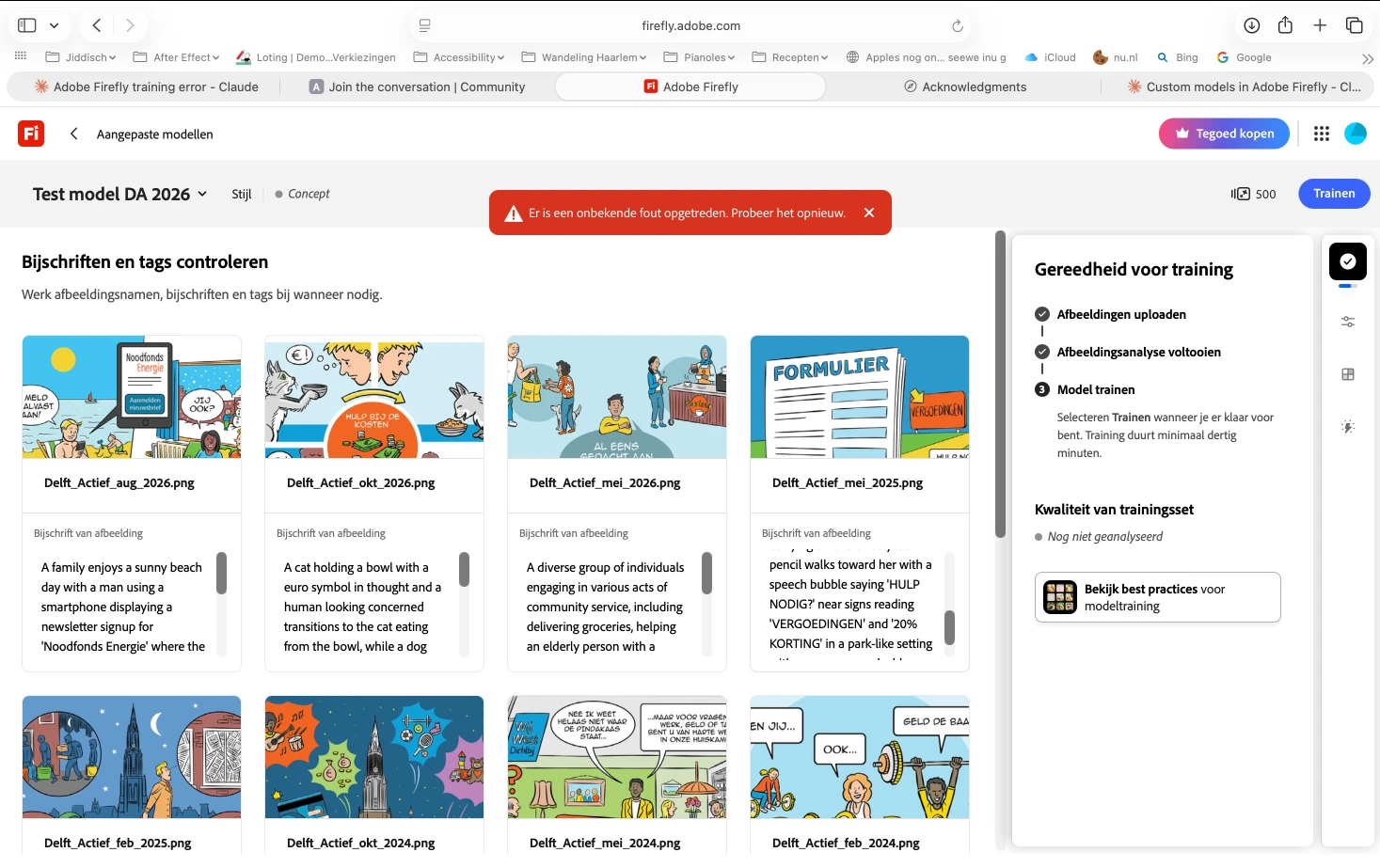
I cannot train a custom model in Adobe Firefly. When hitting the train button I get the error message: An unknown error has occurred. Please try again.
I open Adobe Firefly in Safari (version 26.5.2). But the same happens in Chrome.
I go to Custom Models. I created a new model, I name it ‘Test model DA 2026” I add 10 images (width always 2048px, height varies a little bit but around 1518px).
I click on the button Analyse and Add Caption. When that completes succesfully I click on the button Train. Then an error message appears “An unknown error has occurred. Please try again.”
 AdChoices