Participant
Jul 10, 2024 10:44 PM UTC
Question

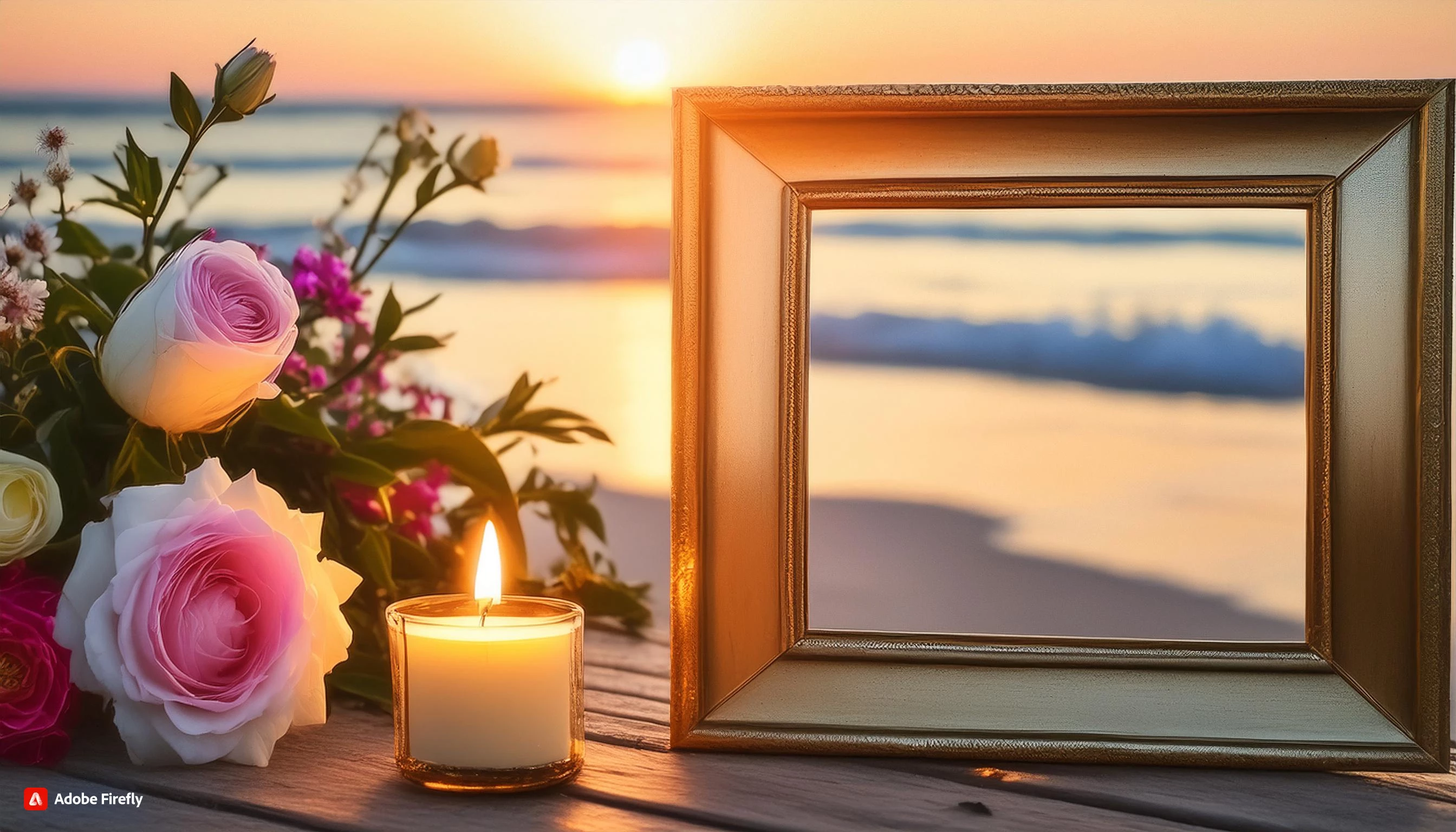
I want to use the same photo frame style. but how?

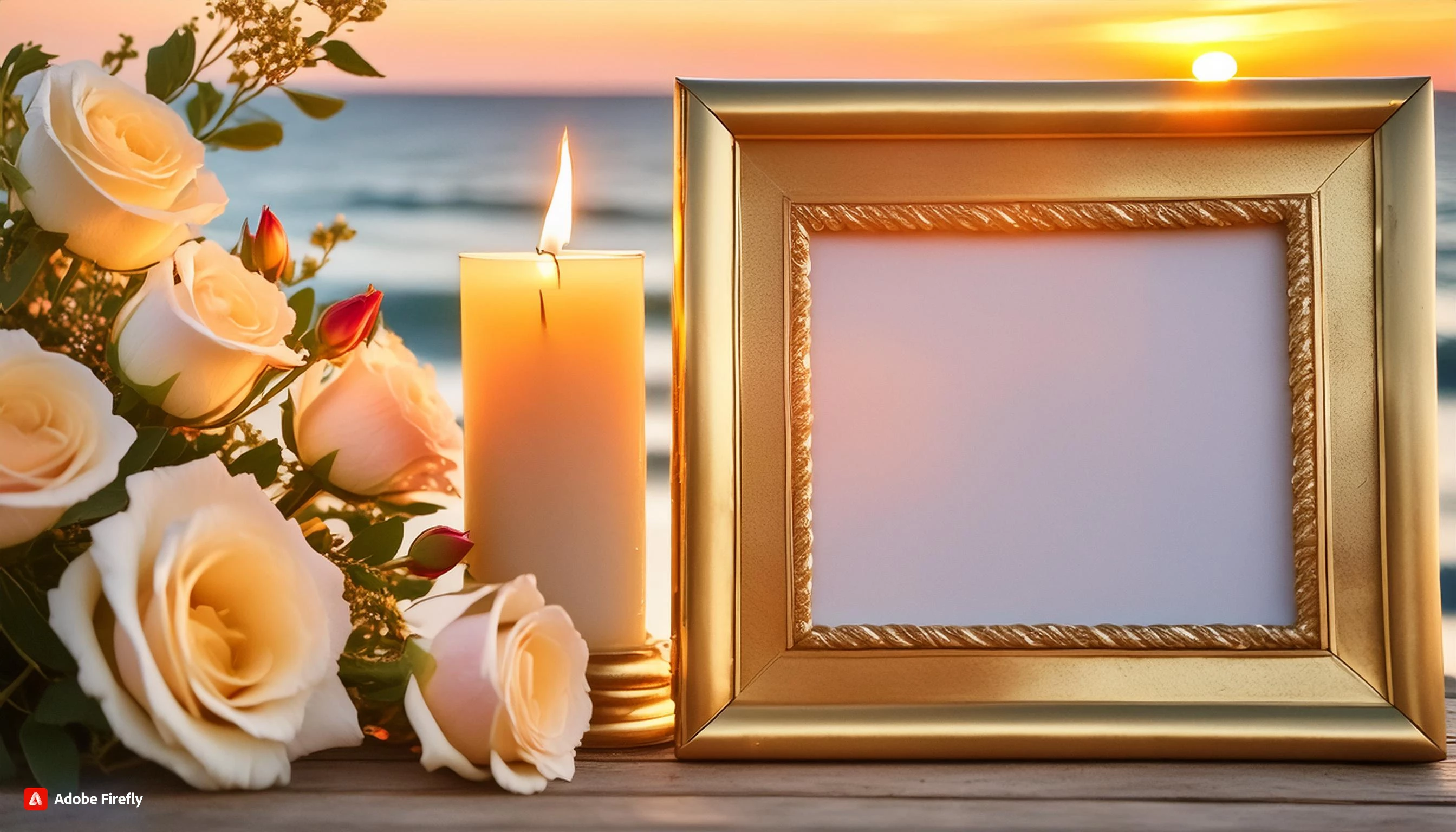
I want to make a memorial tribute slideshow with the same style of photo, table, and candle, but I can't make the same candle, photo frame, and table. I used the reference image, but it doesn't make the same candle and frame. How can I make the same style of candle and frame so that I can make a memorial slideshow? 
 

This topic is closed to new replies. Start a new post to keep the conversation going.

5 replies

Kevin Stohlmeyer
Community Expert
Community Expert
Jul 11, 2024 2:22 PM UTC

@nice_miracle38027 use Photoshop or other image editor to keep the same image and add in the images for each slide in the frame. Firefly is not the proper solution for this.

Translate
Monika Gause
Community Expert
Community Expert
Jul 11, 2024 9:50 AM UTC

You want to put different photos into the frame?

Cut out the interior of the frame and put your photos in there.

Translate
Participant
Jul 10, 2024 10:44 PM UTC

I want to change the photo frame size to vertical or horizontal, but it doesn't change even though I wrote prompt "the photo frame is vertical". How can I change photo frame size ? 


Translate
Kevin Stohlmeyer
Community Expert
Community Expert
Jul 11, 2024 2:24 PM UTC

Hi @nice_miracle38027 you could use Generative Expand to extend the frame using AI to the right.

Translate
droopydog500
Community Manager
Community Manager
Jul 13, 2024 10:01 AM UTC

Another option is to split the picture and use generative fill to fill in the middle. If you want a wider frame, split the image vertically down the middle of the frame, separate the parts until the frame is as wide as you want and use generative fill to fill in the middle of the frame.  You could use Photoshop to do all of these steps.


    droopy

Translate
Adobe Community Expert (not an Adobe employee)