

vincimadethat
Participating Frequently
Jul 23, 2026 10:45 AM UTC
Question

My Firefly Boards have disappeared - HELP!
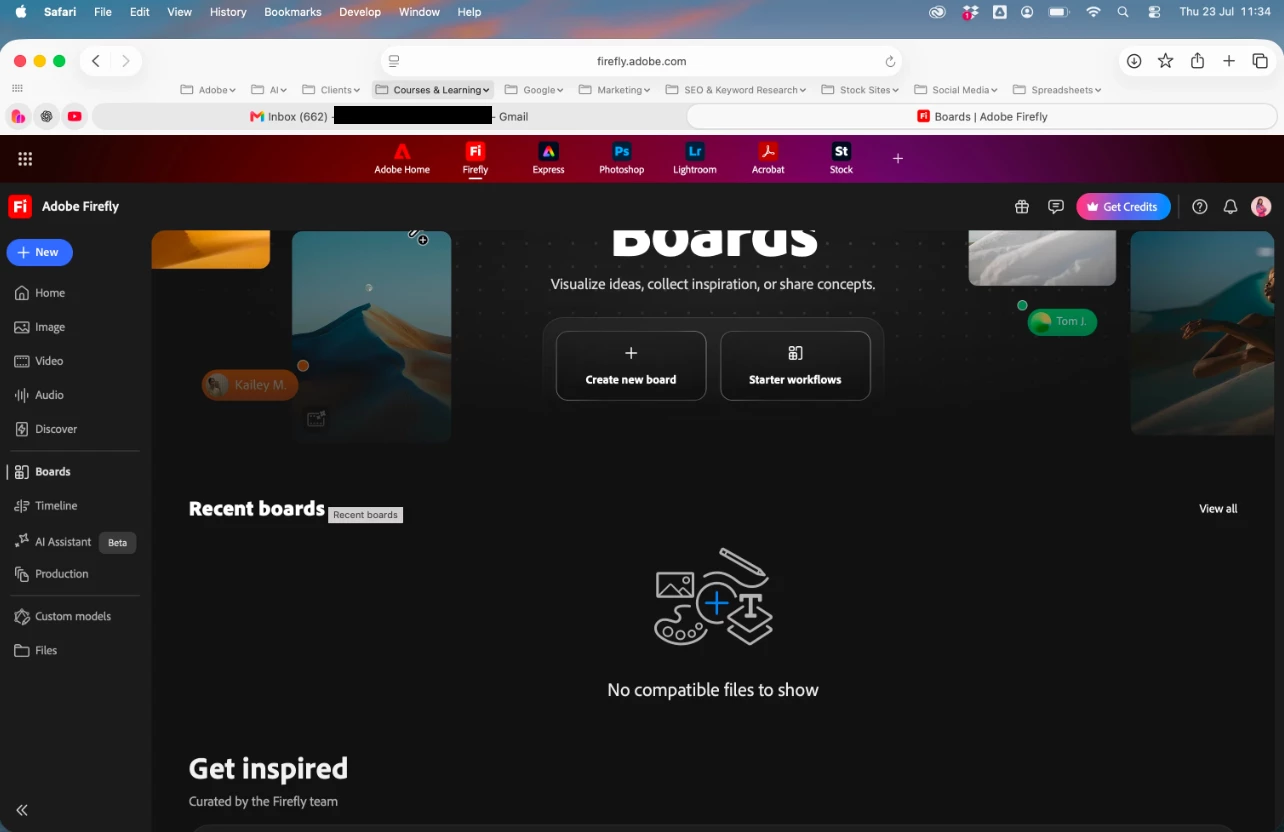
I’ve gone into Firefly this morning and my Boards aren’t loading/have been removed? I’ve logged out and back in again and they’ll load briefly, but then disappear again. 

They show up in My Files but when I click them, they won’t load.
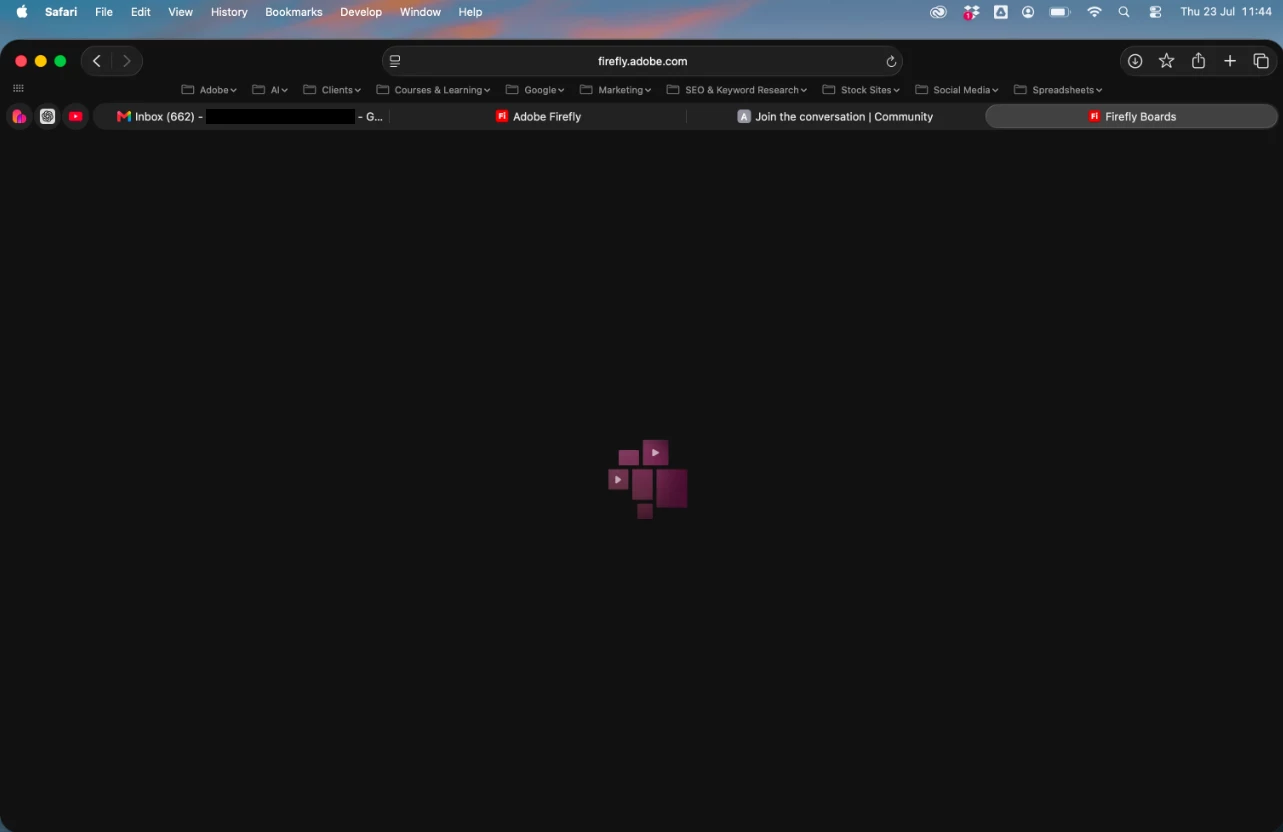
 

PLEASE HELP!!

[PII removed by Mod]

    1 reply

    Hajar Toutsi
    Adobe Employee
    Adobe Employee
    Jul 23, 2026 1:23 PM UTC

    ​Hi vincimadethat,

    Thanks for reaching out.

    Due to ongoing backend processing and system load, this behavior can occasionally happen. The generation history may take some time to fully load, or it might appear incomplete temporarily while the system catches up.  


    In the meantime, you can still access your files directly through the Creative Cloud Desktop app (different from Adobe Firefly webpage), or directly from https://www.adobe.com/home. Go to Files then select Boards from the ‘type’ dropdown. 
    This space saves all of your Board files and it allows you to access them.

    ​

    Creative Cloud Desktop app
     

    Let us know if that helped you locate your Board file.

    Hajar
    [Moved to questions]


    Translate