Participant
December 2, 2024
Question

Reference not influencing enoug

  • December 2, 2024
  • 3 replies
  • 117 views

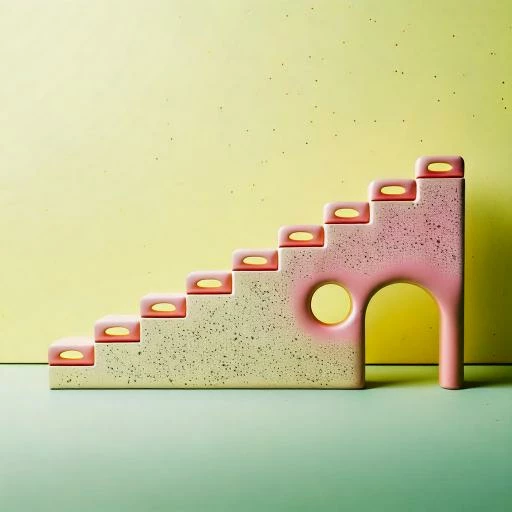
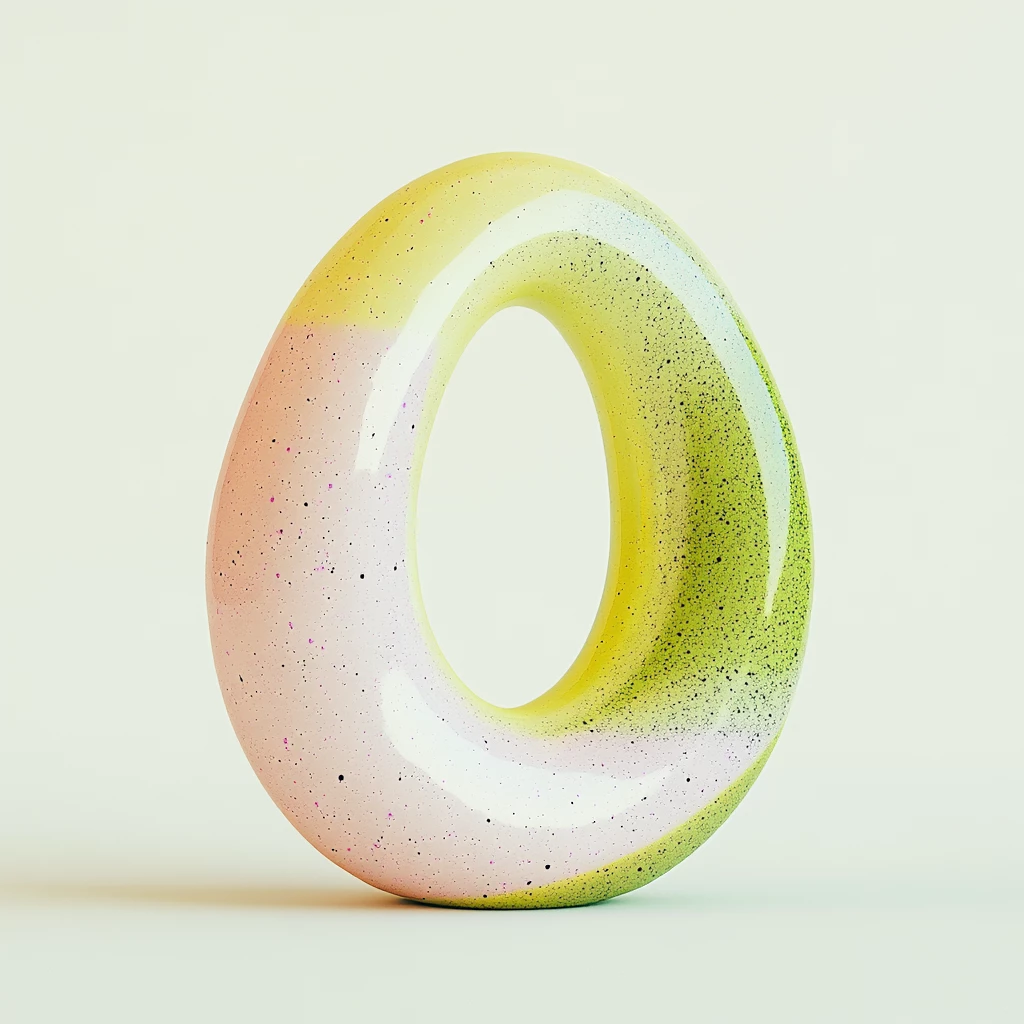
I am trying to create an object on a clear white background, and although I uploaded a reference that is clearly on white background with very soft lighting I keep getting images with very high contrast and shadows, sometimes colors on the background, no matter what I write in the prompt. What gives? Is there a trick maybe a type of photography I should chose? I tried macro and studio. I akso played with intensity and strength. does not help 
This topic has been closed for replies.

3 replies

December 2, 2024

Hey @juljuljuljuljul 
You could also put in the prompt:
"x" on a white background.

The images you provided: the colours could be a bit difficult for Firefly to distinguish. I mean the image itself sort of blends into the background. 

Cheers

O. Nate

droopydog500
Community Manager
Community Manager
December 2, 2024

Hello @juljuljuljuljul,

Thank you for your message. I am sorry you are having this problem. 


Were the images you attached the generated images or the reference images?  If not the reference images, please post the reference images along with the prompt you were using. Note that the prompt is just as important as the reference image in the outcome.

Thanks,
    droopy

Adobe Community Expert (not an Adobe employee)
Kartika Rawat
Community Manager
Community Manager
December 2, 2024

Hi there!

Sorry to hear that. Can you share some images that show the issue? Have you already tried changing the colors of reference image to more bright and bold? 

You can also move slider to right for more intensity:


Let us know. Happy to assist.

Thanks,
KR