
Size up button
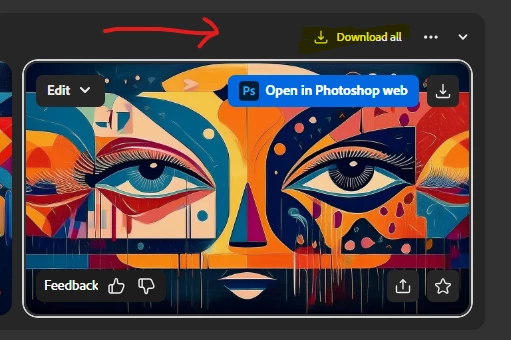
Hello all,
I started using Firefly recently and there was a "Download all" button and a button to the left, can't remember exact name, but I think it was called "Size up" or something that would increase the size of the image from the 72 dpi it creates, to from what I can figure 244 dpi. Did I do something to remove the button, or was it part of a trial? I have that in my package, Firefly that is, and now that "Size up" button disappeared. I'm in IT for my day job, so 9/10 times it's 'user error' so I figure I did something. Anyone know what that could be? To be a bit more descriptive, Download all is there but Gray till you hover over it, so was the button I was talking about, till you hover over it, but now it's just not there. I don't recall playing with any default settings, but I do use the gambit of image size aspect ratio and use all 4 depending on the idea. It does not appear to happen when I change that, so I'm stumped.
Thanks
 AdChoices