
Synchronizing Adobe Firefly and Photoshop
I’m in the process of diving deeper into Boards and experimenting with PSD files that are synced between Photoshop and Firefly.
Since I’m working with images that were previously generated, I convert them from JPG or PNG to PSD so the files can be linked together.
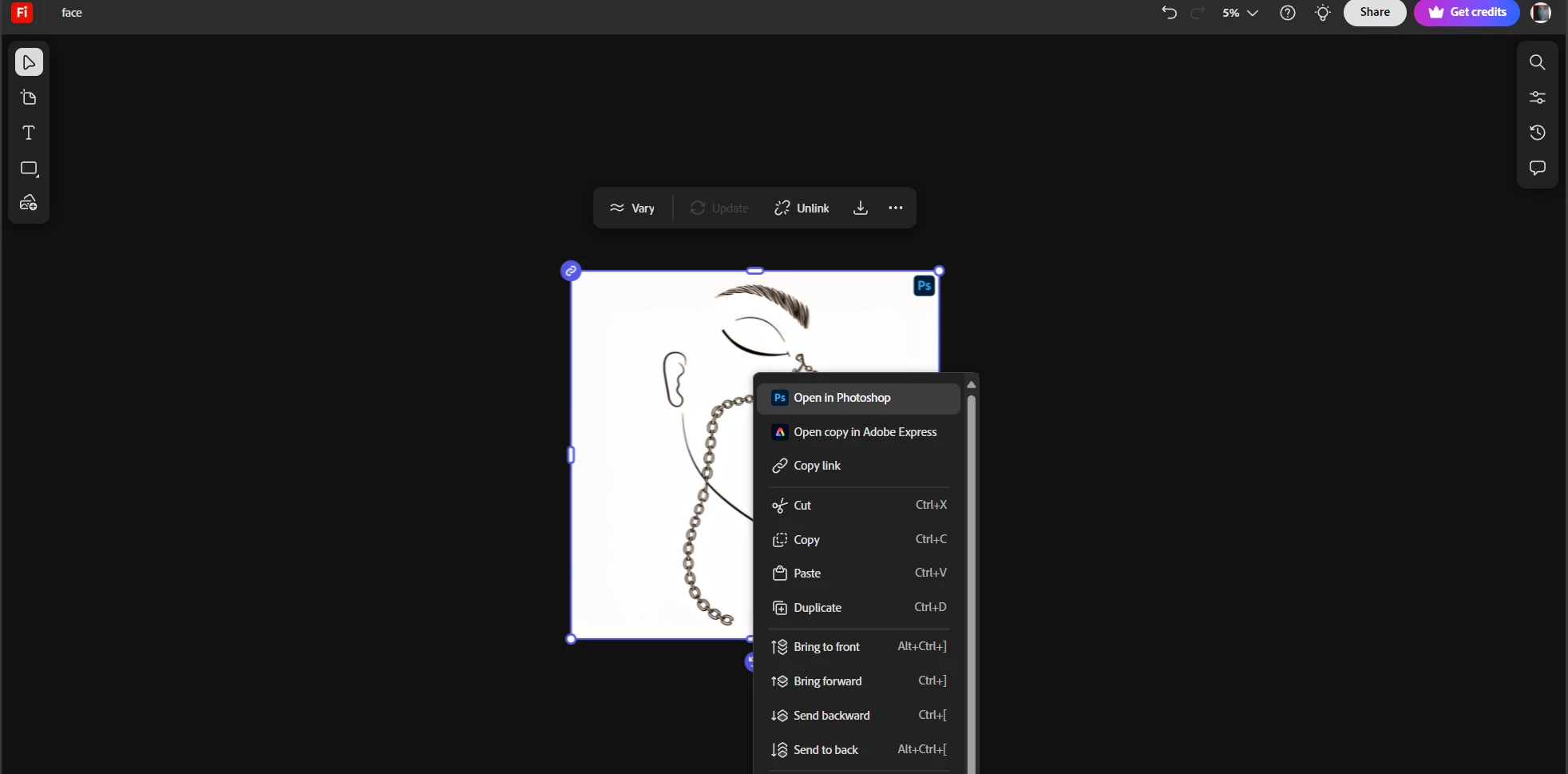
It’s obvious, but worth reminding, that the Photoshop icon must appear for the files to link— I had trouble with this myself for a moment.
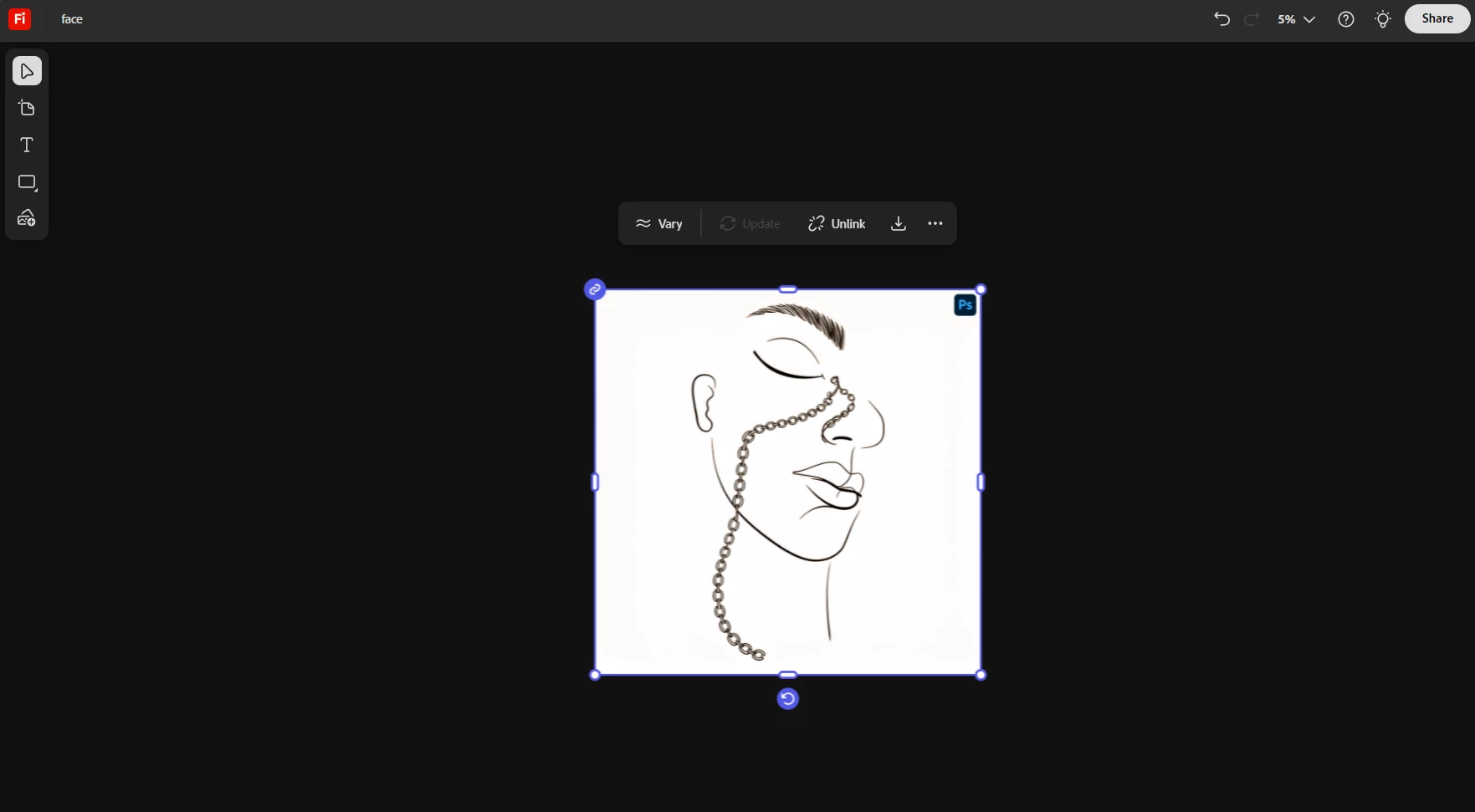
I’m not sure if a Photoshop file with several variants, when synchronized with Boards and then shared, will allow the person who receives the link to preview those variants as well. Lets find out!
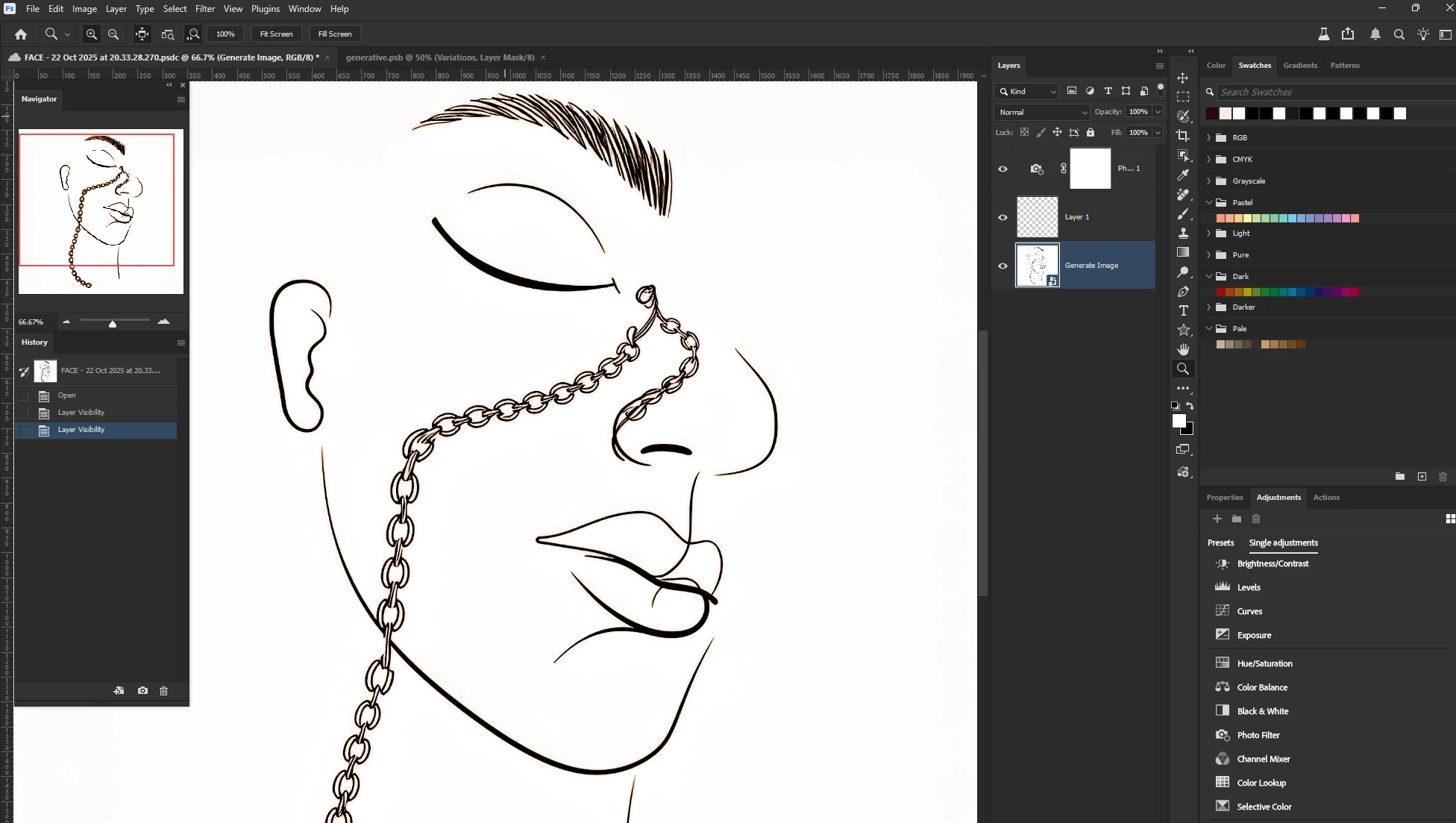
When you click on a layer in Photoshop, it opens as a PSB file. That’s where the variants appear.
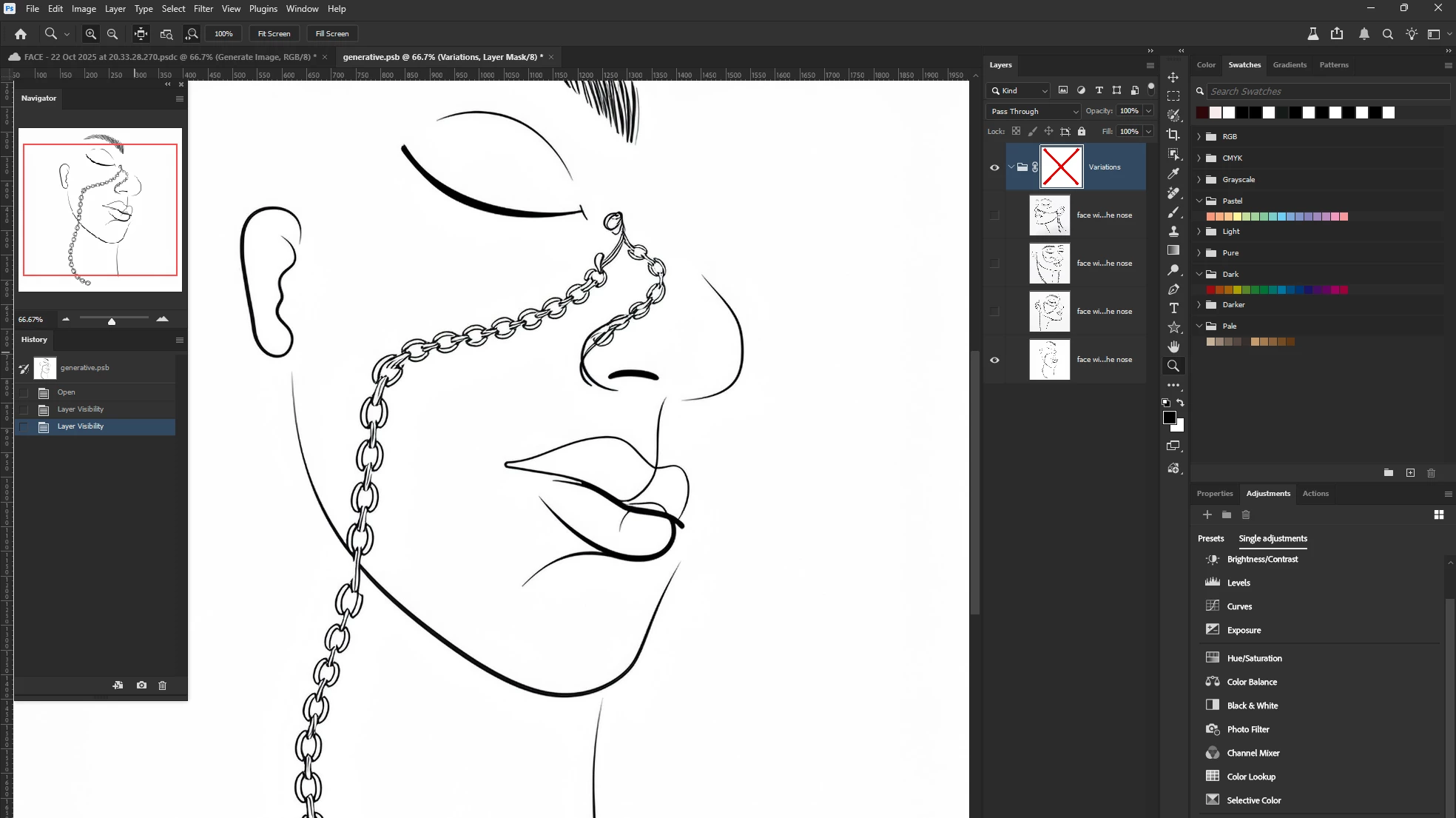
After returning and sharing, it turned out that on a separate computer everything appeared correctly as a smart object.
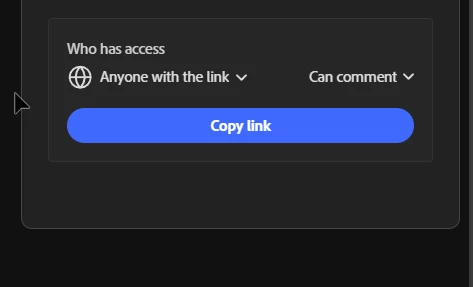
if you’ve made any changes, make sure to update the Boards before sharing, otherwise the edits might not carry over.
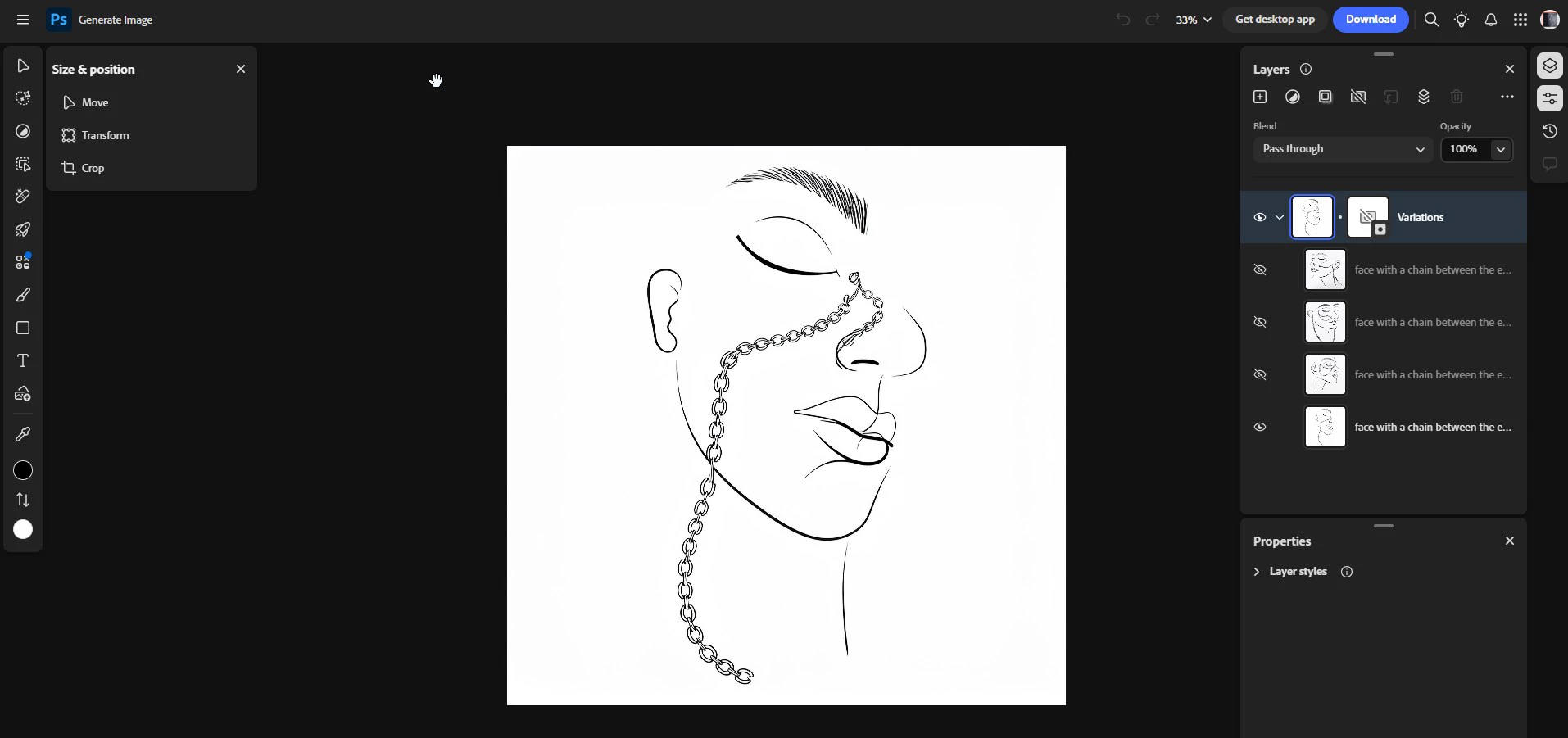
Turns out it worked after all—I managed to sync Boards and Smart Objects, and sharing the file worked perfectly on another computer. Everything showed up!
I was inspired by this guide on refining Firefly generations in Photoshop: https://helpx.adobe.com/photoshop/using/refine-firefly-generations.html


 AdChoices