unauthorizedrob
Inspiring
Nov 1, 2026 11:38 PM UTC
Question

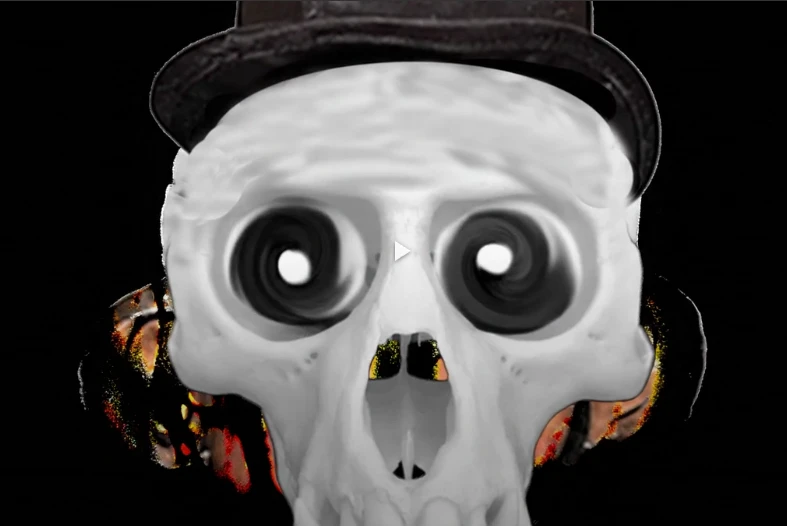
The prompt is simple -- the end frame is clean and has no colored bits scattered around the skull. The program KEEPS MESSING UP THE LAST FRAME WITH THESE SCATTERED COLORED BITS, WHICH RUIN THE CLIP. I HOPE I AM NOT WASTING CREDITS ON THIS ERROR!!!

I provided a simple prompt, with two clean frames.  “The hands remove the mask to reveal the skull and the hat. THERE IS NO COLORED CLUTTER AROUND THE SKULL AT THE END”
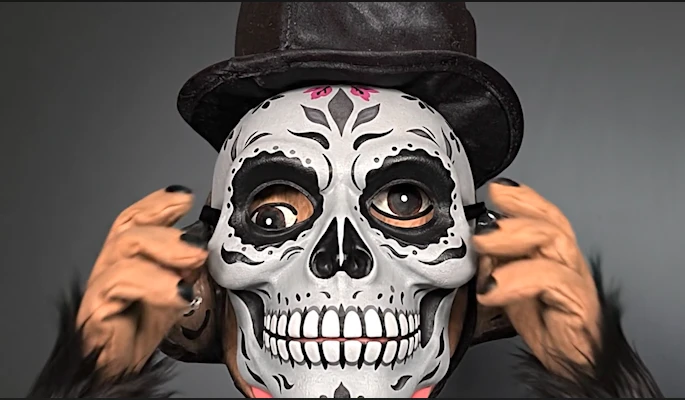
FIRST FRAME
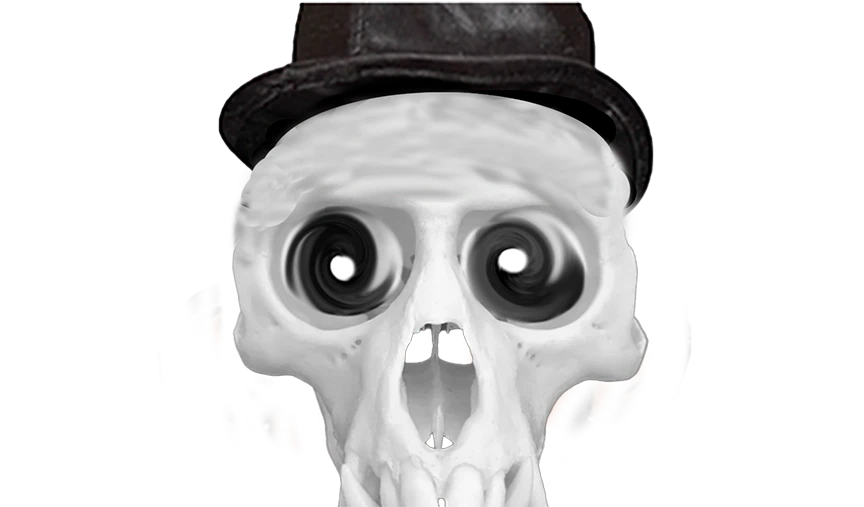
END FRAME

 
PROGRAM ENDING -- SAME AFTER THREE TRIES..  (AM I USING UP 160 CREDITS EACH TIME?)

I would like a refund of credits if they have been wasted on this.  Why does the program consistently screw up on the final image?  Same thing happened on another project.

    1 reply

    N8.
    Community Expert
    Nov 2, 2026 8:25 AM UTC

    Hey ​@unauthorizedrob

    When I use a reference image and want to keep the reference I tend to use one these prompts at the beginning of the Prompt.

    Prompt suggestion 1
    Keep the reference image…

    Prompt suggestion 2
    Use the reference image…

    I had to go into FF boards and use a similar prompt:
    Use reference images, the hands remove the mask, reveal the face and hat, the background is pure grey, the camera is stable

    The end result doesn't exactly come out as expected. Maybe the end image is too difficult? Maybe the jump from the 1st to the end image is too large of a jump?

    Cheers

    Nate


    Translate