Known Participant
January 7, 2026
Answered

Toggles Break Firefly

  • January 7, 2026
  • 1 reply
  • 82 views

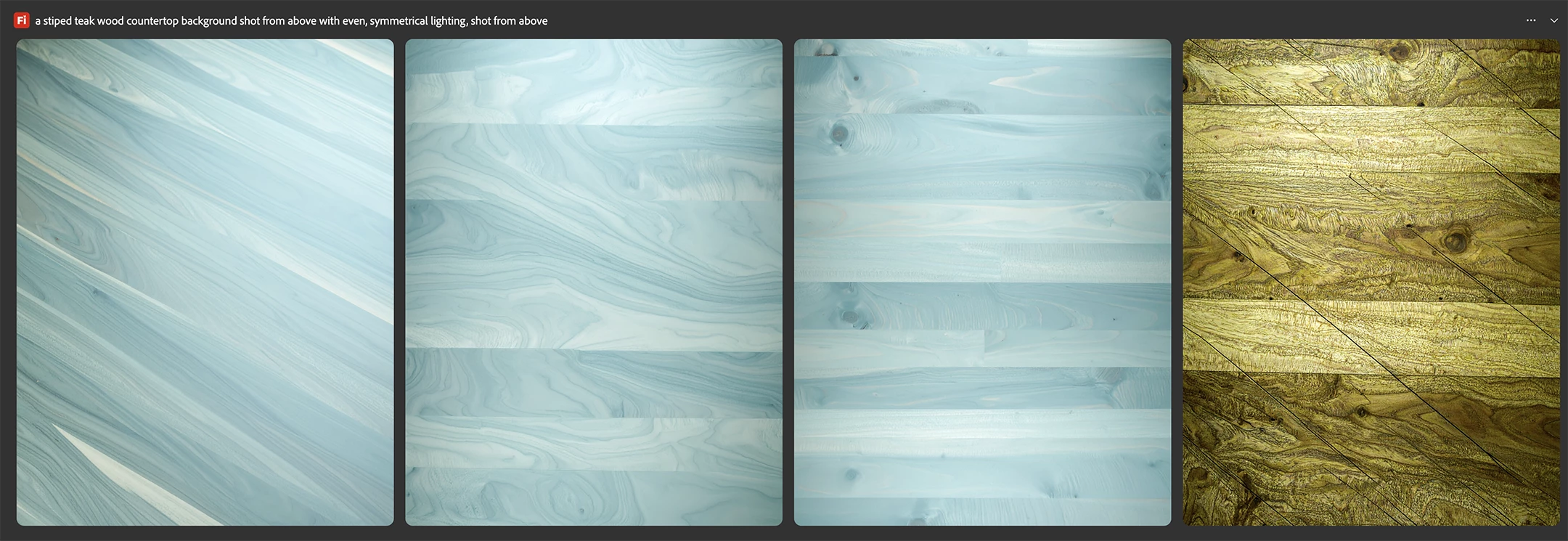
I would sure love to be able to use the composition toggle settings in Adobe Firefly to indicate what angle I would like the image shot from, but as soon as you turn any of those on, it only gives you broken and grainy images. The only difference between these two prompts (images attached) is that the one where the color is off and it looks like garbage, I had the "Camera Angle" toggled on.


It would be really great if you guys actually made things work before you start charging people for straight up trash. I flew through my credits last month because you didn't make anyone aware that you would be charging more for certain models, and I blew through them so quickly because Firefly 5 and 4 Ultra are almost useless. Firefly 5 creates insanely dark and contrasty images that are nearly impossible to place product into without destroying the color. I don't know if you trained it exclusively on bad influencer photography but that's what it looks like. Firefly 4 Ultra just straight up doesn't listen to your prompt and creates whatever scene it feels like creating. Maybe you guys need to take a beat and improve the current offering before going on to the next thing. 
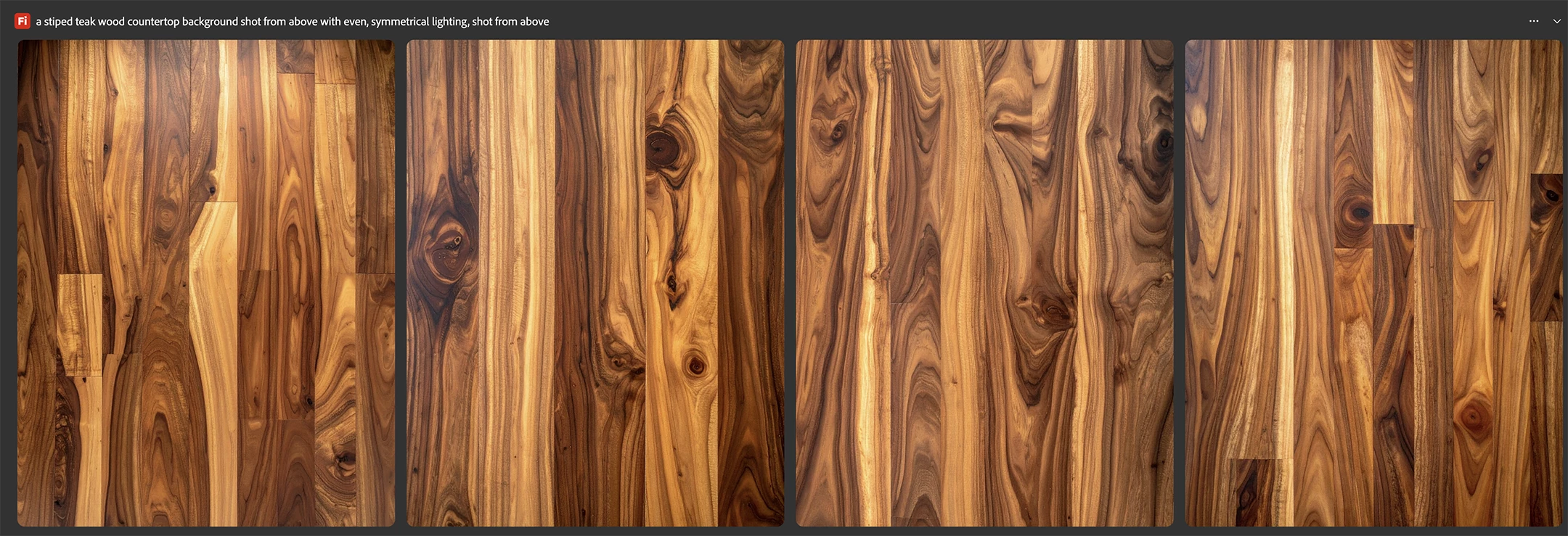
 

Screenshot 2026-01-07 at 3.28.14 PM.pngScreenshot 2026-01-07 at 3.28.38 PM.png

Correct answer Oh.N8

Hey @Erin32160754kowv 


The process of prompting and getting the desired results ends up being a lot of trial and error. 

Steps to take:
- Delete the images that are not working for you How to Delete multiple Files

- Open a new tab and start over or with a reference image: style or composition image.

- Use a different model


- Look at the gallery and see if there is an image that is somewhat similar to the desired outcome.

- Draw out the image (even a rough sketch can help.)

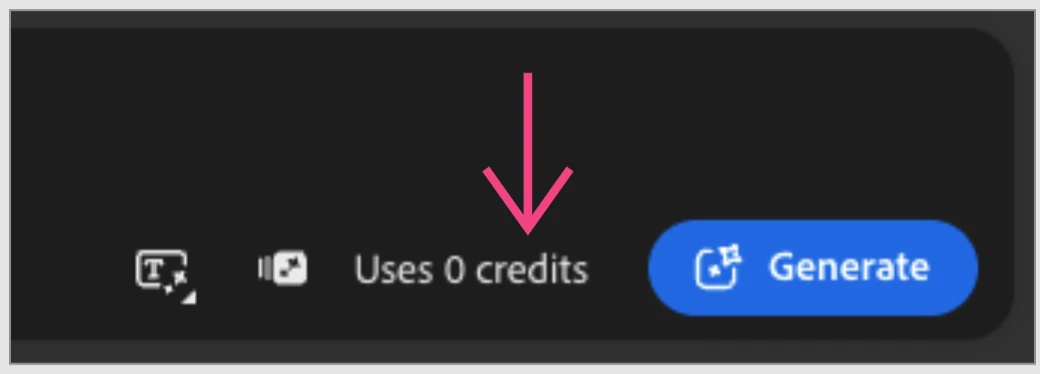
Regarding how many credits are being used before each generation there is a number beside the generation button indicating how many credits will be used. Yes, each model uses a different amount of credits.

credits used.png


Cheers

Nate

1 reply

Oh.N8Community ExpertCorrect answer
January 8, 2026

Hey @Erin32160754kowv 


The process of prompting and getting the desired results ends up being a lot of trial and error. 

Steps to take:
- Delete the images that are not working for you How to Delete multiple Files

- Open a new tab and start over or with a reference image: style or composition image.

- Use a different model


- Look at the gallery and see if there is an image that is somewhat similar to the desired outcome.

- Draw out the image (even a rough sketch can help.)

Regarding how many credits are being used before each generation there is a number beside the generation button indicating how many credits will be used. Yes, each model uses a different amount of credits.

credits used.png


Cheers

Nate