Inspiring
Sep 3, 2026 10:32 AM UTC
Answered

Uploaded image is squeezed (scaled horizontally)

I uploaded a .png, and it does not fill the canvas. The canvas shows in the aspect of the image, but the image itself is scaled ±50% horizontally.
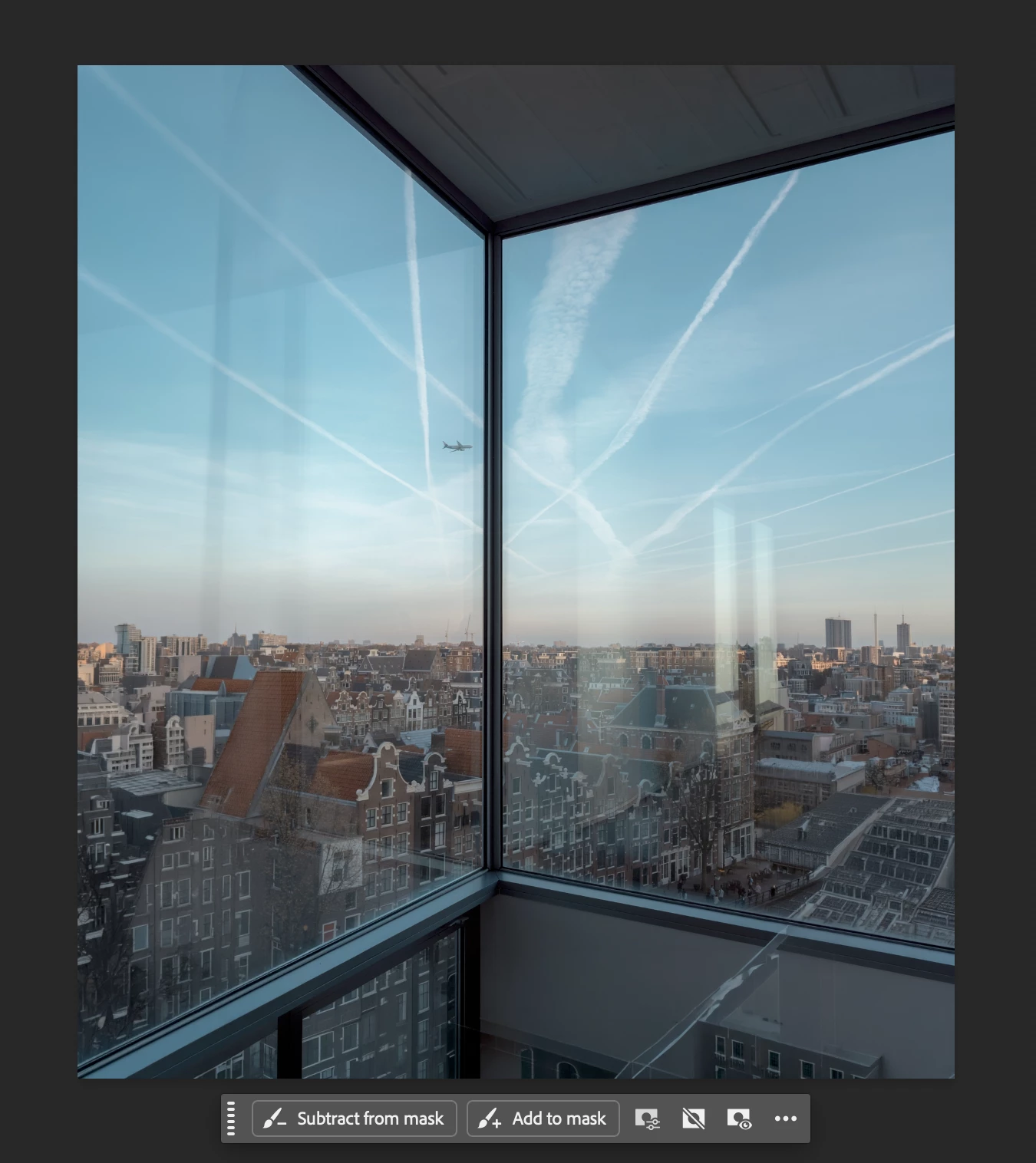
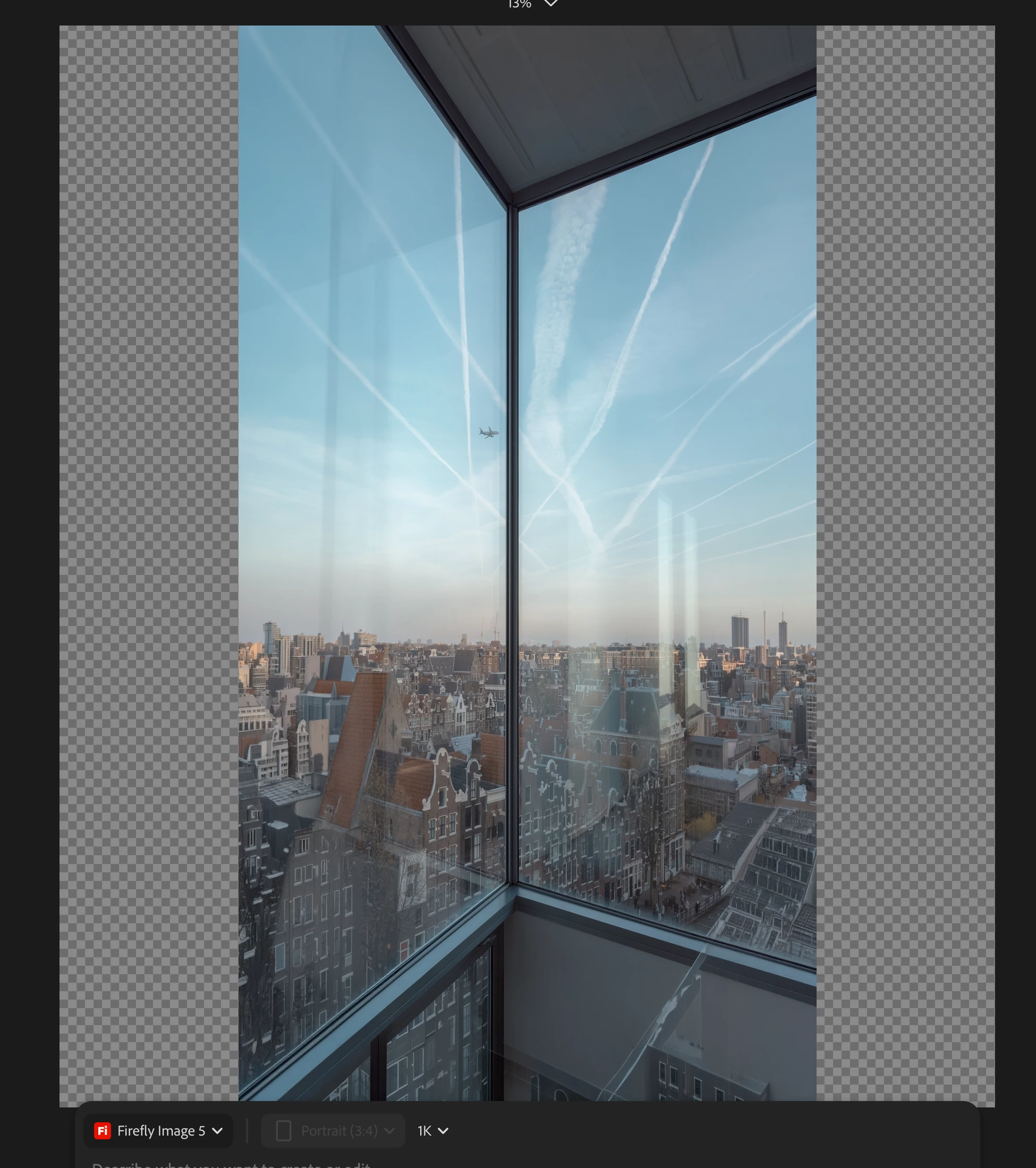
the image in Photoshop

The image uploaded in Firefly.adobe.com

    Community Expert
    Sep 3, 2026 3:10 PM UTC

    Hi, I think it is an aspect ratio problem. Please look at the Aspect Ratio settings in the panel in  Firefly.

    3 replies

    jane-e
    Community Expert
    Community Expert
    Sep 3, 2026 3:26 PM UTC

    ​@Jaydude-wb wrote: I uploaded a .png


    Where did you upload it to? Was it an image you created and uploaded to social media? Or something else?

    Jane

    Translate
    Community Expert
    Sep 3, 2026 3:14 PM UTC

    Or maybe you can use Firefly directly in Photoshop!


    Translate
    Community Expert
    Sep 3, 2026 3:10 PM UTC

    Hi, I think it is an aspect ratio problem. Please look at the Aspect Ratio settings in the panel in  Firefly.

    Translate