Participant
Nov 6, 2026 6:27 AM UTC
Question

video is not uploading

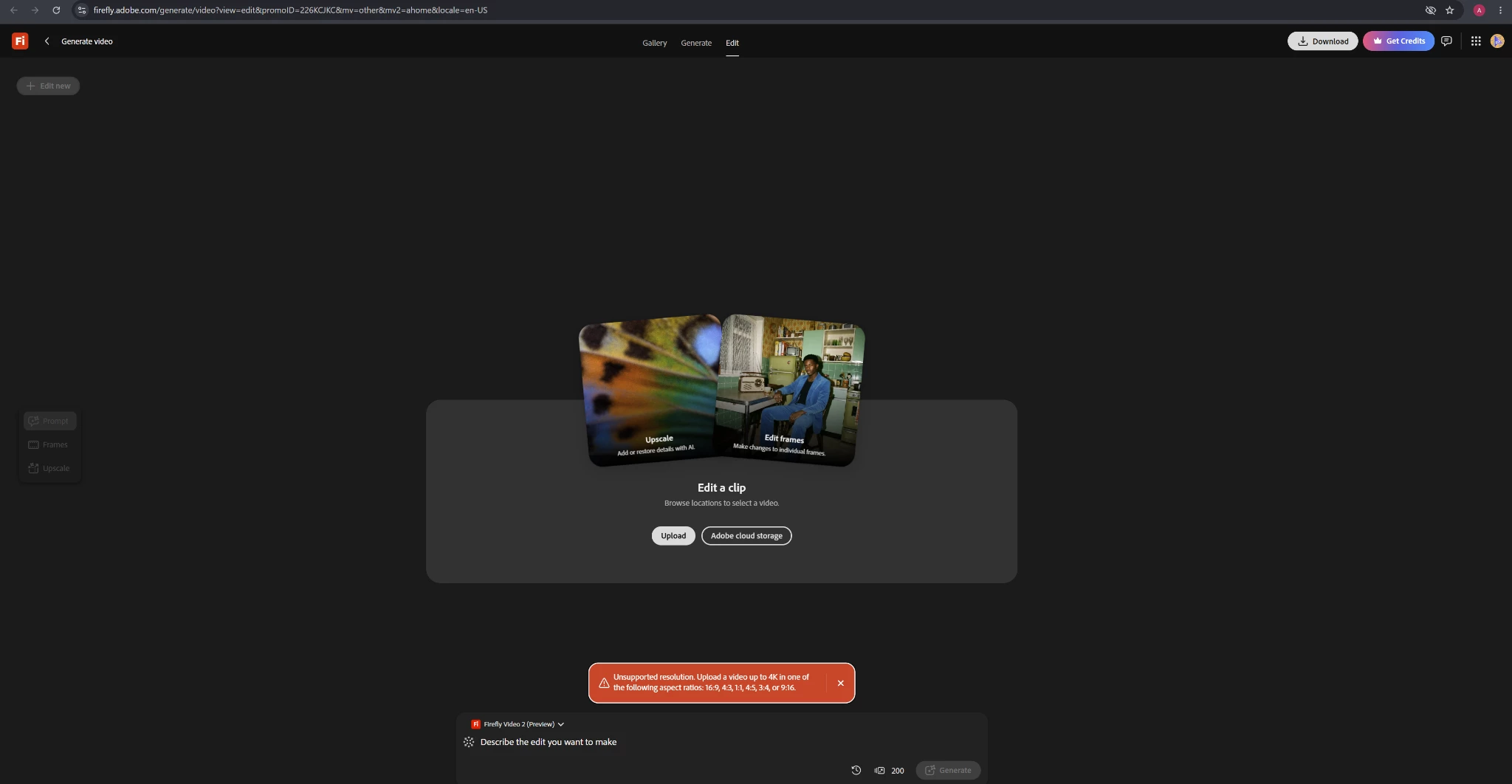
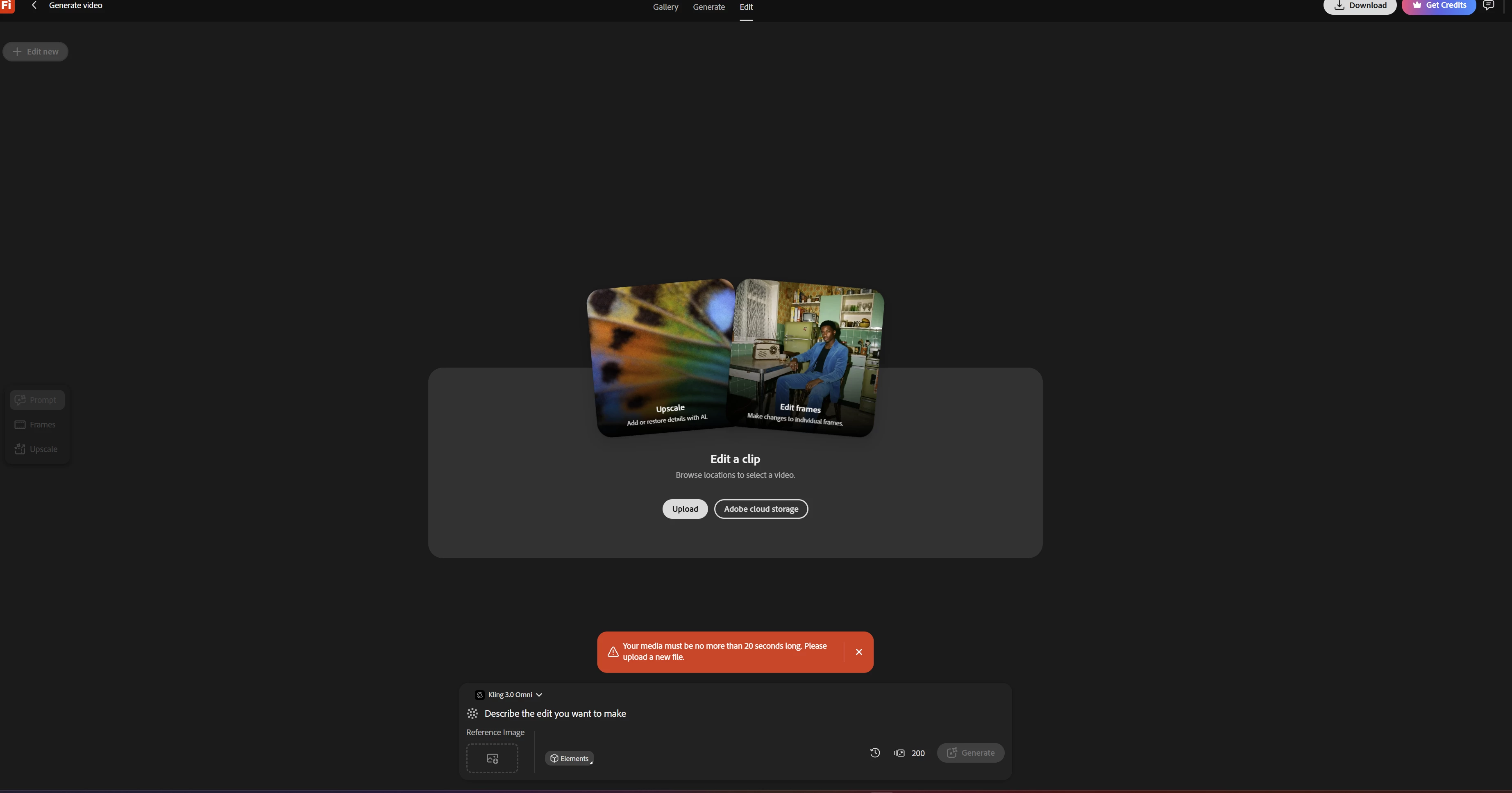
for video upscaling i have uploaded my video fopr lng time i con’t upload it the error message was that your video is longer the 20 second but actuallly my video was 10 second and the other issue was that your video is not suppoting the resolution my video resolution was 480×854
 

2 replies

droopydog500
Community Manager
Community Manager
Nov 8, 2026 8:08 PM UTC

Hello ​@fierce_adventurebc54,

Hi @fierce_adventurebc54,

Thank you for the screenshots. Both messages come from the checks that run when you select Upload on the Edit a clip screen: one on the length of the clip (up to 20 seconds) and one on its shape and size (up to 4K, in 16:9, 4:3, 1:1, 4:5, 3:4 or 9:16). To work out why your video is being rejected, could you tell us:

1. Whether the two messages came from the same video, or from two different videos?
2. The details of the file: the format (MP4 or MOV), the exact duration, the frame rate, the file size, the exact size in pixels, and where the video came from, such as a phone or a screen recording. A clip can be reported as longer than the picture if, for example, an audio track continues after the video ends.
3. Whether the video is accepted if you re-export it as an MP4 at exactly 540 x 960 or 720 x 1280?

One thing to know: 480 x 854 is very close to the 9:16 shape but not exactly 9:16, so the resolution check may not accept it.

If you are comfortable sharing the video, for example by attaching it here or sharing a link, I would be happy to try it myself and see what happens. A short test copy of the clip is fine, and please make sure it does not contain anything private.

    droopy

Translate
Adobe Community Expert (not an Adobe employee)
N8.
Community Expert
Nov 6, 2026 7:48 AM UTC

​@fierce_adventurebc54 
Are you using Firefly Timeline? This may provide you with more options to edit your video.

Video - Edit Multi Track Video


Translate