
Participant
August 10, 2026
Question

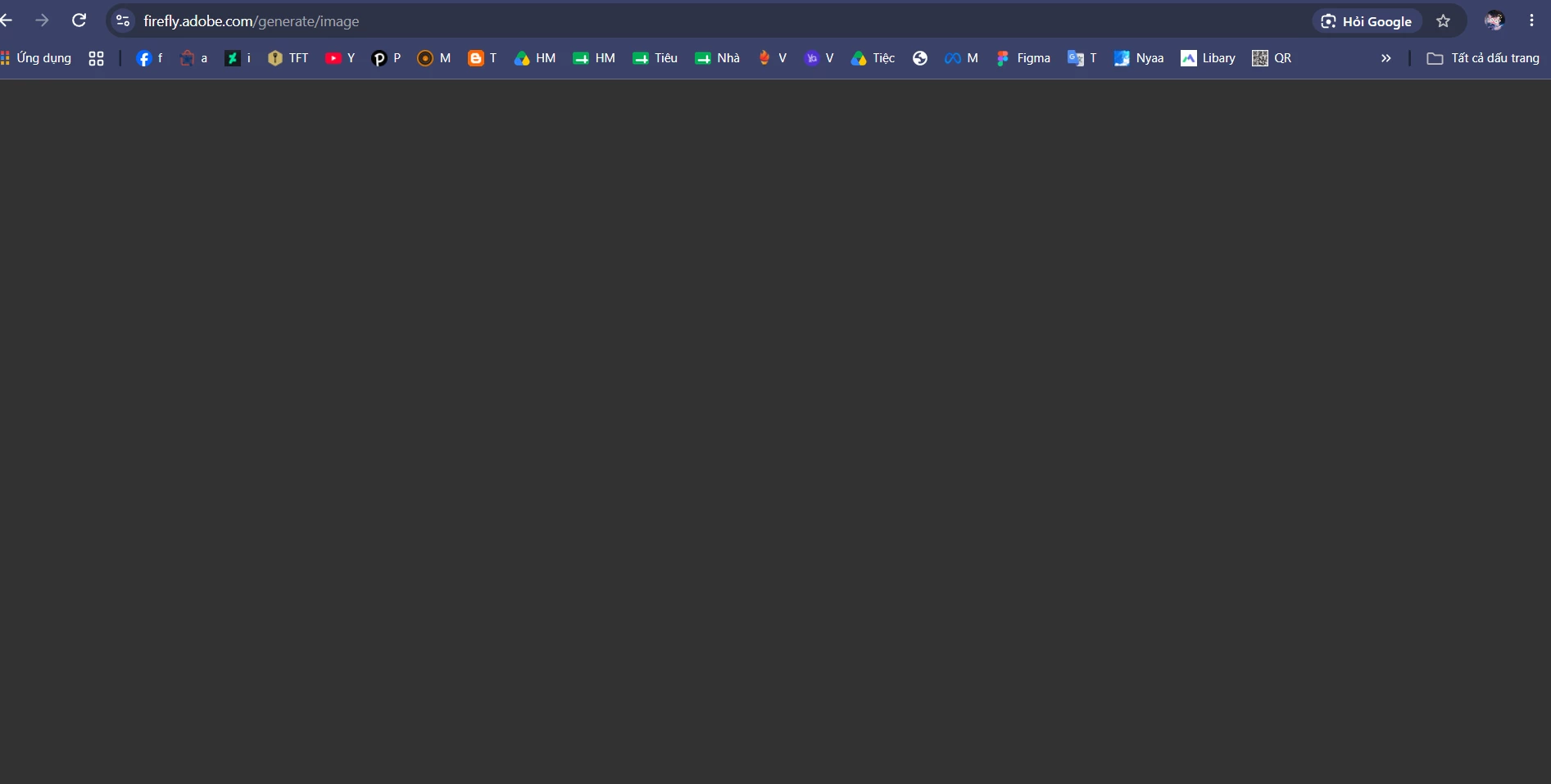
When I visit (https://firefly.adobe.com/generate/image) to generate images, the webpage turns dark gray and displays nothing

  • August 10, 2026
  • 1 reply
  • 17 views

When I visit (https://firefly.adobe.com/generate/image) to generate images, the webpage turns dark gray and displays nothing. I have tried refreshing the page, reinstalling the browser, using the default Edge browser, and installing other browsers, but the issue persists. This problem occurs only on my laptop; other devices are unaffected. My laptop specifications: ACER NITRO 5 AN515-57-54MW. NVIDIA driver version: 610.88. Chrome version: 151.0.7922.109. Windows 11 Home version: 10.0.26200 (Build 26200).
 

    1 reply

    Hajar Toutsi
    Community Manager
    Community Manager
    August 10, 2026

    Hi LuglioDaEstate,
    Welcome to the community!

    This is a strong signal that it's tied to your laptop's graphics rendering rather than your account or the browsers themselves, since it's happening consistently across Chrome and Edge but not on your other devices.

    A few things worth trying, roughly in order of effort:

    1. Clear cache and cookies for Firefly website: a corrupted cache can cause exactly this kind of blank-canvas behavior.

    2. Toggle hardware acceleration: Go to Settings > System in Chrome or Edge and switch "Use graphics acceleration when available" to the opposite of whatever it's currently set to, then restart the browser.

    3. Force the browser onto your NVIDIA GPU: Windows Settings > System > Display > Graphics, find Chrome or Edge in the list, click Options, and set it to High performance instead of Let Windows decide. Laptops with hybrid graphics sometimes default to the integrated GPU, which can struggle with Firefly's canvas rendering.

    4. Check DevTools for errors. Press F12 while the page is loading, click the Console tab, and see if anything shows up in red when the screen turns gray. A screenshot of that would help narrow this down quickly if the steps above don't resolve it.

    5. Rule out extensions and security software. Try an Incognito window first (extensions can resync the moment you sign back into your profile after a reinstall). If that doesn't help, temporarily disable any VPN or antivirus web-shield features to see if they're intercepting the connection.

    Let me know what you find, especially if the console shows any errors, that'll point us to the right fix faster.

    Hajar
    [Moved to questions]