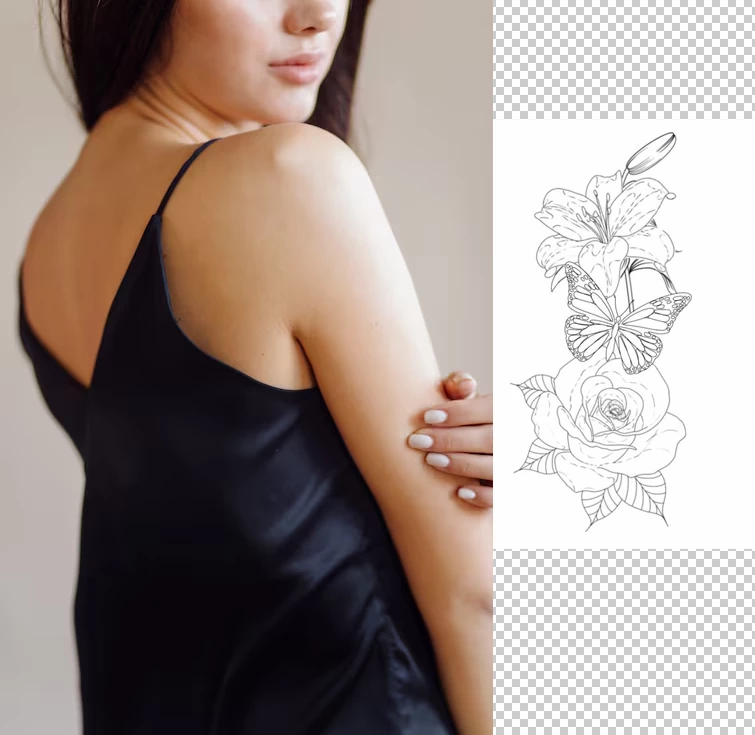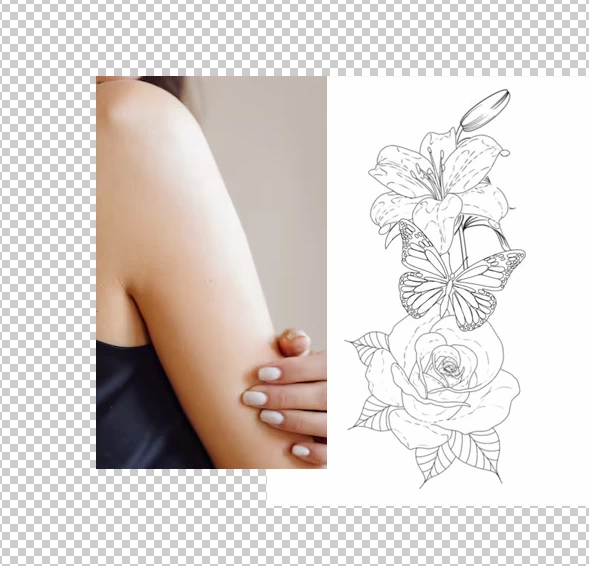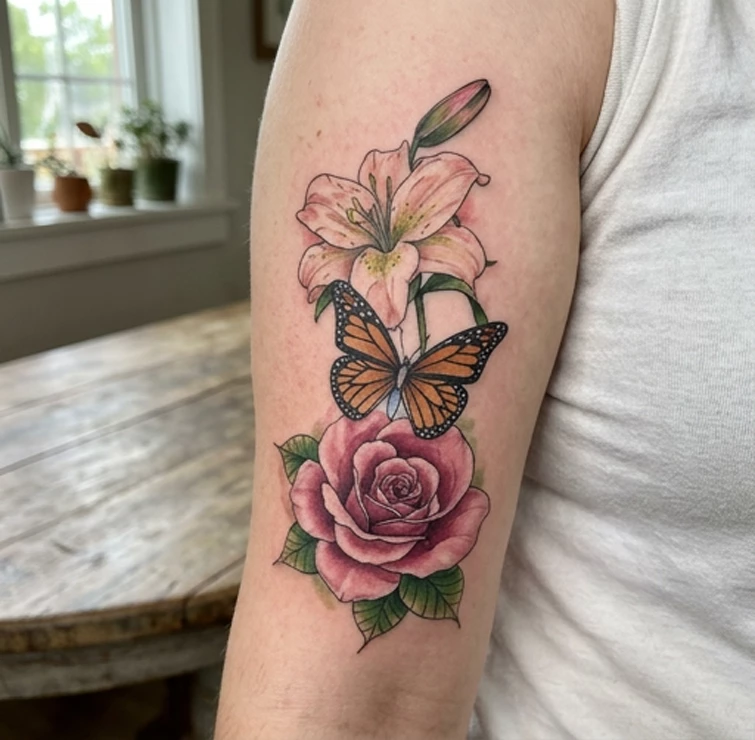
I have an image of a tattoo design that I've been trying to get through Adobe but Adobe will not let me do anything with it it won't let me edit it and it won't let me use it as a reference to get a new image from Adobe

Correct answer Trevor.Dennis
I tried it with the full image, and got the guidelines error
I tried it again using a minimal selected area of her arm, with everything else turned off, and it (kind of) worked.
...but gave me a completely different image. I was not trying very hard though, and I think I could of instructed it to keep the scale and background unchanged. I went the route I took partly for simplicity, but also because Gemini 3.1 (which I was using) can resize and move a selected area. You can always fix it if you have Photoshop. You can even do it automatically using Edit > Auto Align Layers.
Same issue here- even with all ‘potentially offensive’ parts of body fully covered, I can’t get an idea of how my designs might look even on an imaginary, non gendered, nipple free torso. Most frustrating when working on tattoo designs/concepts. If anyone can find a workaround for this please let me know? I am not some sex crazed creep on the internet - rather an artist simply trying to get an idea of how a tattoo design or stencil might wrap on a human figure?? 🤦♀️🤦♀️🤦♀️🤷♀️
Just a screen shot would do. It sounds like one of those ‘Please read our guidelines’ situations, so we just need to see what the tattoo looks like so we can test it.