Participant
August 28, 2026
Question

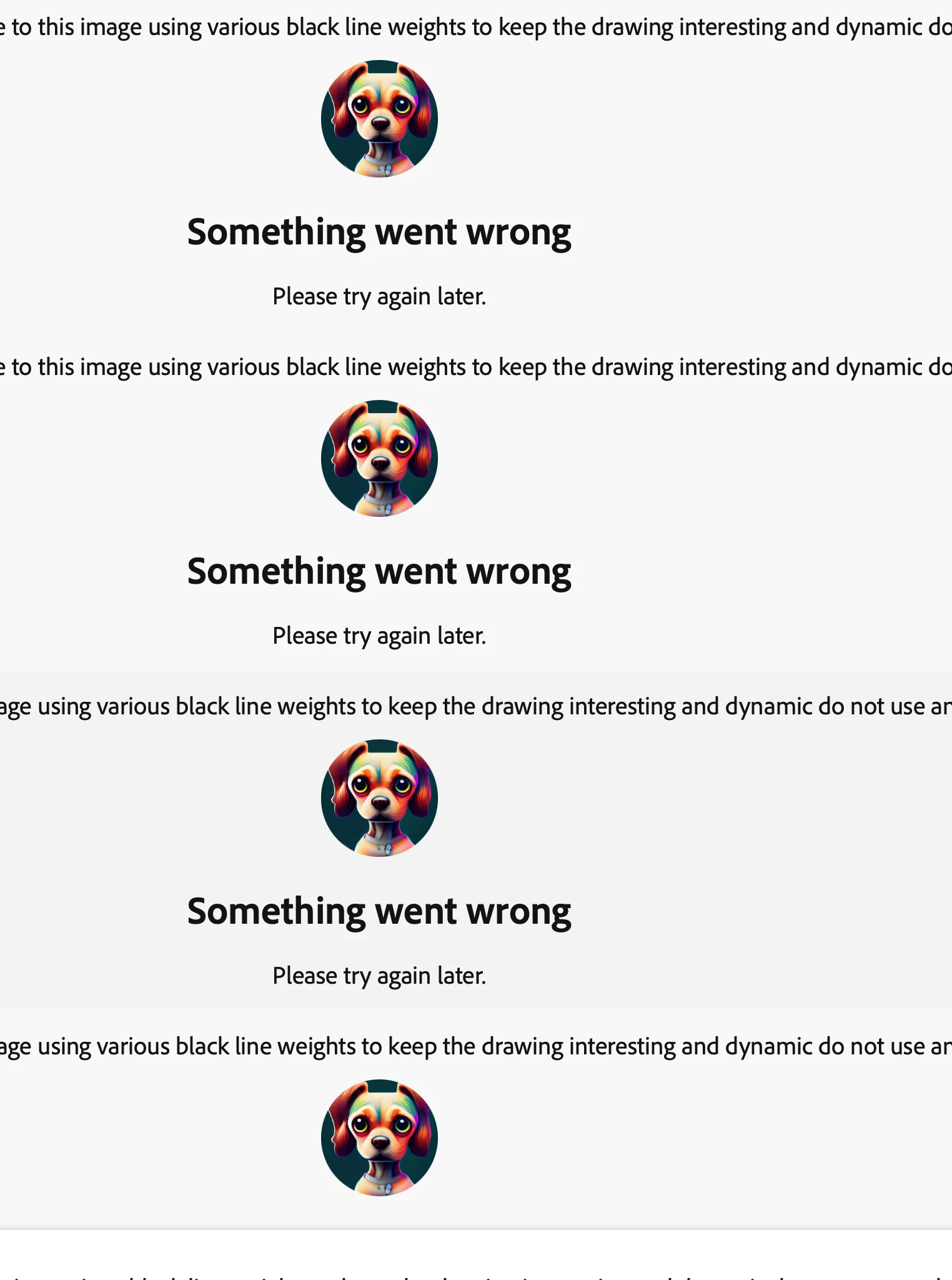
Your upgrade is a total joke! You went from saving your company to losing your artists to other generators!

  • August 28, 2026
  • 2 replies
  • 23 views


    2 replies

    HelenE.Author
    Participant
    August 28, 2026

    I’ve been using Adobe for 38 years and I’m a stock holder and I was optimistic you’d not suffer a headwind with AI but now I’m concerned!  I have been evolving my workflows for years as your tools change and working with great success. I took my so called negative prompt over to Artlist same generator and it worked fine, the first time, exactly as I wrote it. Even better bc in Artlist I can write a style guide! I am simply converting my illustration to a black and white line art coloring book page. That’s about as simple as it gets! All was working fine bf you rolled out this major without any advance warning and it’s completely disrupted my project workflow. Adobe has always been good at letting users migrate at their own pace this is frustrating and disappointing. 

    N8.
    Community Expert
    August 28, 2026

    Hey ​@HelenE. 

    Thank you for sharing the screenshot. While this can be frustrating, there are steps that can be taken. Get msg errors like this can often be resolved.

    Looking at the some of the prompt, there is a negative prompt: do not use. Using positive reinforcing prompts tends to give better results and fewer error messages.

    Feel free to share the rest of the prompt; so, we can trouble shot the issue further. This helps us help you.


    Something went wrong

    A Full Screenshot or short video:  Please provide a screenshot of your entire browser or application window, including your avatar in the upper right corner. Many errors have multiple causes; seeing the full context is much more helpful than a zoomed-in image of the error message alone.
    >>Make sure to remove person details: email address, name... before posting<<

    • System Details: Specify your Operating System (OS) and Browser (including version numbers).
    • Workflow Context:
      • Which Firefly function were you using? (e.g., Text to Image, Generative Fill, Text to Video, etc.)
      • Which model was selected? (e.g., Firefly Image 3, Image 4 Ultra, Imagen 3).
      • The full prompt you were using.
      • Copies of any reference images, keyframes, or original images used.

    Other suggestions

    1. Try a different web browser (or an Incognito/Private window) to rule out browser extensions or cache issues.
    2. Disable any active VPN, ad-blockers, or strict firewall settings temporarily.
    3. Clear your browser's cache and cookies (see image below):

     For more details and additional troubleshooting steps, you also check this article as well!

    Suggestions on How to Prompt
    https://community.adobe.com/questions%2D404/use%2Dadobe%2Dfirefly%2Dto%2Dgenerate%2Dyour%2Dimages%2Dand%2Dvideos%2D1476088?tid=1476088&fid=404
     

    Make sure to delete the files that are not working to prevent having a bad seed.

    How to Delete multiple Files

    Delete multiple files

    Something went wrong Error Message