
Participant
July 17, 2024
Question

I cannot access custom fonts / uploaded fonts as an admin

  • July 17, 2024
  • 1 reply
  • 211 views

Hi, 

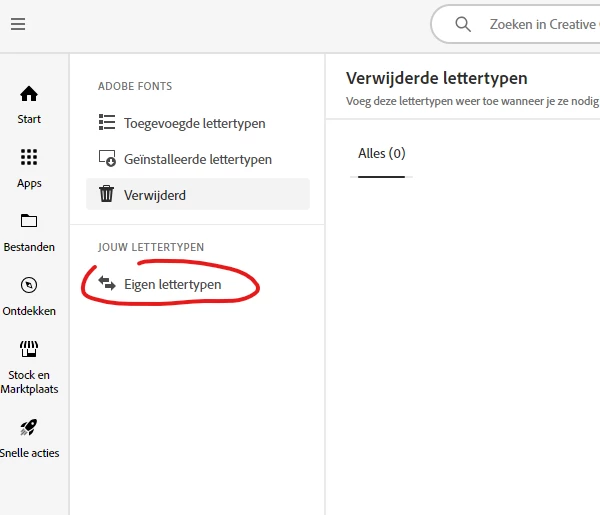
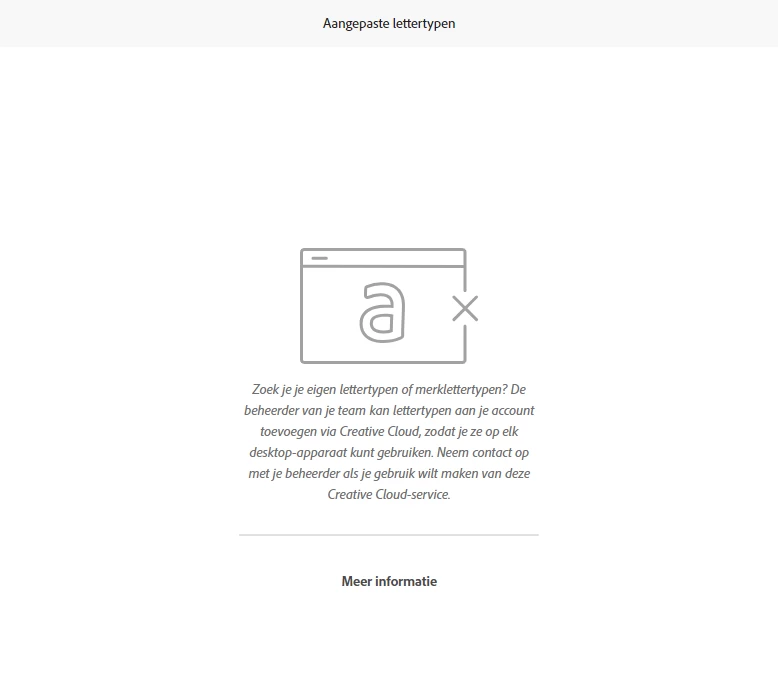
Unless the fact that I am an admin user, (I've read it's a requirement to be administrator to access custom fonts. So our extern it-automation company gave us rights to be an admin) it's not possible to upload my own fonts in this way. Do you have any idea why this page is not shown to me? I want to use my own fonts in designs, those are not available in the library of adobe fonts.  Thanks in advance for the help. 

Regards, Liane

preview of the 'fonts' window in the creative cloud desktop overview.
*what I see when i click 'uploaded fonts' > Contact your admin to upload fonts (but I am an admin)
 

This topic has been closed for replies.

1 reply

J E L
Community Expert
Community Expert
July 25, 2024

Hi @Liane38658035ql4b, I tried uploading a new font today through Creative Cloud (it's the first time I've ever done so) and didn't have any problems, other than it seems to take a very long time. Are you working on a network? Are you able (allowed) to install fonts on your local system device? That might be a better (and quicker) solution, as once you install a font locally, it will be available across all of your Adobe applications. Let us know how it goes!


ETA: I realize you might want to upload through the Creative Cloud Desktop App so the font is available for Adobe online products. In that case, I am not sure if you are running into an administrative or font licensing permission concern. Maybe try with a few different fonts to see if it is a specific or generalized issue?