
Participant
December 14, 2021
Answered

The image for the arabic language filtre is wrong

  • December 14, 2021
  • 2 replies
  • 234 views

Hello, I've tried to contact support on twitter and on the chat but none seem to understand my request so here I am.


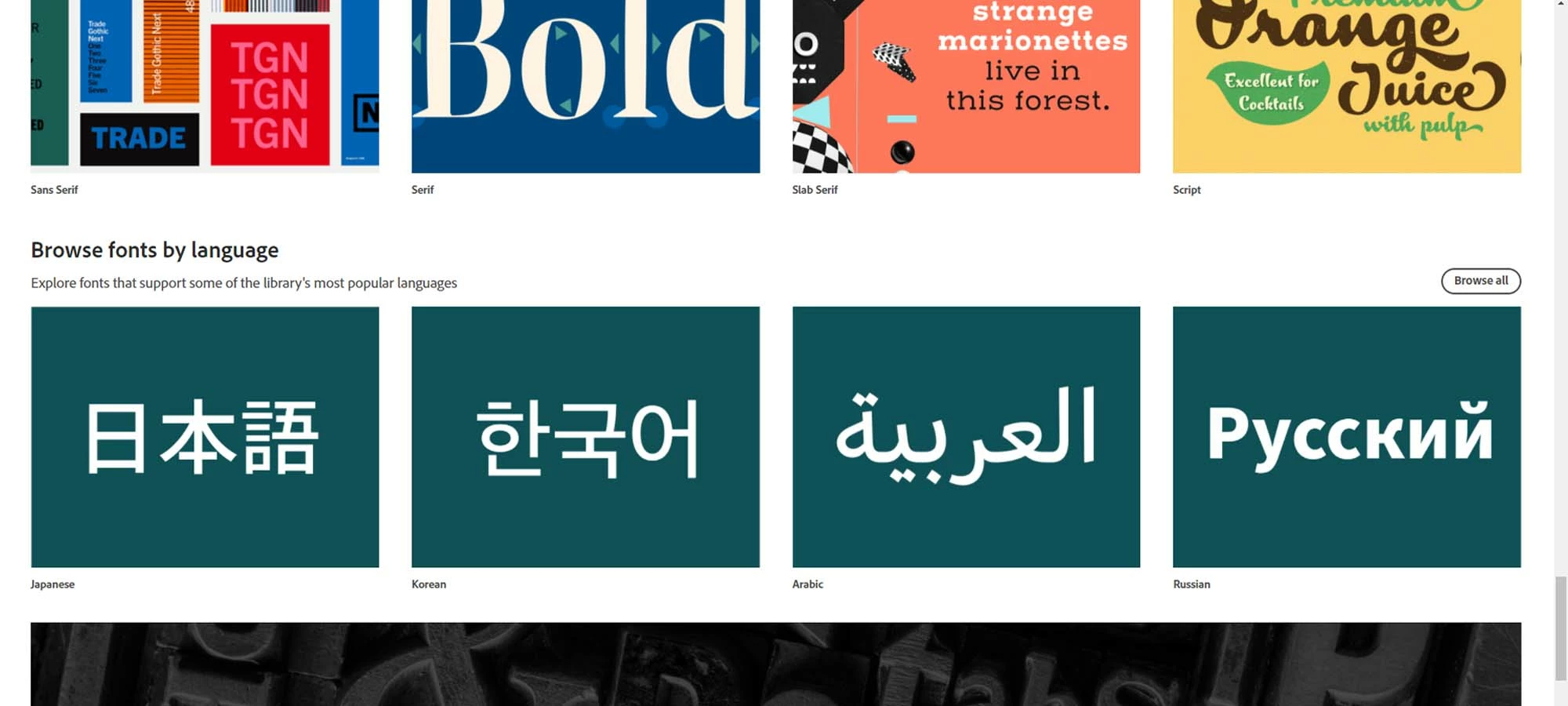
The image depicting the arabic language on adobe font, in the "sort by language" section at the bottom, is incorrect. It's written from left to right with detached letters while arabic is written from right to left with attached letters. 
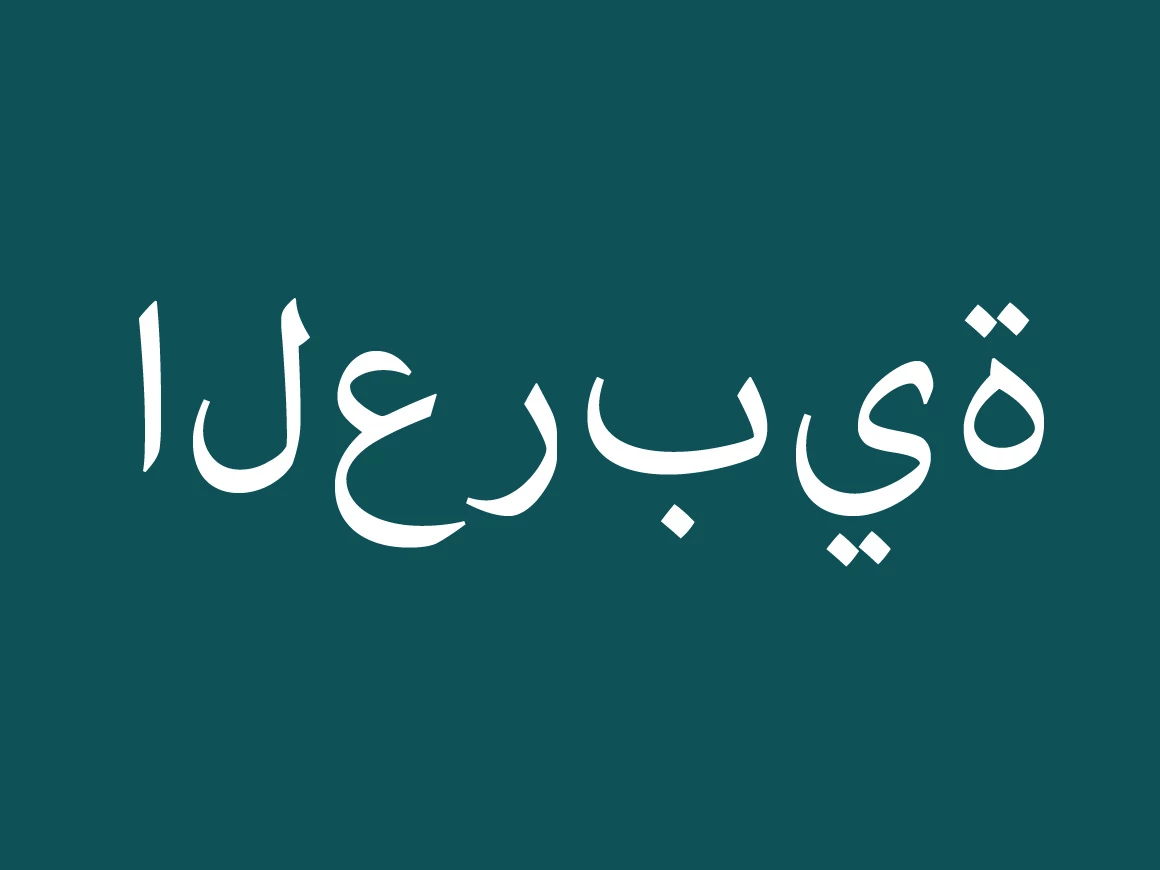
Here's the one on the website.
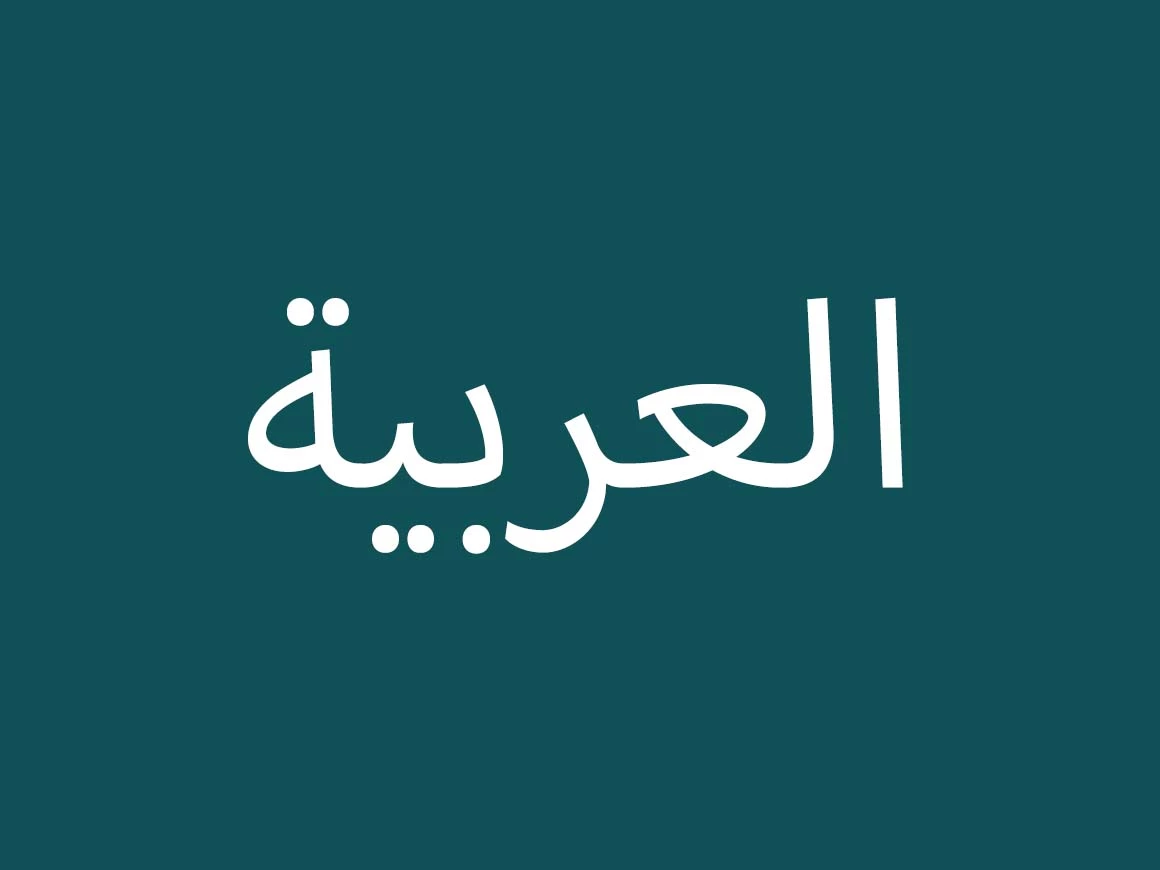
 

And here's how it should be.


I hope this gets resolved,

Thank you for your help.
 

    This topic has been closed for replies.
    Correct answer defaultlhjxlse5x0cq

    It used to be here, but it seems the issue was fixed after I brought up the issue on every channel possible.

    Thank you responsive design team. 

    2 replies

    Zaid Al Hilali
    Community Expert
    Community Expert
    December 19, 2021

    I wish if you can mention the steps you made as I couldn't replicate the issue. 


    Here is what I was able to type on www.fonts.adobe.com

    defaultlhjxlse5x0cqAuthorCorrect answer
    Participant
    December 20, 2021

    It used to be here, but it seems the issue was fixed after I brought up the issue on every channel possible.

    Thank you responsive design team. 

    Ged_Traynor
    Community Expert
    Community Expert
    December 14, 2021

    Moving thread to the Adobe Fonts forum from Using the Community