
Answered
Continue Button in Learning Program restarting at first course
Hello!
We have created a learning program with 3 courses, each having 3 modules. As a learner completes, it moves from module to module within a course no problem.
However, we noticed that the Continue button on the Learning Program screen actually doesn't continue where the learner left off, but restarts the learner on course 1.
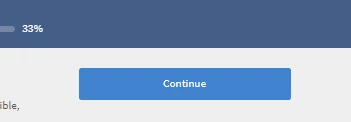
Any reason for this? The progress on the individual content modules is saved as the learner can click on the module they were on and it returns to the slide they left off at. But, the continue button above doesn't.
The average employee of ours will take the training in pieces while on the clock. They will intuitively click on continue thinking it will start where they left off.
Any help will be appreciated.


 AdChoices