
KDawgNZ
Participant
October 2, 2017
Answered

Error publishing project from Captivate 9 to Captivate Prime

  • October 2, 2017
  • 3 replies
  • 1115 views

Hi - I am trying to publish a project from Captivate 9 into Captivate Prime.  It is a fairly simple project, no audio or video or anything crazy, just 53 slides of text, images and knowledge check slides.  This is the third version of this project, the previous two have published just fine.

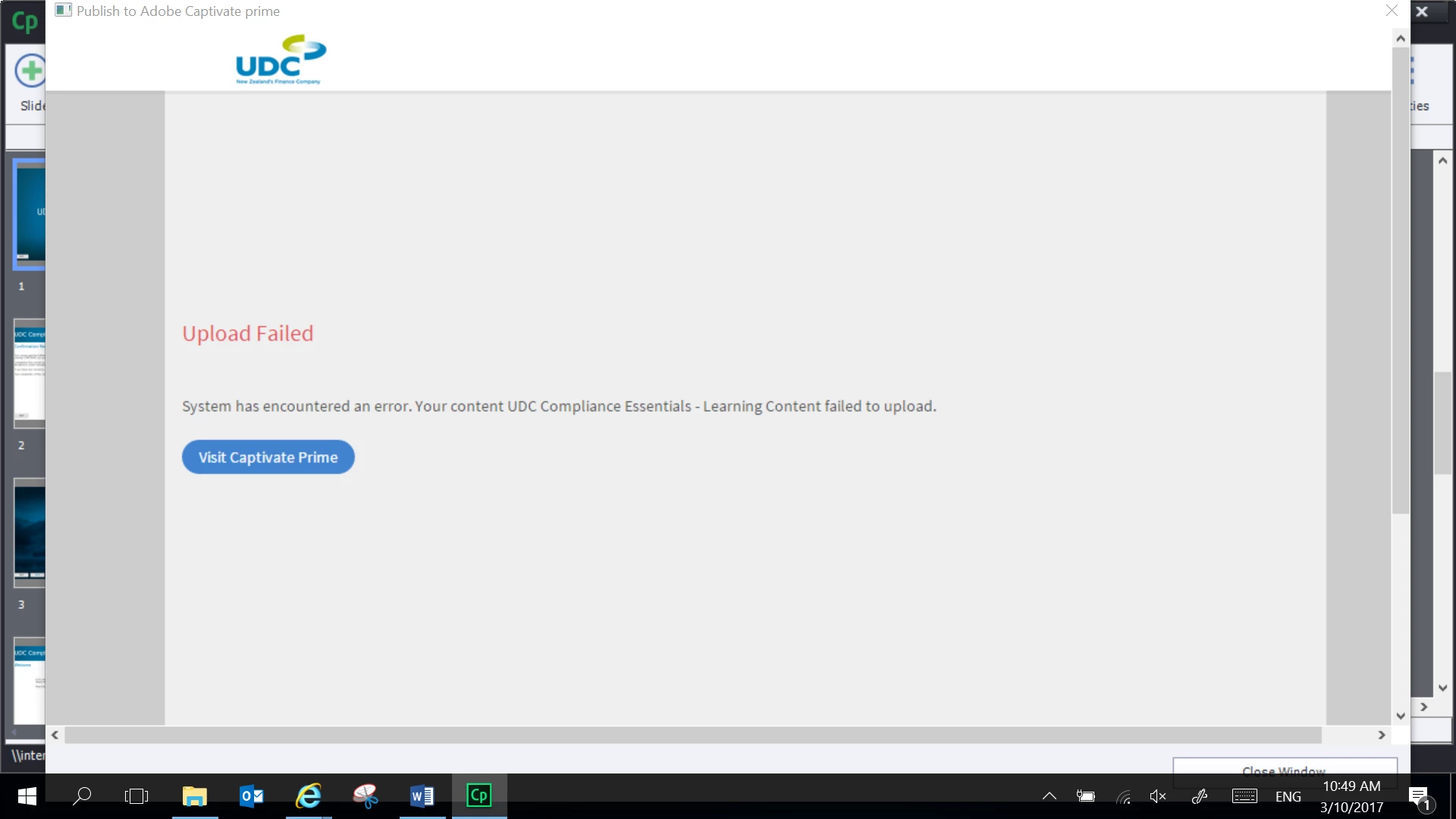
I first tried to publish directly to Captivate Prime using Publish > Publish to Adobe Captivate Prime.  But get the following error (with no further information).
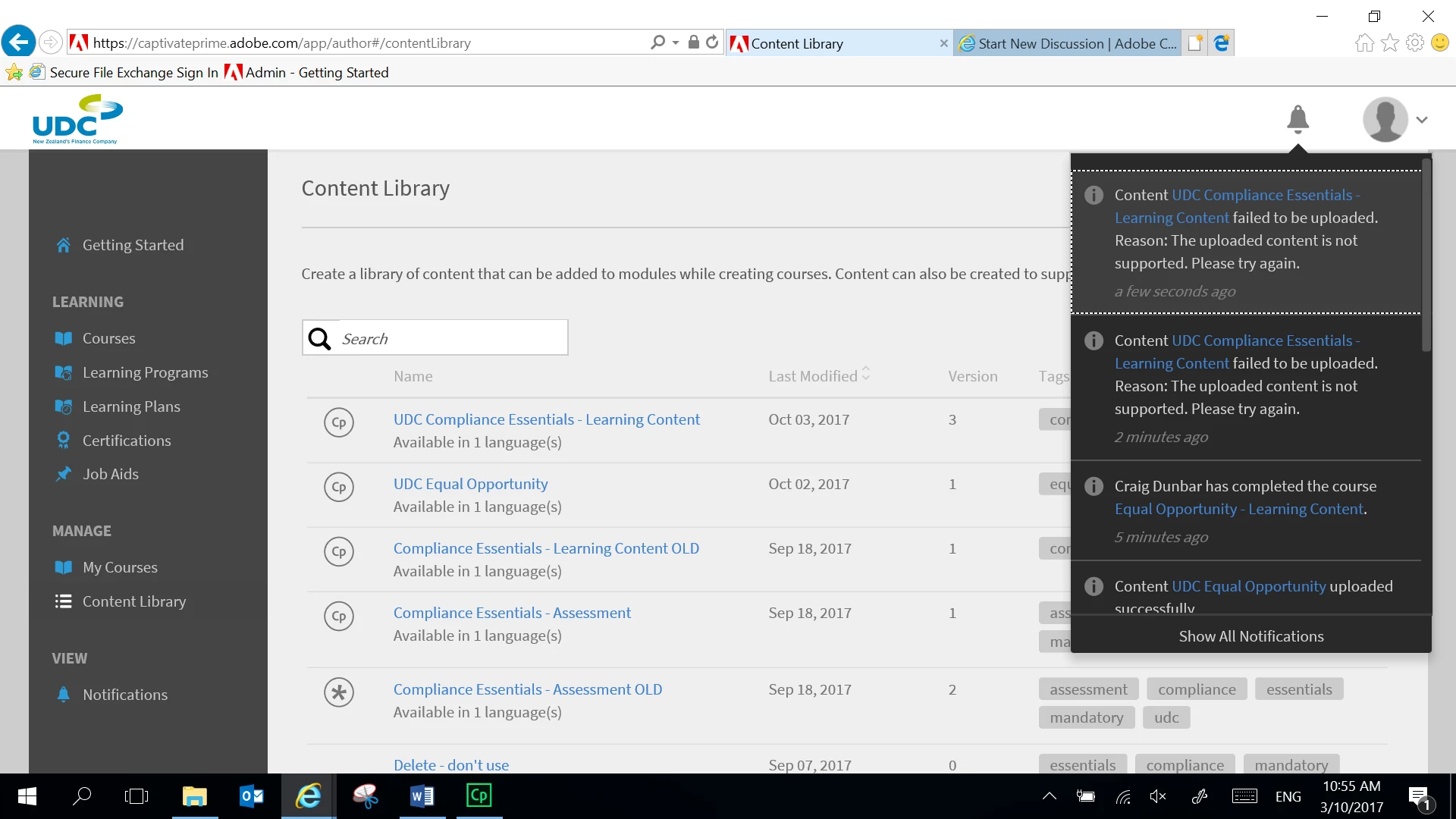
I then tried to publish to my computer as a zip file and replace the content already in Captivate Prime, but get the following error (still without much useful information):
We are fairly new to this and trying to set up a new LMS to replace an existing one.  Would very appreciate any help here!!!
This topic has been closed for replies.
Correct answer sara.r.dickens

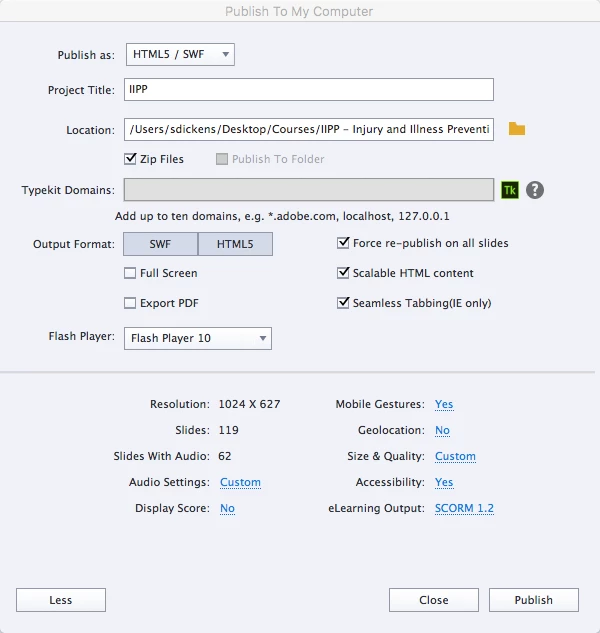
You can check your SCORM publish settings by clicking on the more button in your screenshot above. Here is a copy of mine from Captivate 12, it uploaded fine in Prime. I believe SCORM 1.2 and 2004 are supported.

You can also publish straight to Prime from Captivate.

Publish>Publish to Adobe Prime

3 replies

Stagprime2687219
Legend
October 3, 2017

For what its worth, I have encountered similar issues from time to time.

From my investigations, I believe it has happened when I have accidentally configured my publish settings to SWF only.

I have had the best success with publishing HTML5 only and zipping - followed by loading to the content library.

So it might be worth your time to verify your settings.

That being said, I have also encountered times when Prime was simply being glitchy and I simply had to try again later.

sara.r.dickensCorrect answer
Participant
October 3, 2017

You can check your SCORM publish settings by clicking on the more button in your screenshot above. Here is a copy of mine from Captivate 12, it uploaded fine in Prime. I believe SCORM 1.2 and 2004 are supported.

You can also publish straight to Prime from Captivate.

Publish>Publish to Adobe Prime

KDawgNZ
KDawgNZAuthor
Participant
October 3, 2017

My elearning output was set as disabled.  I changed it to SCORM 1.2.  It still wouldn't publish directly to Prime, but when I zipped and uploaded that way it worked.  Thank you!

Lilybiri
Legend
October 3, 2017

I will move your question to the Prime forum, maybe you'll get appropriate help over there.

Erik Lord
Inspiring
October 3, 2017

Unfortunately I am not very familiar with Prime at all yet.

However, I've worked with several similar LMS products.

Are you sure your SCORM settings match whatever Prime supports? (i.e. SCORM 2004)

From the generic error in your second screenshot, it would appear the format is not what Prime needs.

From that same screenshot, you've created and successfully uploaded other pieces, yes?

Compare closely the settings in those and this troublesome one.

Other thought is just an upload issue - bad net connection perhaps?

Hopefully a new day will bring resolution!

KDawgNZ
KDawgNZAuthor
Participant
October 3, 2017

Hi, yes I have uploaded successfully previously - including the prior versions of this course!!  I just added some images and it has gone all wonky :-/