


Question
How to download a Job Aid
A Job Aid is a type of just-in-time learning. It works as a quick reference material, for example, a checklist or a cheat sheet. Job Aids are available as Learning Objects in Adobe Captivate Prime to assist learners in their roles.
To download a Job Aid, follow the steps below:
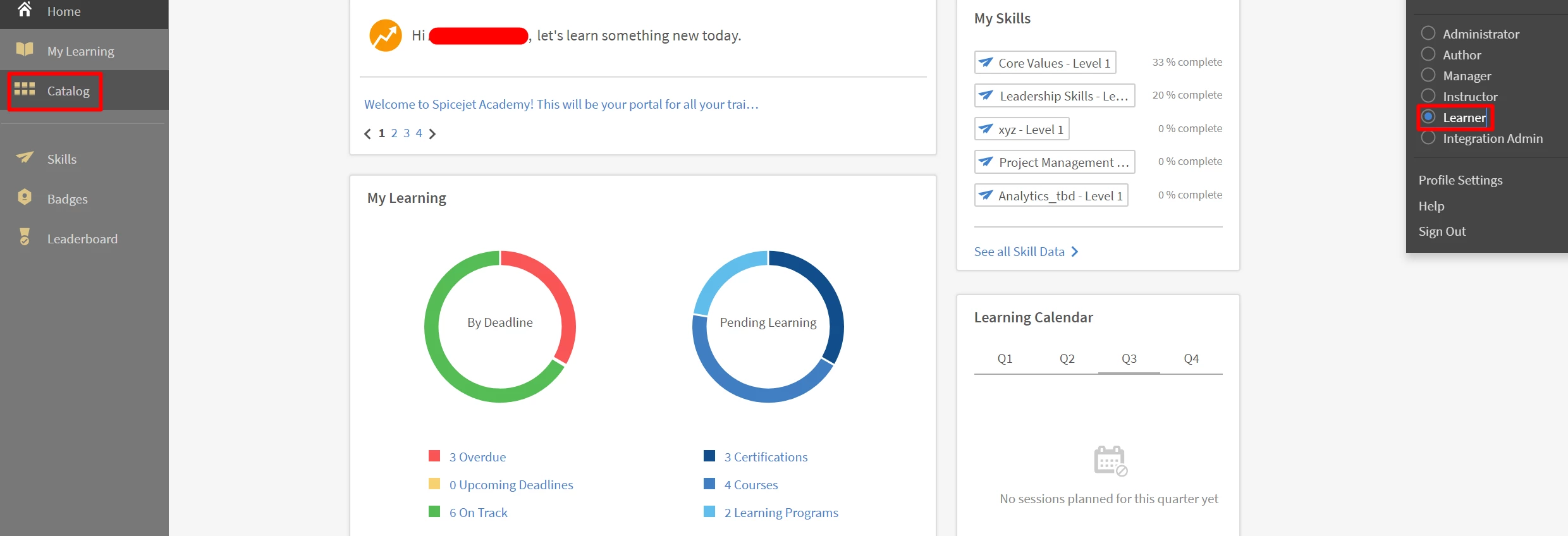
- Log in as a Learner and navigate to Catalog.
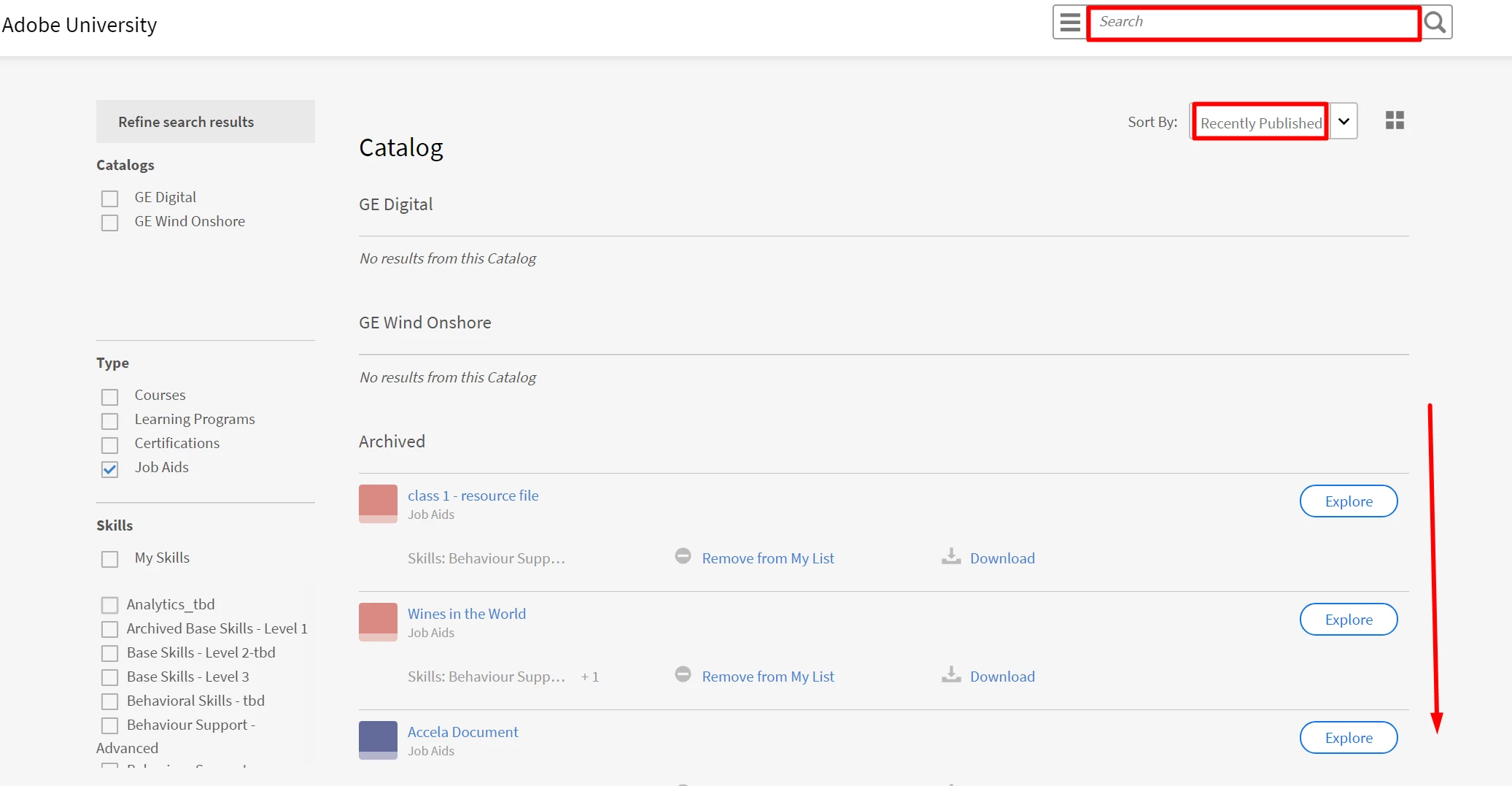
- When the Catalog opens, select Job Aids. If you know the Catalog in which the Job Aid appears, you may refine your search by selecting a Catalog. You may also further narrow your search by selecting Skills, Tags and Status associated with the Job Aid that you are looking for.
- You can scroll through the list of Job Aids or you can search for a specific one in the search bar. You can also sort them alphabetically/according to publishing date/course effectiveness.
-
You can switch between a List view and a Grid view of the Job Aids. Choose the option that is more suitable for you to glance the Job Aids.
- When you find the Job Aid you want, click on Download.

For more information on Job Aids and how to create them, see Job Aids.
For further assistance, contact captivateprimesupport@adobe.com.


 AdChoices