
Uploading to Captivate Prime
I've just read through multiple forums about this but I couldn't find any answers that work so here we go! If there is one that worked for you just let me know the link and I'll check it out thanks.
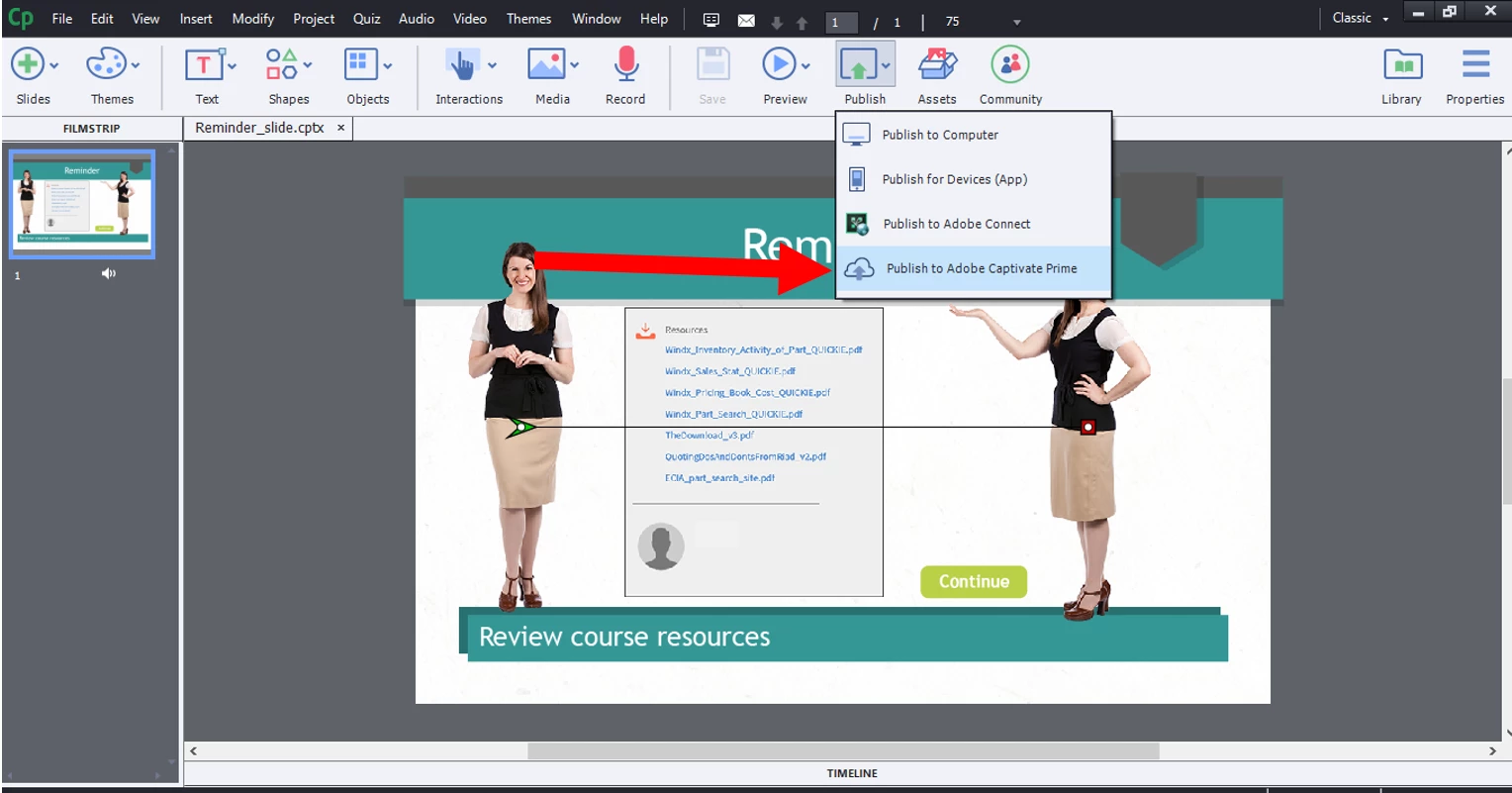
So I have the Captivate 9 and Captivate Prime trials. I am on a Windows computer and I can't upload to Captivate Prime - I have tried uploading the actual file and uploading it in a zip file. I have also lessened the size of the file I'm attempting to upload. It says it's uploading but then when it goes back tot he modules page it says Module (Name of Module) failed to be uploaded. Reason: . The uploaded content is not supported. Please try again. any ideas on how to get past this? I don't want to buy the product without knowing that I'll actually be able to use it! All suggestions welcome! Thanks 


 AdChoices