
Question
web object not visible
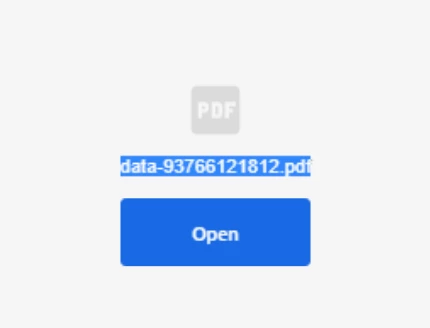
I use Captivate to create a slide with a web object. It is a PDF. When previewing in captivate it shows the PDF on the screen. When I upload it to Prime all I get is an OPEN button which downloads the pdf.
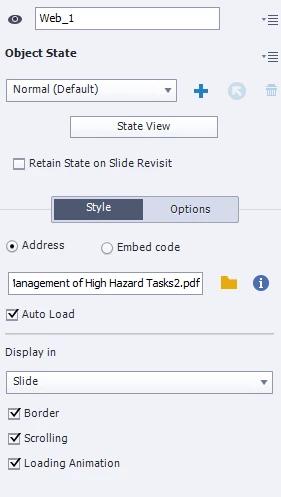
How do I get it visible on the screen. The first image is a screen shot when I preview the course as a learner in Prime. the second is the Properties panel of the web object in Captivate.
In the mobile app there is nothing where the web object is supposed to be!


 AdChoices