
Answered
Problem with saving scale
hi!
I bought SD on Steam at the end of the last year, but I've just started to learn it; I'm on the first tutorial. Unfortunately, when I did some change in material properties (scale in height tab), it didn't get saved. Moreover, when I changed to Tessalation and saved, after loading the file it was again Parallax Occlusion. Scale settings were also back to previous state. Here's what appeared on the screen:
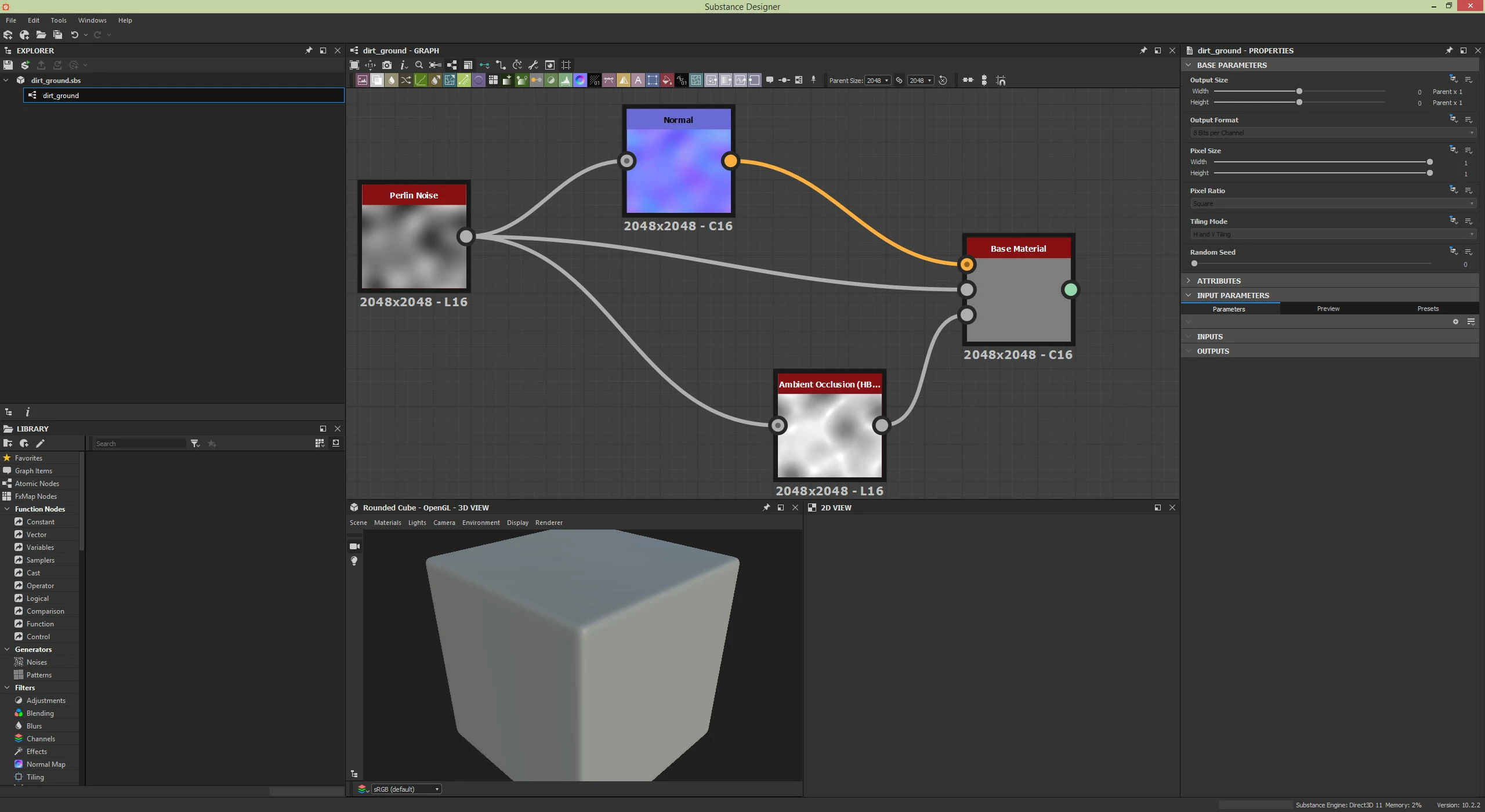
But before closing it looked like this:
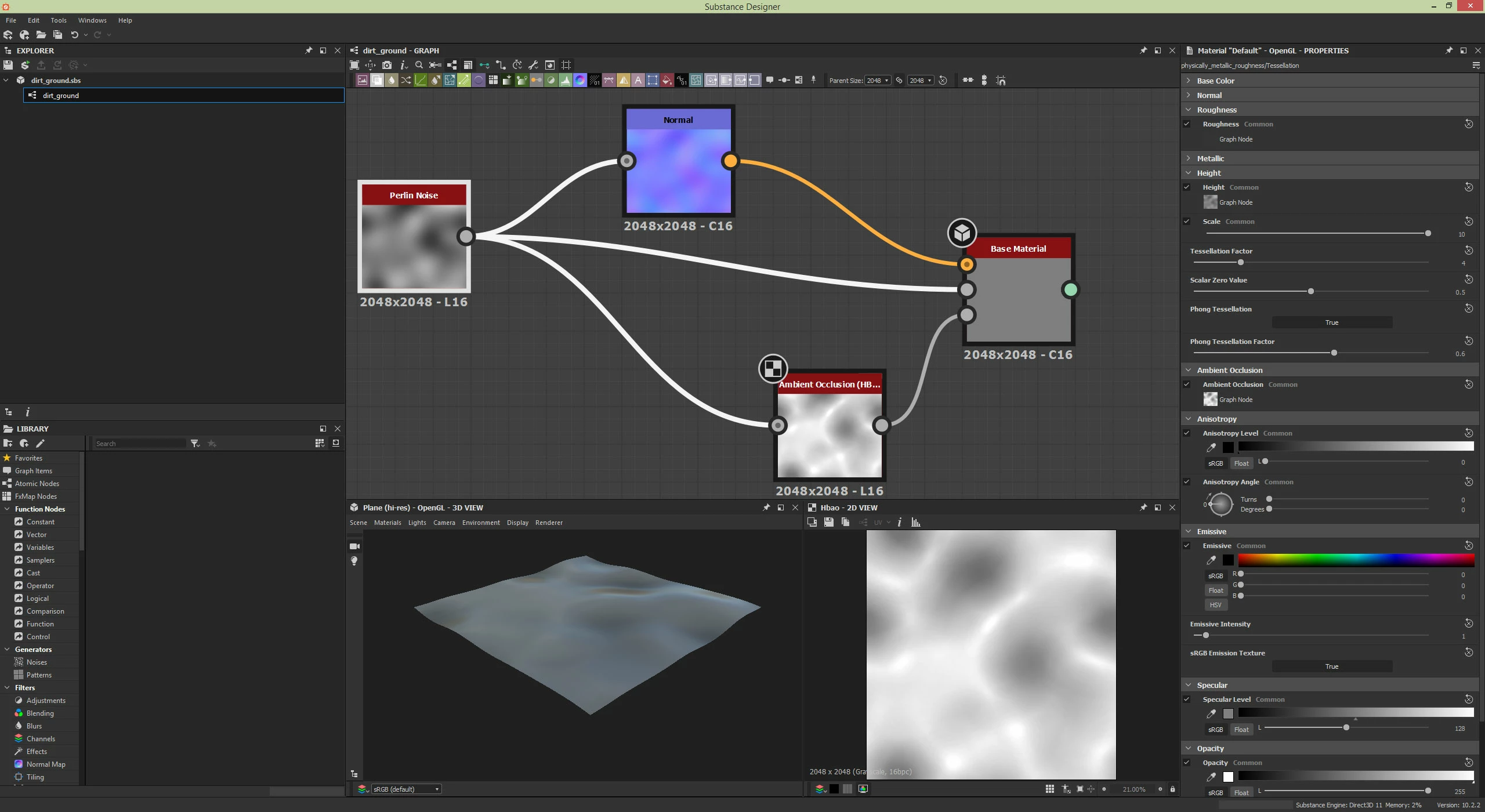
I have SD version 2020.2.2 (10.2.2) on Windows and I wonder how to get possible upgrade in my situation - on Steam there's already SD 2021. When I clicked on the SD in my Steam library, I didn't see any licence key.
I greatly appreciate your help.


 AdChoices