Participant
January 6, 2024
Question

Adobe scan documents cannot locate

  • January 6, 2024
  • 1 reply
  • 401 views

Good day all


i have recently scanned many documents using Adobe Scan. The scans do not seem to have loaded to the adobe Cloud Storage. 

Both accounts are the same so I doubt that is the issue. Anybody available to assist? 
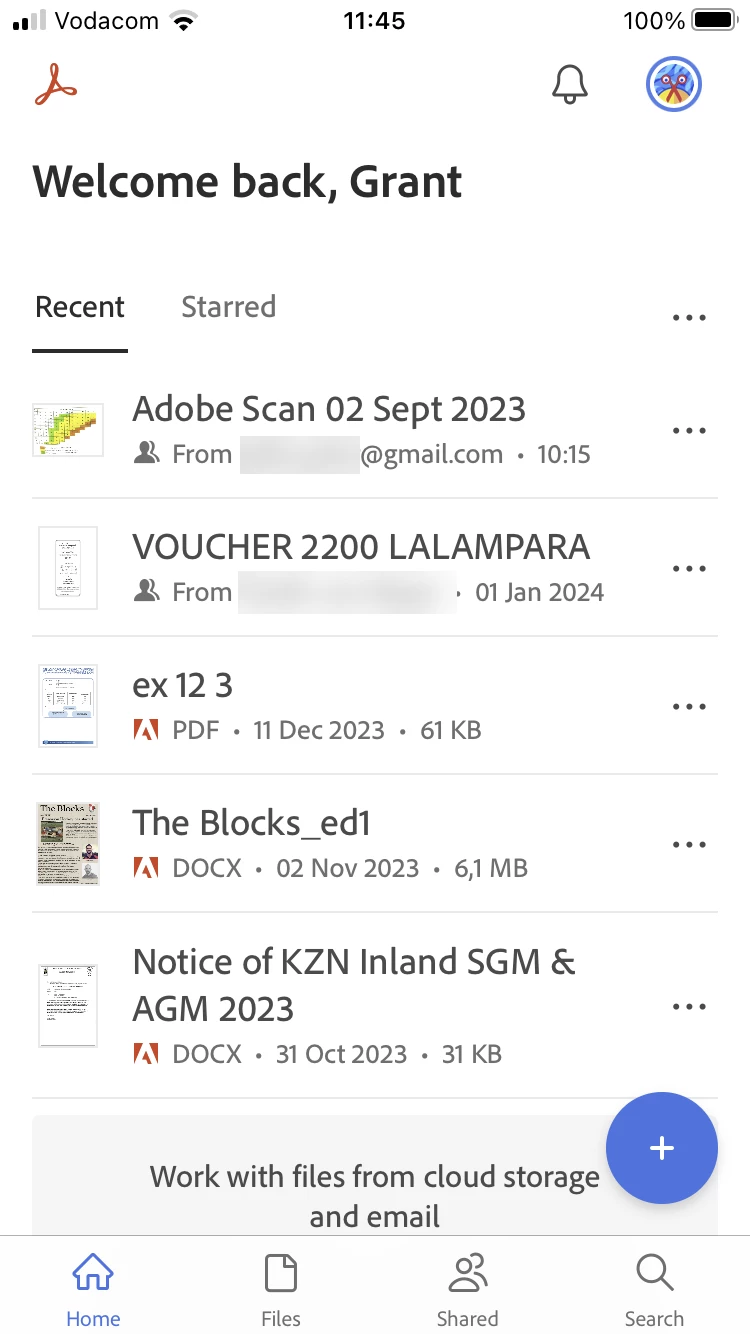
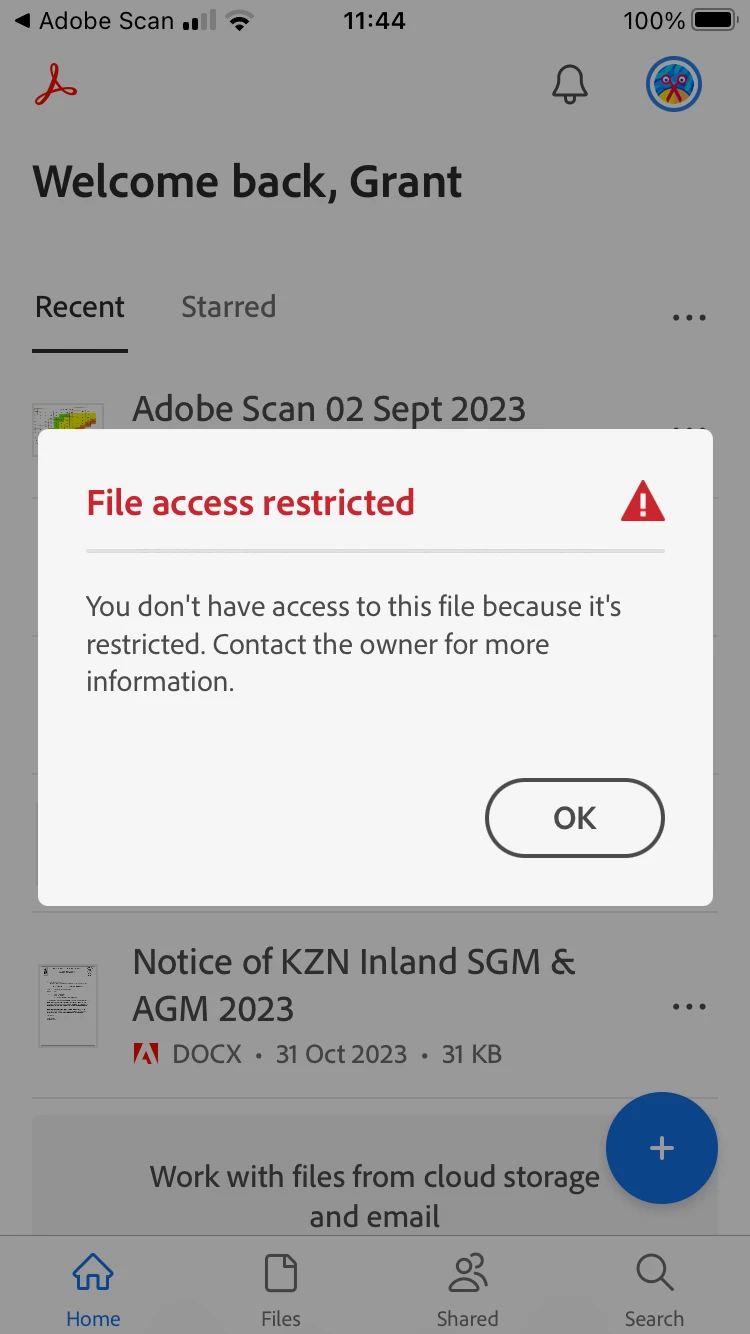
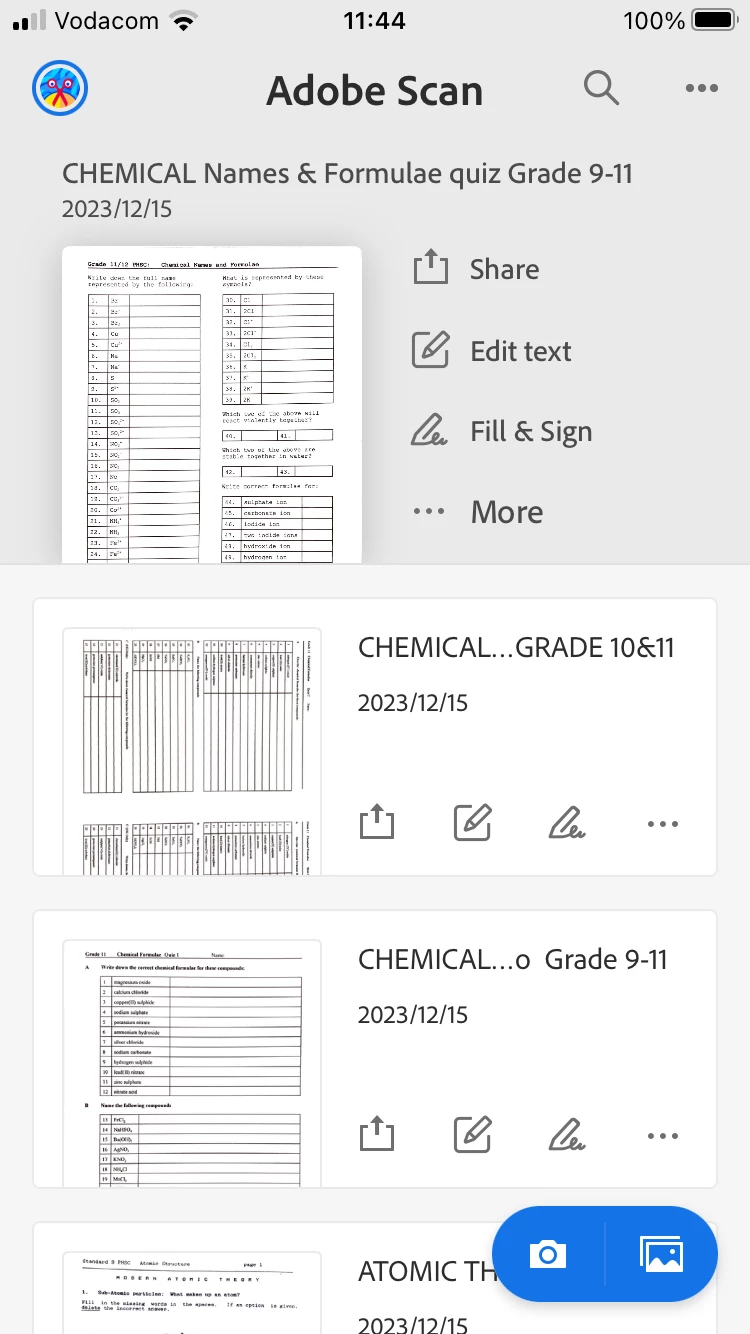
see screen shots below. 
1: the files in the Adobe Scan app

2: the Adobe acrobat 

3: restricted access when choosing to open the file in acrobat from Adobe Scan. 
 

 [Moderator deleted private information. Please do not post private information like e-mails and phone numbers]

This topic has been closed for replies.

1 reply

Abambo
Community Expert
Community Expert
January 10, 2024
quote


Both accounts are the same so I doubt that is the issue. Anybody available to assist? 


By @Grant34534669t3yy

With “both” accounts, you mean the same account on two different machines?

ABAMBO | Hard- and Software Engineer | Photographer
Participant
January 11, 2024

Hi Abambo
Yes and no. If I access Scan and Acrobat on my phone, I do not see my scans. 
If I access Acrobat on the same account on my laptop, I do not see them either. 

It all worked seemlessly as recent as mid 2023. 
If you can help, that would save me a ton of work. 

S_S
Community Manager
Community Manager
January 23, 2024

Hi @Grant34534669t3yy,


Hope you are doing well. Sorry for your experience with Adobe Scan.


From the screenshots, it looks like Acrobat is logged in to a different Adobe ID, resulting in the error.


Would you mind checking if the files appear here: https://acrobat.adobe.com/link/documents/ in the Adobe Scan folder?


If yes, you should not experience issues accessing the files from your device. 

I also suggest checking your Adobe ID to log in to Acrobat Reader Mobile.


Look forward to hearing from you.


-Souvik