


Adobe Scan on iOS: helper error and -8058 when using Files
Adobe Scan on iOS: helper error and -8058 when using Files
I’m using Adobe Scan 26.10.19 on iOS 27.2 (iPhone18,2). I reinstalled the app and created a new test scan. The PDF appears in Adobe Scan and adobe.com/files, but I get two errors through the iOS Files integration.
❶ Folder download error
In Files → Browse → Adobe Scan, the Adobe Scan folder shows Error. Get Info says:
“Couldn’t communicate with a helper application.”
This has returned after reinstalling. Screenshot 1 shows the message.
❷ Save offered, then fails
In Adobe Scan, I choose Copy to device. The Files save panel lets me select the top-level Adobe Scan location and enables Save. When I try it, I get:
“The operation couldn’t be completed. (OSStatus error -8058.)”
Inside the Adobe Scan subfolder, the same panel instead says Read-Only and disables Save. Screenshot 2 shows the failed save at the parent location.
Your Files guide describes downloading scans for offline use. Your Copy to device instructions describe saving a separate copy on the device. The interface leaves me unsure which locations and operations are supported.
Can Adobe explain:
-
What causes these two errors, and whether a permission or setting needs changing?
-
Whether Download Now for the folder and saving at the Adobe Scan location are supported? If saving there is unsupported, why is Save enabled?
-
Whether I can make On My iPhone the default PDF destination, or whether every scan requires cloud upload followed by a separate local export?
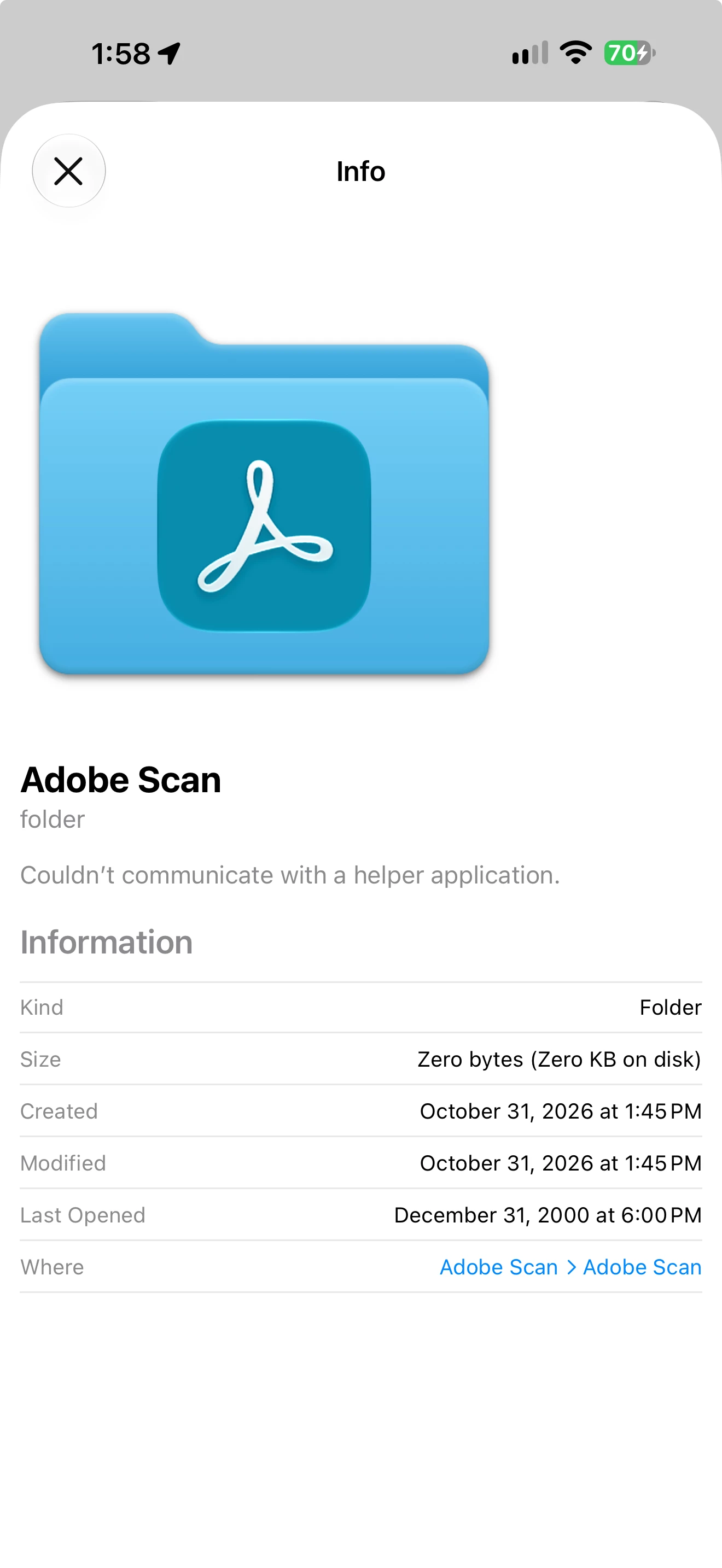
Folder Info showing the helper-application error after reinstall.
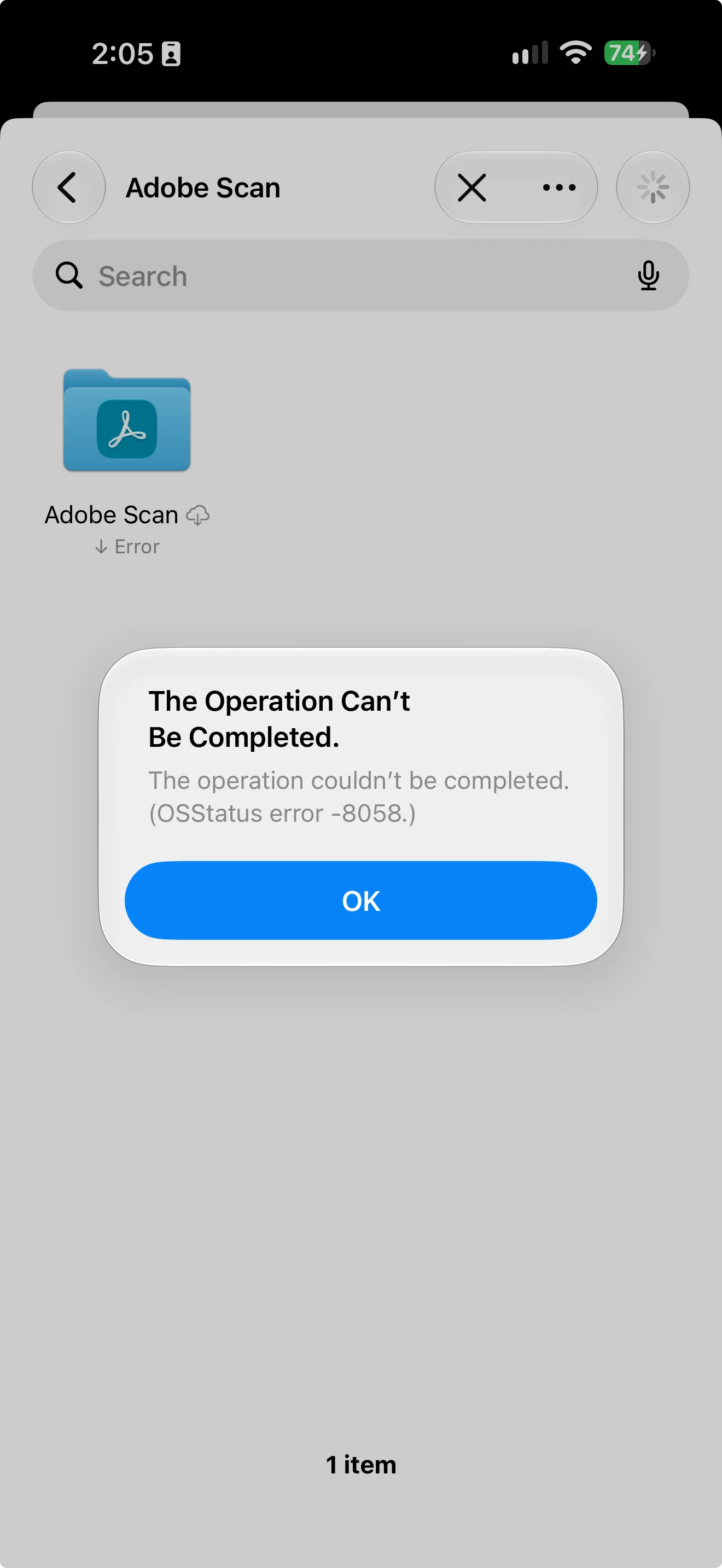
Save attempt at the top-level Adobe Scan location failing with OSStatus -8058.
 AdChoices