
Participant
Sep 11, 2020 2:05 PM UTC
Answered

All my scans saved in Adobe Scan have disappeared
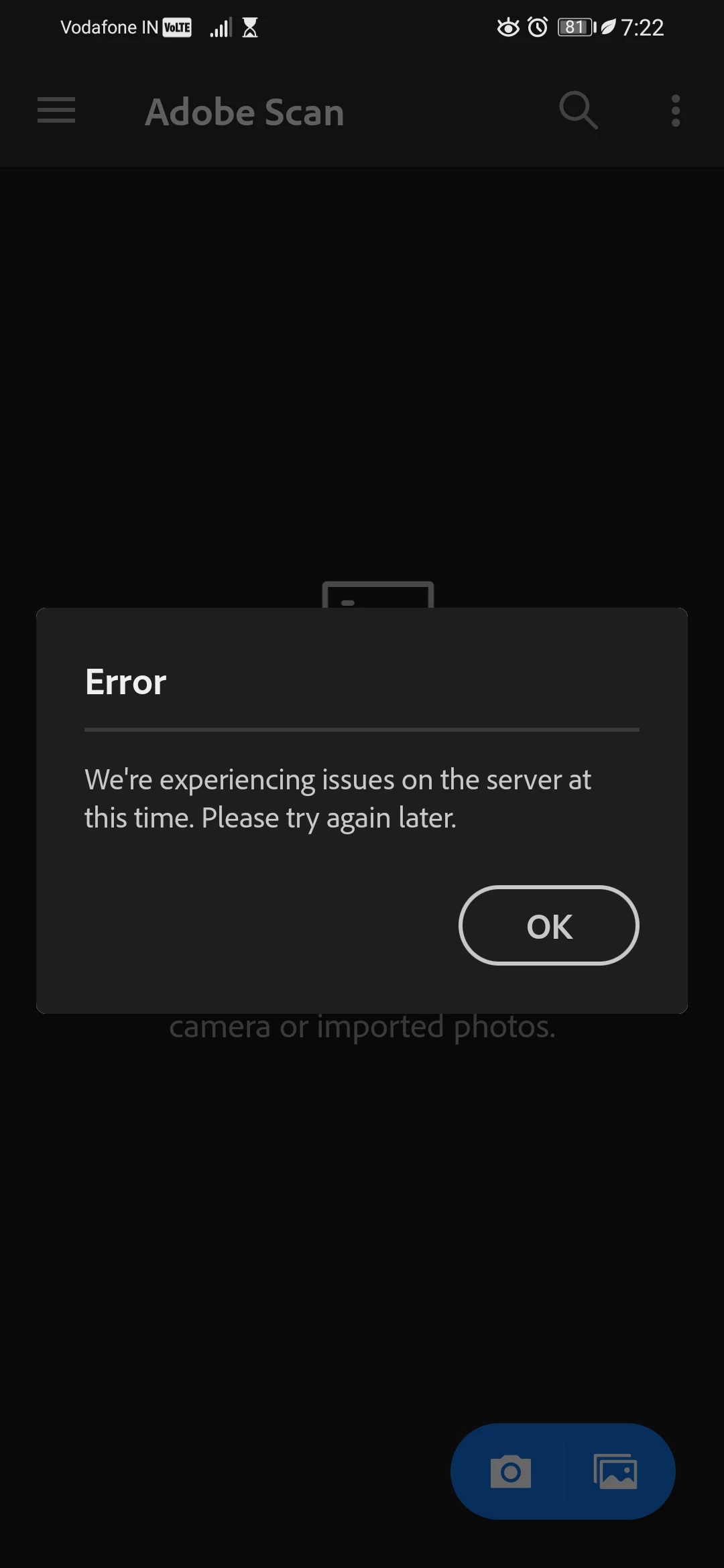
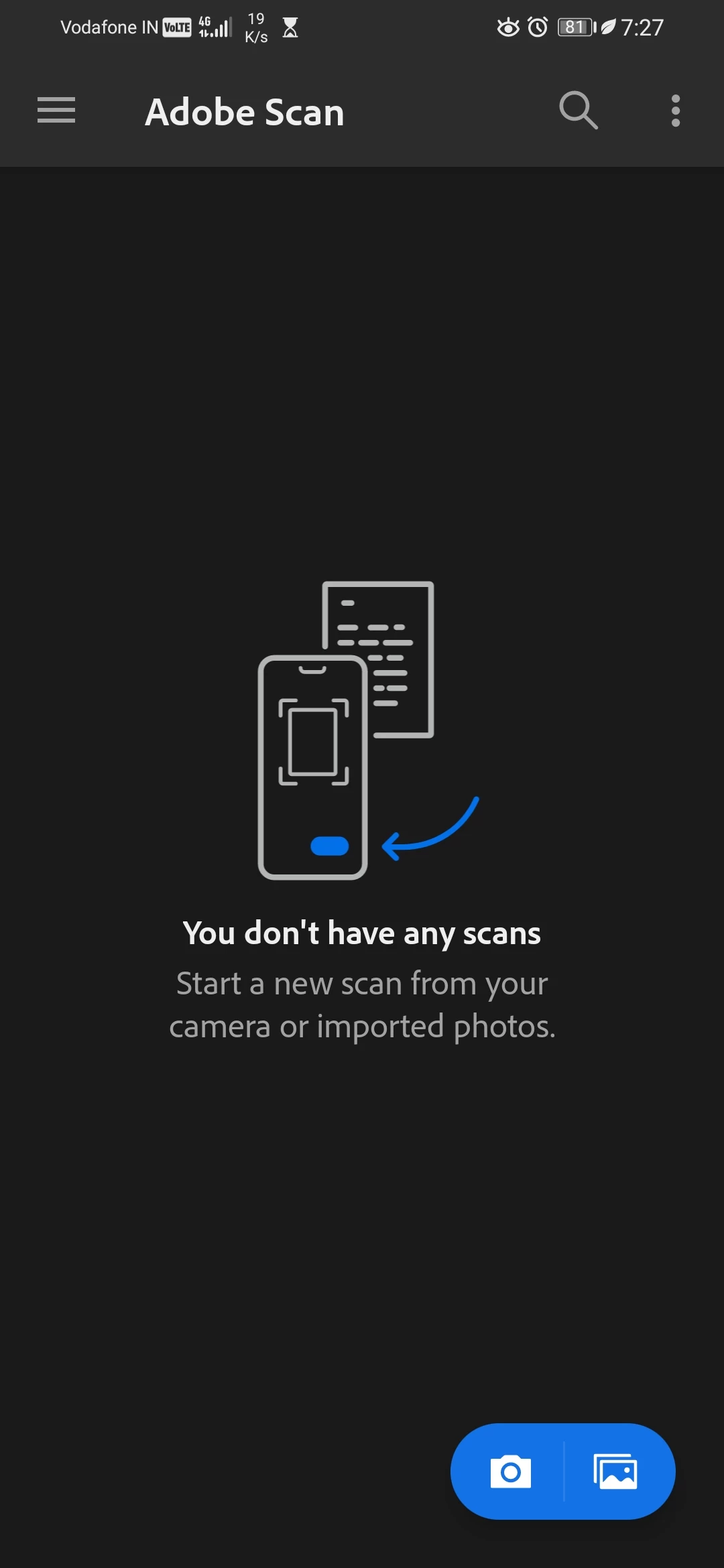
I had a lot of scans taken and saved in Adobe Scan but today when i went to Adobe Scan all my previous scans were not showing there, i don't know whether they have been deleted or not. annd when I opened my Adobe Scan app it is showing the error message we're experiencing some issues on the server at this time. Please try again later. So will I get my previous scans back? If yes, then when? And how cani fix this issue or when will this issue be fixed by Adobe. Here are the screenshots.
 

Ananjan5FB7Correct answer
Participant
Sep 12, 2020 3:05 AM UTC

Thanks everyone, but I fixed it, I just had to reinstall the app.

96 replies

Participant
Oct 2, 2021 5:44 PM UTC

How do I reinstall the app. Won't this delete my data?

Translate
Ria Tagra
Inspiring
Oct 4, 2021 6:18 AM UTC

Hi @Shedrick5CA0 ,  


Thank you for posting your query here. Could you help me with few details to understand your issue better?   

  1. Have you deleted it from your device or from the application?   
  2. Application version?   


Make sure you sign in with the same email address which you used earlier to save scans. Try all the possible Adobe accounts you have. 

Adobe Scan saves the documents as PDF in the Adobe Document Cloud. You may check your saved files over here, Open the link Adobe Document Cloud.  

  • If you are not uploading the files to Adobe Document Cloud or saving it to any other location, then the files will be deleted permanently.   

It is not possible to retrieve the files once deleted directly from the application.   


I would suggest you always save a copy of the file to some other location or you can upload the files to Document Cloud.   

If the files were saved within the application, they are by default uploaded to Document Cloud.   

  1. Open Document Cloud and sign in with your Adobe ID and the password.    
  2. Then go to Files > Document Cloud > Adobe Scan folder.   
  3. Here you will see the Adobe Scan folder. Please look for your files here.   


Let me know how it works at your end. If you have any further queries please feel free to reach.   

Regards   

Ria   


Translate
Known Participant
Mar 8, 2023 9:11 PM UTC

08-March-2023:  Same problem. All files suddenly disappeared from my Android Phone Adobe Scan App, and also from my Abobe Cloud online account, when I log in from a laptop.  All files gone over the past few days (all were there last week), and I have not made any changes to my Phone App or Adobe Account. It is NOT a User Error. 

Translate
Meenakshi_Negi
Legend
Sep 15, 2020 3:24 PM UTC

Hi Ananjan,


Sorry for the delay in response.


Thank you for reaching out and sharing the update on the issue.

Glad to know the issue is already resolved. 

Let us know if we can be of any help.


Thanks,

Meenakshi


Translate
Participant
Jul 27, 2023 6:30 AM UTC

All my scans are missing years worth what do I do? It's urgent I get them back please help me thanks 

tahnee 

Translate
Ananjan5FB7AuthorCorrect answer
Participant
Sep 12, 2020 3:05 AM UTC

Thanks everyone, but I fixed it, I just had to reinstall the app.

Translate