

Black lotus
Participant
April 7, 2026
Question

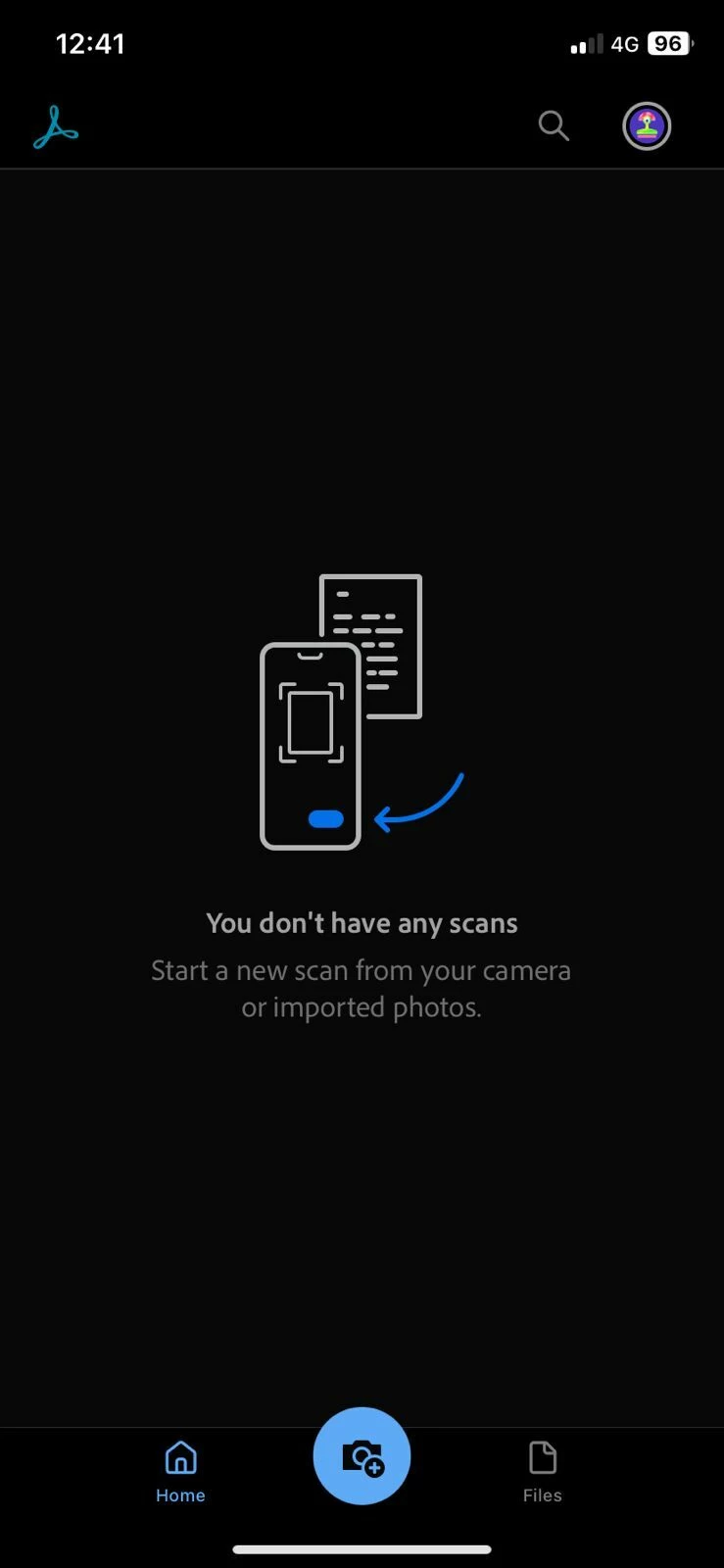
All scans disappeared!

  • April 7, 2026
  • 1 reply
  • 30 views

7th April, 2026.

I have read similar requests and tried the steps offered but still cant find my documents. I used the app for more than 3 years but All scans disappeared from my phone app, and desktop as well. I need assistance asap!
 

    1 reply

    Amal Jaiswal
    Community Manager
    Community Manager
    April 7, 2026

    Hi there, 


    Hope you are doing well and thanks for reaching out.


    Your scanned documents might be missing due to app crashes, syncing issues, or because you are logged into a different account. To resolve this:

    • Ensure that you are logged into the same account on both Adobe Scan and Adobe cloud storage. Learn how to solve Adobe account sign-in issues.
    • Ensure correct account access when logging in with Apple ID.
      When you hide your email when logging in with Apple ID, a masked address creates a separate account, leading to potential confusion. To avoid this, show your original email to link existing accounts, or remember your login choice.
    • Visit Adobe cloud storage and go to Documents > Scans to check if your documents are saved there.


    For more information please check the help page https://helpx.adobe.com/mobile-apps/help/adobe-scan-faq.html 


    Regards

    Amal