
Participant
January 8, 2020
Answered

Can’t share my pdf files to my Facebook page

  • January 8, 2020
  • 1 reply
  • 2145 views

Hi, new forum user here. 
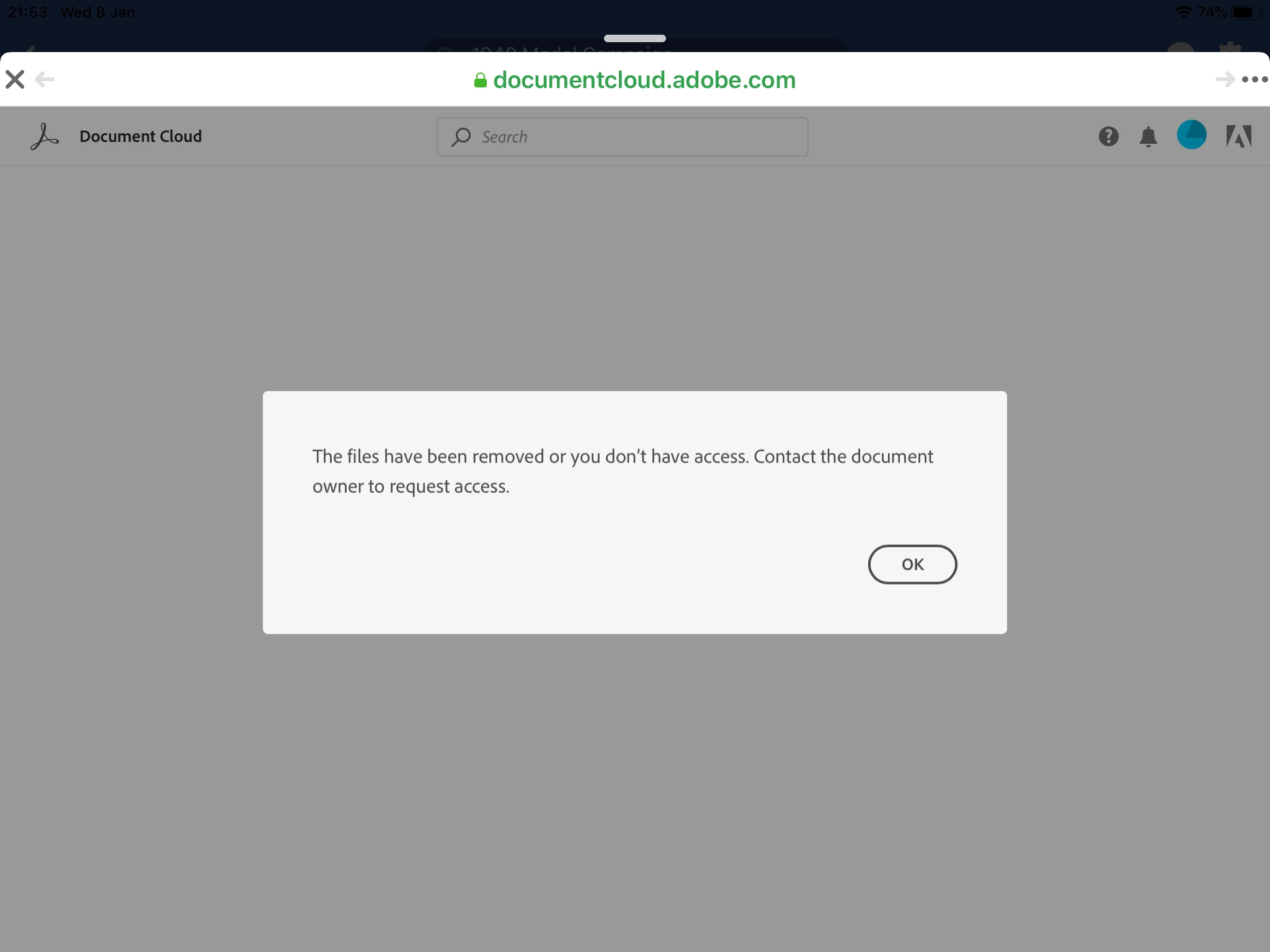
I'm having an issue at the moment where I have tried to share pdf files from my document cloud to my Facebook page. I can open the pdf, click share and create a link to the file and then paste it into a Facebook post. However if I click on the link or if any page visitors click it we get an error message (see screenshot below). 
I tried restarting my device - no change. I signed out of my Adobe account and signed back in and this fixed one file link but when I repeated the process with another file I get the error message again. Can anyone help resolve this issue please? 
 

This topic has been closed for replies.
Correct answer Incredibledisc

Hi, thanks for responding to my query. 

After some investigation I have resolved the issue. It would seem that my document storage cloud was at capacity and after deleting some files I am now able to share stored pdfs.


regards

1 reply

Meenakshi Negi
Community Manager
Community Manager
January 20, 2020

Hi there,


Sorry for the delay in response.


As you have mentioned above, you are not able to open the PDF shared on Facbeook using the option share > Create a link on Document Cloud.

Did you check if the issue occurs with any PDF that you try to share? It would be helpful if you can share a video of the issue occuring on your end.

Also, try to copy and paste that link on any alternate browser and check it opens the PDF or not.

Did you check if the issue occurs on the desktop machine?


Let us know if the issue is already resolved.


Regards,

Meenakshi


IncrediblediscAuthorCorrect answer
Participant
January 22, 2020

Hi, thanks for responding to my query. 

After some investigation I have resolved the issue. It would seem that my document storage cloud was at capacity and after deleting some files I am now able to share stored pdfs.


regards