


Cleanup not saved properly
After I made some cleanups on the scanned document and then press 'save pdf' button, a pdf file is successfully saved.
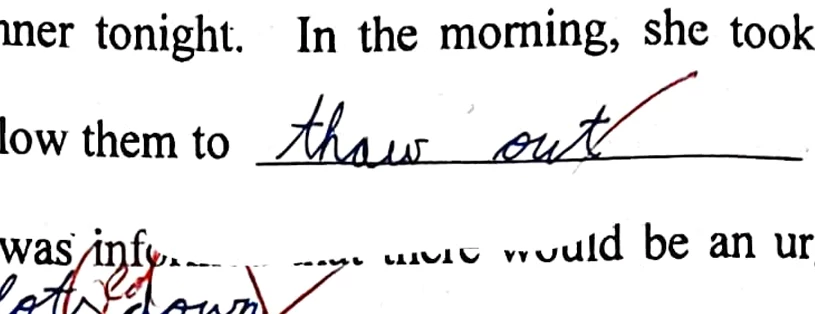
However, when I open the pdf file, the cleanup patches are dislocated i.e. the parts that I want to remove is not fully covered, while some other parts which I want to show are covered.
When I open the document in the app, press 'modify scan', the locations of those cleanup patches looks fine. They cover the intended areas.
I tried various ways to scan that page, including: taking photo within the app, and taking the photo outside the app then import... all doesn't work.
e.g. the cleanup within app: the answer above the line is 'cleaned'
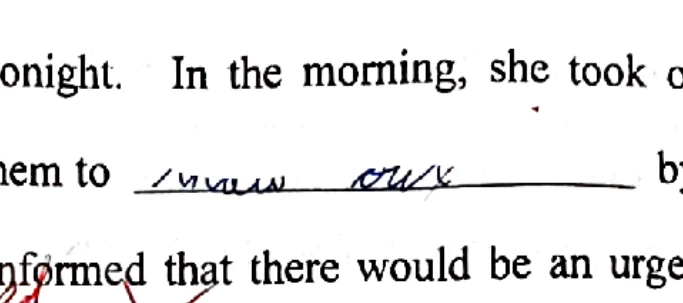
What I get in the pdf file: the cleanup dislocated
Has anyone encountered the same issue?


 AdChoices