Inspiring
April 16, 2025
Answered

Copy from editable text box to iOS Notes outputs nothing

  • April 16, 2025
  • 1 reply
  • 433 views

Correct answer creative explorer

@Sunny233119449b32 sorry, but your original post, did ask anything about: Did you have sucess with bilingual which is my typical document need scanning?' 

Your question was: Copy from editable text box to iOS Notes outputs nothing
 

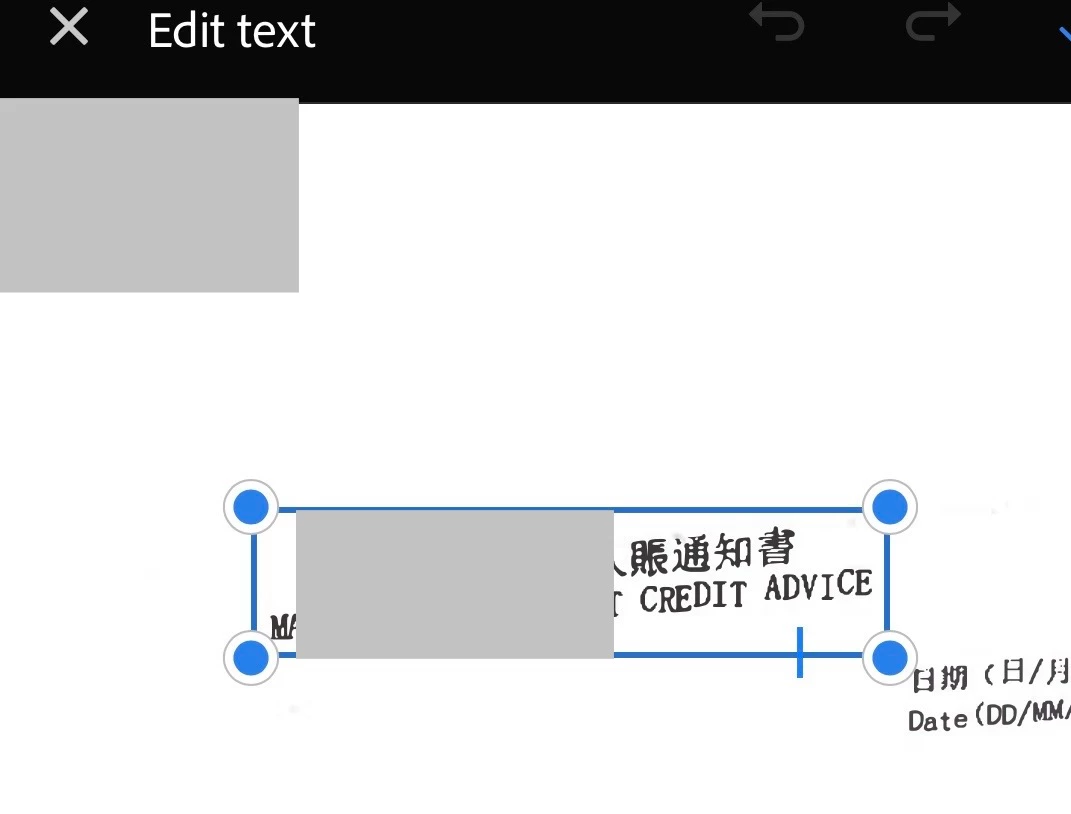
  1. How I edit my scans is to opened the scan in Adobe Scan. 
  2.  Select 'Edit text' 
  3. Save to edit text. Tap Continu to save as a PDF and edit its text. Tap Cancel to add more pages or modify your scan. 
  4. Click on Continue
  5. It will Make text editable
  6. Go ahead and 'edit' the PDF
  7.  Click on the 'checkmark' to accept the changes
1 reply

creative explorer
Community Expert
Community Expert
April 17, 2025

@Sunny233119449b32  It sounds like there might be an issue with how Adobe Scan is interacting with the iOS clipboard or the Notes app specifically when trying to copy from an editable text box. A potential solution is to first ensure that both Adobe Scan and iOS Notes have the necessary permissions, particularly access to the clipboard. You can check this in your iPhone's Settings under Privacy & Security. If permissions are enabled, try a simple restart of your iPhone, as this can often resolve temporary software glitches that might be interfering with the copy-paste functionality. Additionally, try copying from a different editable text box within Adobe Scan or to a different application on your iPhone (like Messages or Mail) to see if the issue is isolated to Notes. If copying works elsewhere, the problem might be specific to the interaction between Adobe Scan and Notes, and ensuring you have the latest versions of both apps installed from the App Store could help resolve any compatibility issues. As a workaround, you could try sharing the scanned document as a PDF and then using the text selection tool within the PDF in Notes (if available) or another PDF reader to copy the text, though this adds an extra step.

m
Inspiring
April 17, 2025

Thanks but I cannot find

  1. privacy setting disabled as follows.
  2. restart as solution
  3. same issue with other documents scanned
  4. latest Adobe version as per app store
  5. i am now on iOS 18.4.1. 

    Did you have sucess with bilingual which is my typical document need scanning?
creative explorer
Community Expert
creative explorerCommunity ExpertCorrect answer
Community Expert
April 24, 2025

@Sunny233119449b32 sorry, but your original post, did ask anything about: Did you have sucess with bilingual which is my typical document need scanning?' 

Your question was: Copy from editable text box to iOS Notes outputs nothing
 

  1. How I edit my scans is to opened the scan in Adobe Scan. 
  2.  Select 'Edit text' 
  3. Save to edit text. Tap Continu to save as a PDF and edit its text. Tap Cancel to add more pages or modify your scan. 
  4. Click on Continue
  5. It will Make text editable
  6. Go ahead and 'edit' the PDF
  7.  Click on the 'checkmark' to accept the changes

m
