This topic has been closed for replies.

1 reply

S_S
Community Manager
Community Manager
December 8, 2022

Hi @Năpăruș274861923i6y,


Hope you are doing well. Sorry for your experience with Adobe Scan.


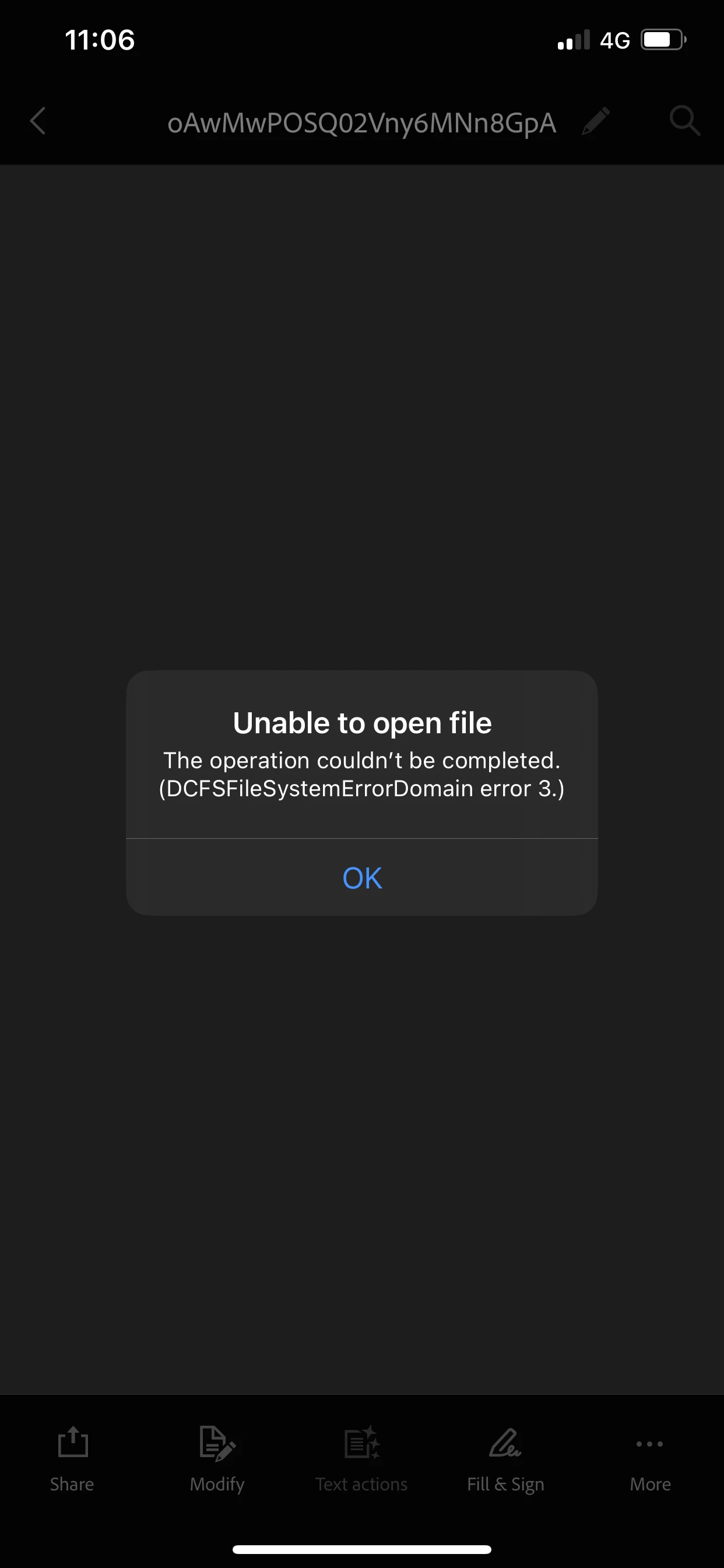
Do you face this issue with every file you try to open or with a specific file?


What we'd suggest is to try scanning a new file and then check if it opens. If it does not, try uninstalling and then reinstalling the application.


*Note: Before reinstalling, please back up your data for Adobe Scan. (You may log in to https://acrobat.adobe.com/link/documents/home/ and download the Adobe Scan folder to your local storage.)


Hope this helps.


-Souvik.

S_S
Community Manager
Community Manager
March 15, 2023

@Năpăruș274861923i6y Would you mind trying the latest version of Adobe Scan and let us know if you still experience the same?


-Souvik.