
Question
Discoloration in documents scanning with iPhone 7
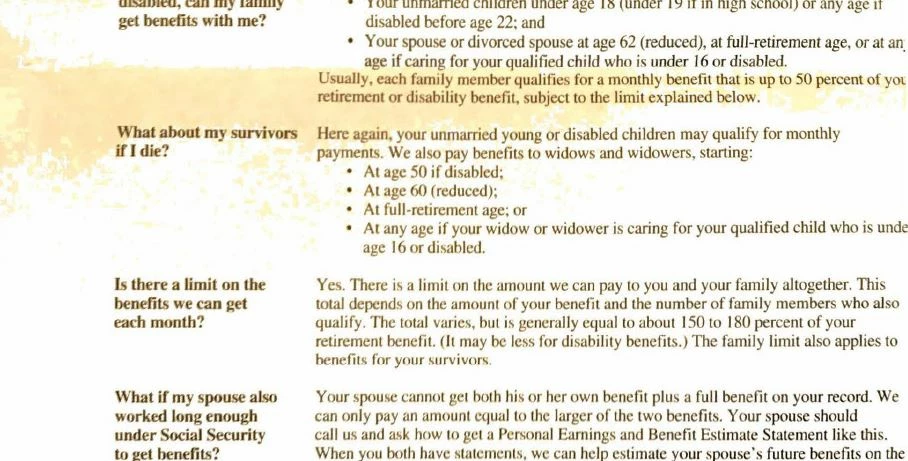
When scanning documents with my iPhone 7, I'm getting discoloration in the scan that isn't in the original document. It isn't a shadow or variation in the document itself that I can tell. It happens frequently for me. See below for example.
Could this be caused by the app trying to apply Auto Color or Grayscale? If so, would scanning everything as Original Photo help? What is the default - is it always Auto Color unless I edit the scan to change it?
As far as I know, I don't get this effect taking photos with the camera, so I don't think it is a camera problem, but I'm open to that possibility too.


 AdChoices