


Participant
June 21, 2018
Question

Email verification problem

  • June 21, 2018
  • 3 replies
  • 4559 views

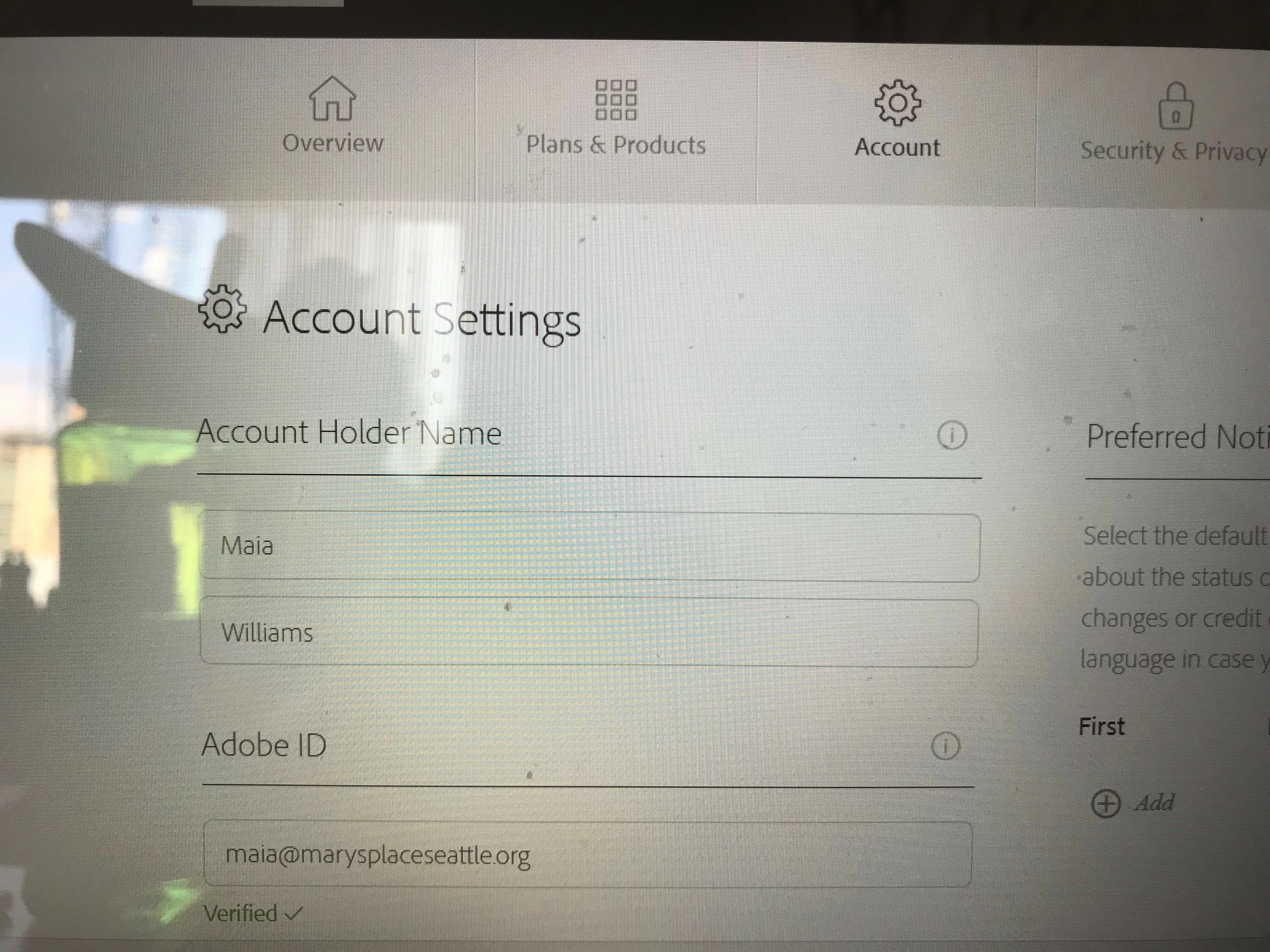
I've been happily using Adobe Scan for iOS since February 2018 with no problems. This week it started giving me an error message stating that my email is not verified and I should check my email for a verification link. There is no way to request a new email with a verification link. Also, I have already verified email! Online, it states that my email is verified. I have tried deleting and downloading the app again with no luck. I normally use this app throughout the day to scan, and can no longer do so as I cannot access the scans. My new scans are not showing up on my online account, so the only access I have to them is through the app.

How can I get the app to realize my email is verified????
This topic has been closed for replies.

3 replies

Participant
July 12, 2018

I am having the same problem. And I confirm that I didn’t change any settings or use a different email address. Like others in this thread it just started happening after being able to do it successfully since I first installed months ago.

Meenakshi Negi
Community Manager
Community Manager
July 18, 2018

Hi All,

Sorry for the delay in response.

Could you please confirm if the error message only appears when you try to share the PDF using "Email" option.

Also, let us know if you are using the same email account on your device that you have verified on Adobe.

Regards,

Meenakshi

Participant
July 19, 2018

Hi Meenakshi,

I just checked and I receive the error message if I try to "share link" or "email" the scan. The only way to get around the bug is to select "share a copy."

To clarify my earlier comment, the email on my device is my alternate email on my Adobe account, which--according to my online account with Adobe--is listed as verified (as is the primary email). Additionally, I was using this device, email, and app combination to send scans to my primary email for 4 months before it became a problem.

Hope this helps.

Maia

Participant
July 2, 2018

Hi, I cas exactly getting the same problem with the same error message, and I’ve finally found a solution.

Go on the webpage https://accounts.adobe.com/account and see the settings of your account, you can regenerate a new link to verify your account!

By this way, the pb will be solved.

Participant
July 4, 2018

Thanks for the suggestion! The problem is that, since my profile lists my email as verified, I don't have an option to re-send a verification link.

Meenakshi Negi
Community Manager
Community Manager
June 22, 2018

Hi Maiaw,

As you get the error message to very the email, did you make any changes recently to the account?

Can you share the screenshot of the screen when you receive the error message?

Please let us know when exactly do you get this error message.

Does it appear when you open the application or when you try to email the scanned file?

Please also share the application and OS version installed on your device.

We will be waiting for your response.

Regards,

Meenakshi

Participant
June 22, 2018

I am getting the exact same message.  I have confirmed, by logging into my Adobe app on my computer, that my email is verified.  I just started receiving this error message this week.

No matter what I do (deleting the app, restarting the app, etc.), I keep getting a "email unverified.  Please check your email address" message.  I am using iOS 11.4 and Adobe Scan version 18.06.19.

Help!