This topic has been closed for replies.

1 reply

S_S
Community Manager
Community Manager
November 15, 2023

Hi @Aditya336238774wk4,


Hope you are doing well. Thank you for writing in!


Please try the below steps once: 

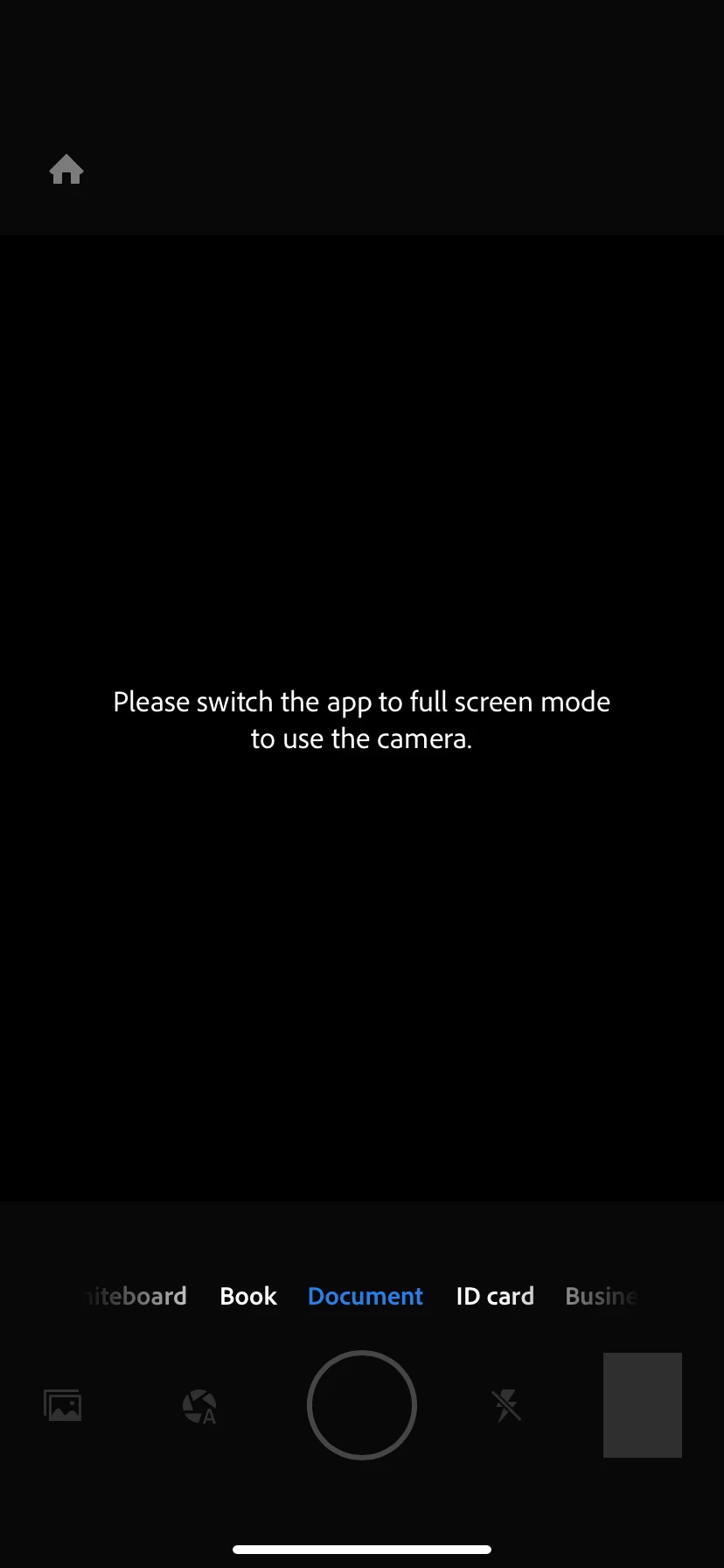
Go to Settings -> Display & Brightness. Then go to the bottom to the Display Zoom. 

Change the view . First select  Larger text then click on done , again go to same option and select default then click Done 


Once done, try using the app again.


Hope this helps.


-Souvik

Participant
November 15, 2023

It's working but my entire phone's font has become larger. Not sure why I need to change that to fix one app? Is there any other solution?

S_S
Community Manager
Community Manager
November 16, 2023

Hi @Aditya336238774wk4,


Please revert back the changes that you made and it should be fine. 


The issue here was with the iOS 17 update which had issues with the iPhone's camera in general. 

I had the same issue with other camera apps and the next patch update fixed it but the steps had to be done still.


-Souvik