Participant
April 22, 2025
Answered

How do I disable print notifications?

  • April 22, 2025
  • 2 replies
  • 226 views

Hi, I'm going crazy with this Pringting notification from Adobe Scan App.  What is "click the gear icon" means?  How do you do this?  I tried to put my finger onthe notification and slide it up and nothing happens. Am I doing it wrong?

Correct answer creative explorer

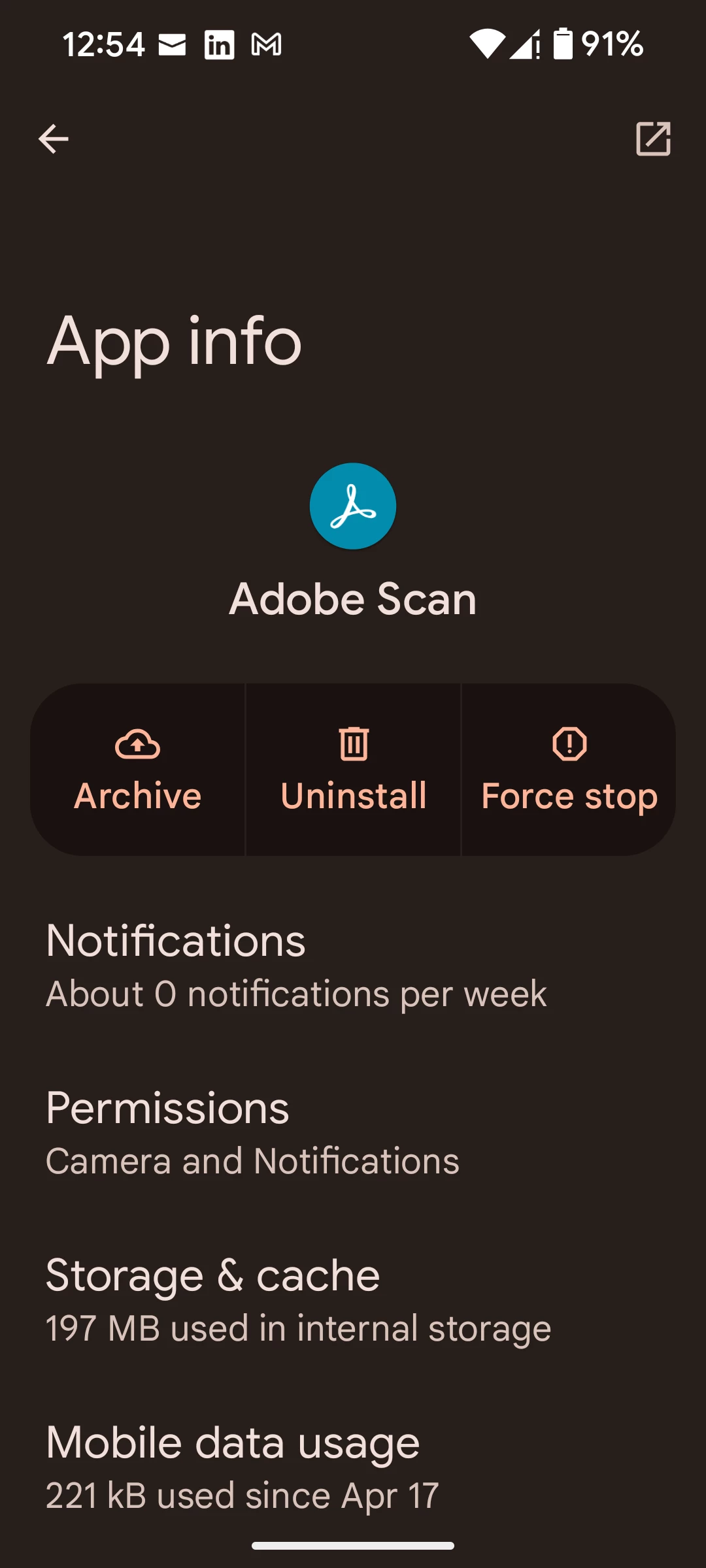
@Exciting_hearted7240 on your mobile device, click and hold on the Adobe Scan favicon, and an 'App Info,' and 'Pause app' will show up. Click on the 'App Info', and you will see 'Notifications'


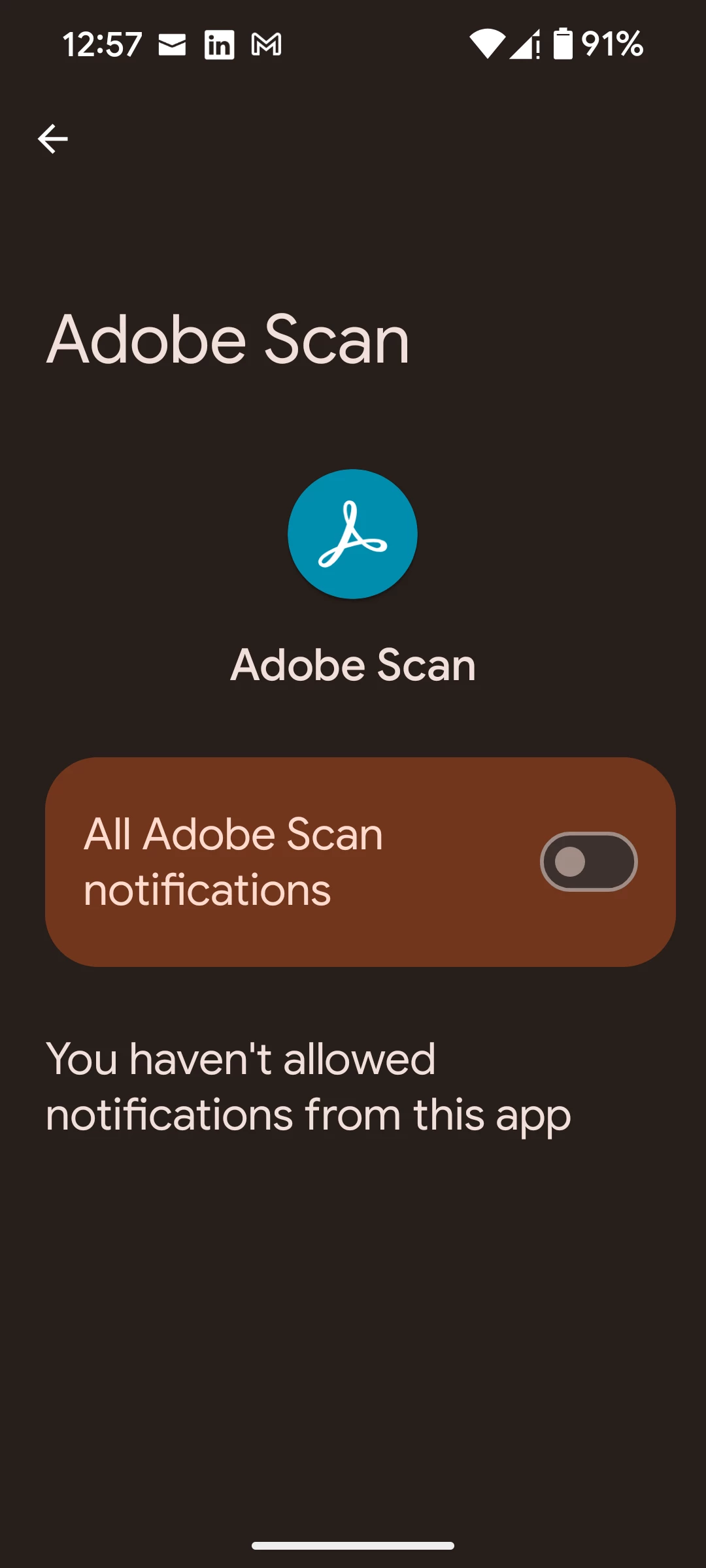
Click on Notifications and move the slider to the right, and turn off the 'All Adobe Scan Notifications'


2 replies

creative explorer
Community Expert
creative explorerCommunity ExpertCorrect answer
Community Expert
April 22, 2025

@Exciting_hearted7240 on your mobile device, click and hold on the Adobe Scan favicon, and an 'App Info,' and 'Pause app' will show up. Click on the 'App Info', and you will see 'Notifications'


Click on Notifications and move the slider to the right, and turn off the 'All Adobe Scan Notifications'


m
Amal.
Community Manager
Community Manager
April 22, 2025

Hi there,

Hope you're doing well, and thank you for reaching out.

In order to better understand and assist you with the issue, could you please provide a bit more detail? It would be helpful to know:

  • The exact steps or workflow you're following when the issue occurs

  • Any specific error messages or unexpected behavior you're encountering

  • A screenshot or a short video recording demonstrating the issue as it happens

This additional information will help us investigate the problem more effectively.