ShirleyYouJest
Inspiring
October 1, 2023
Question

Markups are missing

  • October 1, 2023
  • 1 reply
  • 627 views

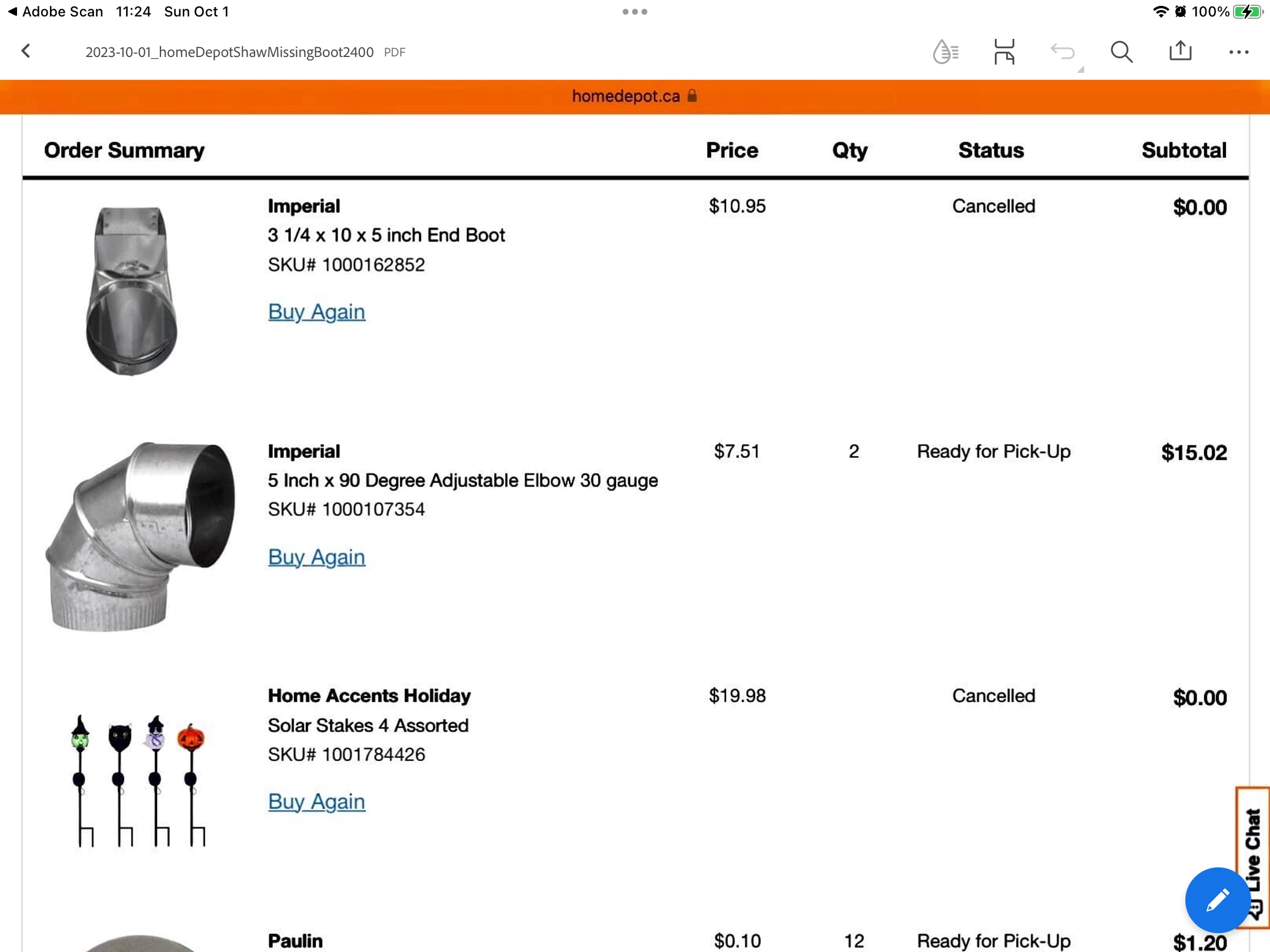
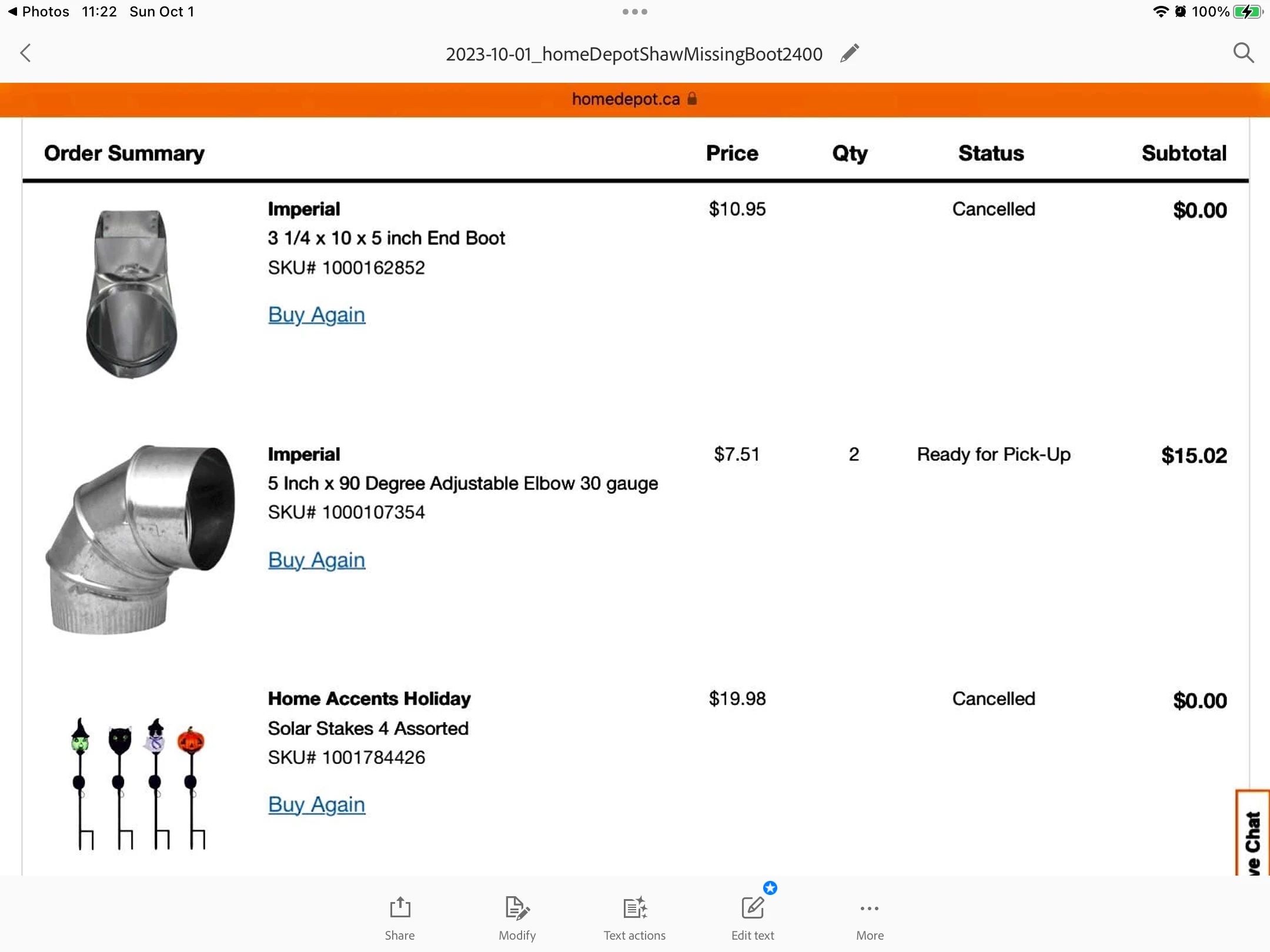
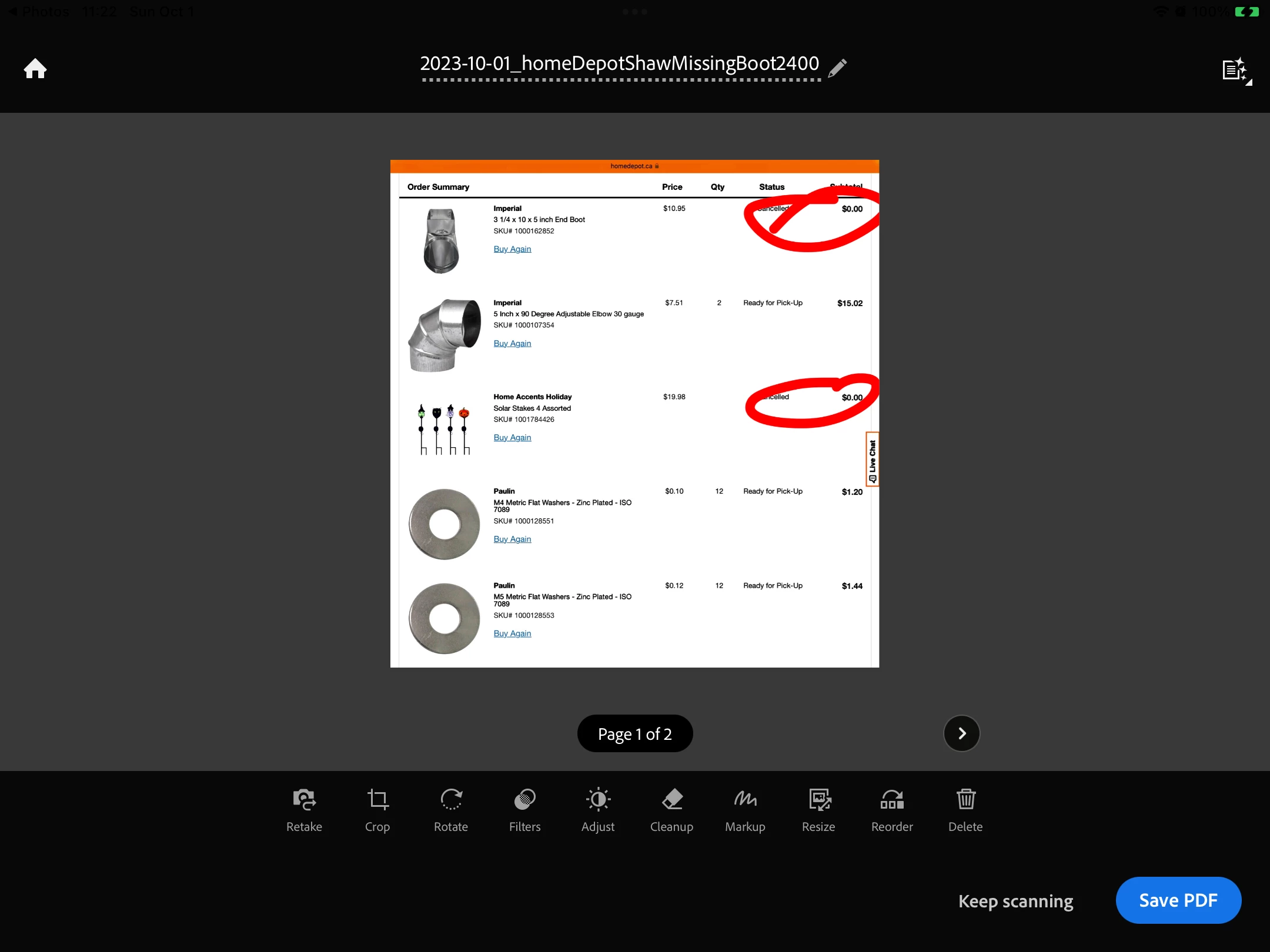
Why is markup not working?  It used to.  Here is my file after markup in the main screen of scan  second pic is in edit mode.  Markups showing but they don't show in final document.  Tested to see if it was just a display issue in scan by sharing doc to adobe reader.  Still no markups??
This topic has been closed for replies.

1 reply

S_S
Community Manager
Community Manager
October 1, 2023

Hi @ShirleyYouJest,


Hope you are doing well. Sorry for your experience with Adobe Scan.


I tried using the same workflow, but it worked fine for me. Would you mind sharing a few pieces of information for further investigation:

1. The app version of Adobe Scan (go to Home-> Profile-> About Adobe Scan);

2. The iPadOS version of your device;

3. A screen recording of the event for better understanding.


Look forward to hearing from you.


-Souvik

ShirleyYouJest
Inspiring
October 2, 2023

V.23.09.12
Gen 7 iOS 16.6.1

Here are two videos.  I had already deleted the original screenshot where I had the issue.  I tried mark up on another and it worked but initially didn’t look like it did as you will see in the video 6.8mb, using a screenshot of my entertainment apps folder.  When i first sent the pdf to files, the image in adobe scan doesn’t show the markup but it does show in the pdf and in the image when I went back to scan.

I recovered the original file and tried markup on it but it still doesn’t show?  That is in the larger video, of a Home Depot order.


S_S
Community Manager
Community Manager
October 3, 2023

@ShirleyYouJest Thank you for sharing the details.


I have forwarded the event details to the dev team for further insights.


I will get back to you once I hear back from them.


-Souvik