

Participant
March 21, 2021
Question

Not clean and white
  • March 21, 2021
  • 1 reply
  • 297 views

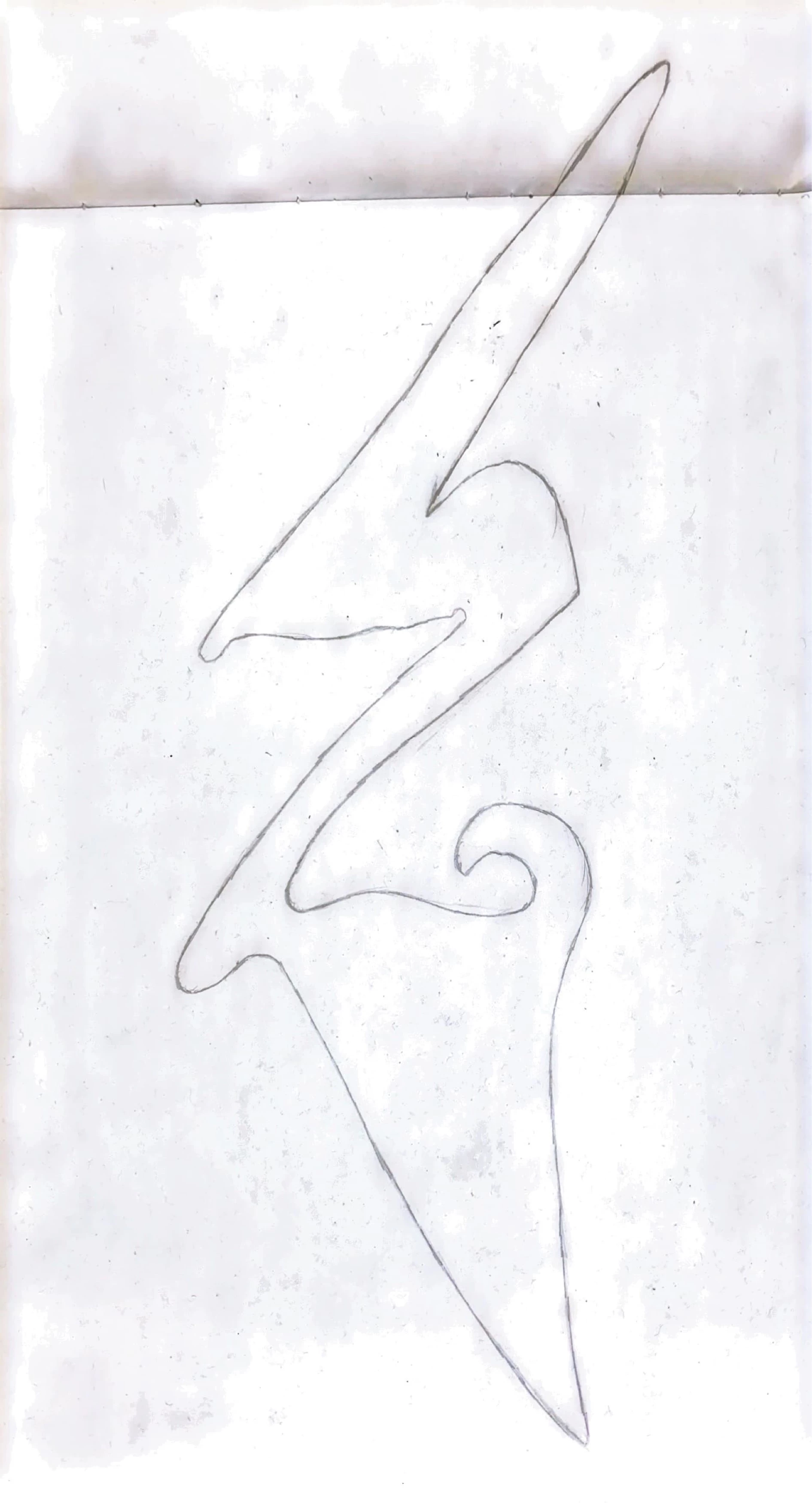
 I scanned this white paper but end up getting extra dirty things on my paper and I tried with Microsoft lens and was clean. 

This topic has been closed for replies.

1 reply

Ria Tagra
Inspiring
March 22, 2021

Hi zakaria5CE7,


Hope you are doing well.

Sorry for such an experience. Please help me with few details to understand your issue better.

  1. The version of the application?
  2. Make and model of your device?

Try to update the application. Reboot your device. Then make a test scan and please share the results with us.


You can also try using "Adjust the color"

While in Review mode, you can adjust the color of any page.

  1. Navigate to the page you want to modify.

  2. Tap color. 

  3. Choose your color options for the current page. You can:

    • Use the original color.

    • Use auto color to let the scan app make the adjustments.

    • Select gray scale to remove color.

    • Select whiteboard to increase the contrast.

  1. To apply the setting across multiple pages, enable Apply to all pages.


For more help refer to: https://www.adobe.com/devnet-docs/adobescan/ios/en/scan.html#adjust-the-color


Let us know how it works at your end. If you have any further queries please feel free to reach out to us. We would be more than happy to assist you.


Regards

Ria