
Question
OCR text is misaligned when selected
I recently scanned some files using Adobe Scan, but noticed that some of the pages were incorrectly oriented. I rotated all the pages so its all vertical before performing OCR in the app. However, when I open the files on my computer and try to select the text, the OCR'd text appears completely misaligned.
For context:
- The text i the book is horizontal, but when I select it, the selection doesn't match the actual text position
- I've attached two images and the file itself, one showing the selected text (highlighted in blue) and another showing the OCR results.
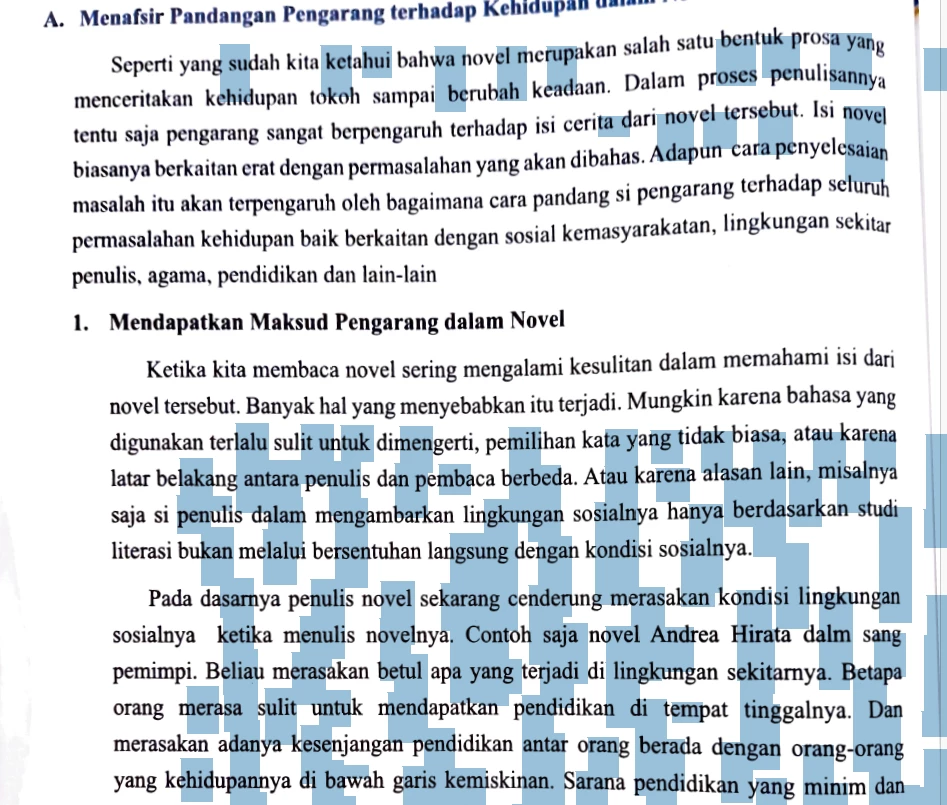
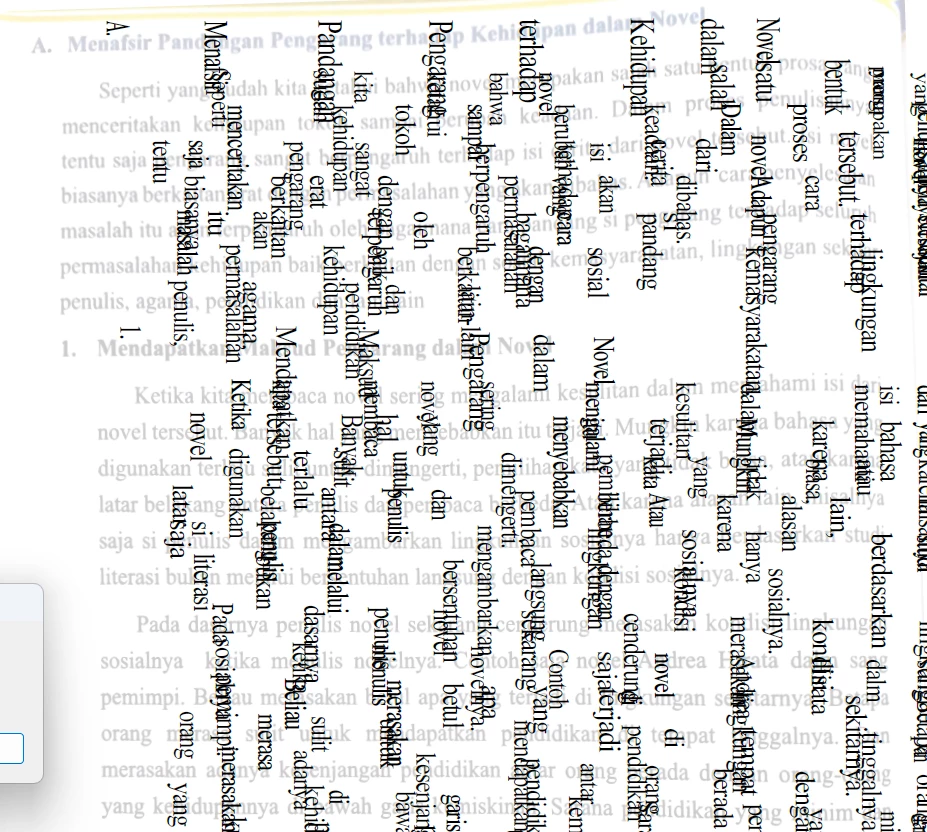
Has anyone experienced this issue before? Is there a fix or setting I might be missing?
Thanks in advance for any help!


 AdChoices