

OCR works only on printed documents, not on LCD display
Hi there everyone!
I've gleefully been using Adobe Scan to digitize business cards since it received the business card option, and it works quite well. However, I find myself wanting to scan e-mail signatures as business cards quite often, which works perfectly as long as they're printed on paper.
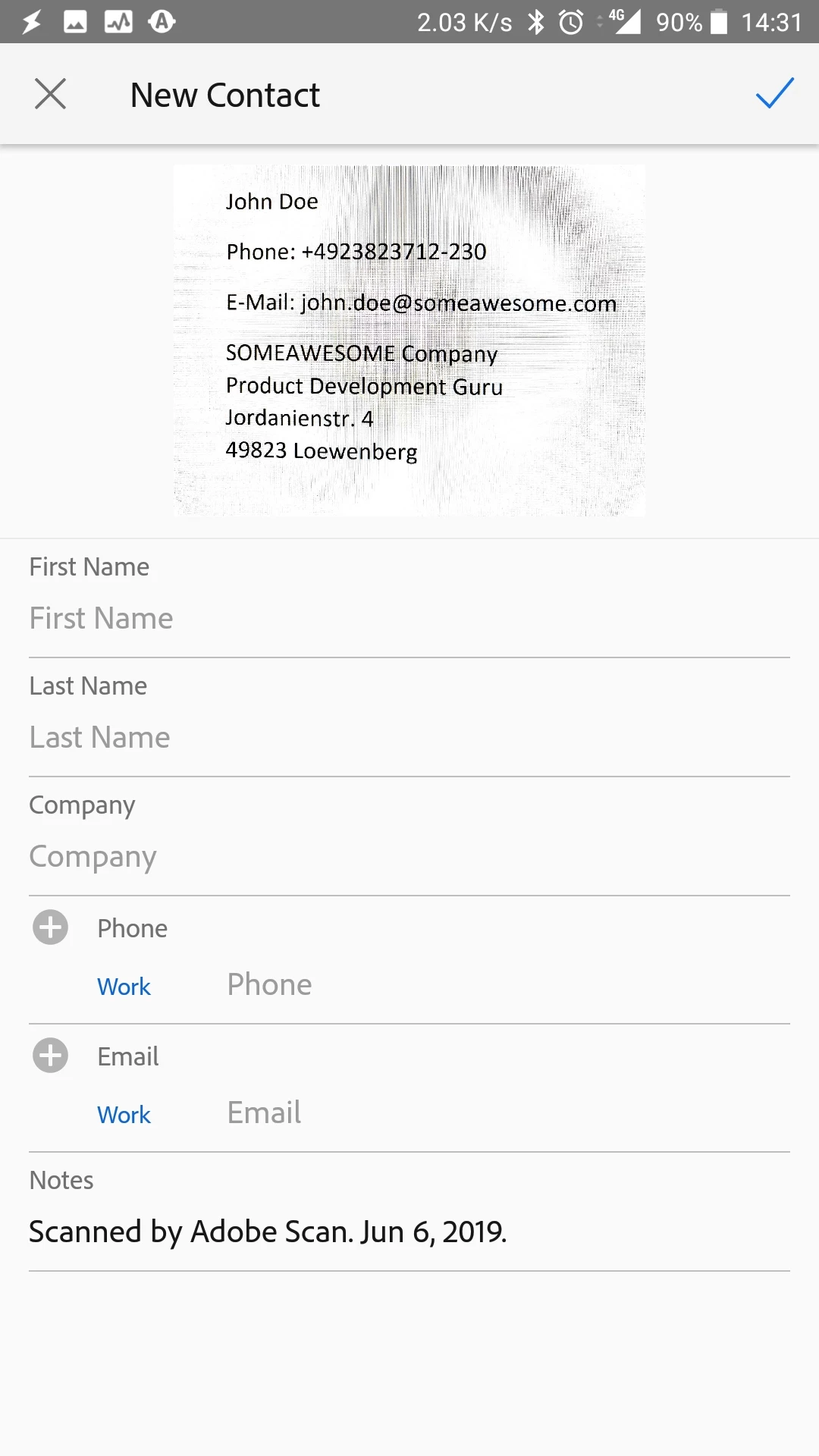
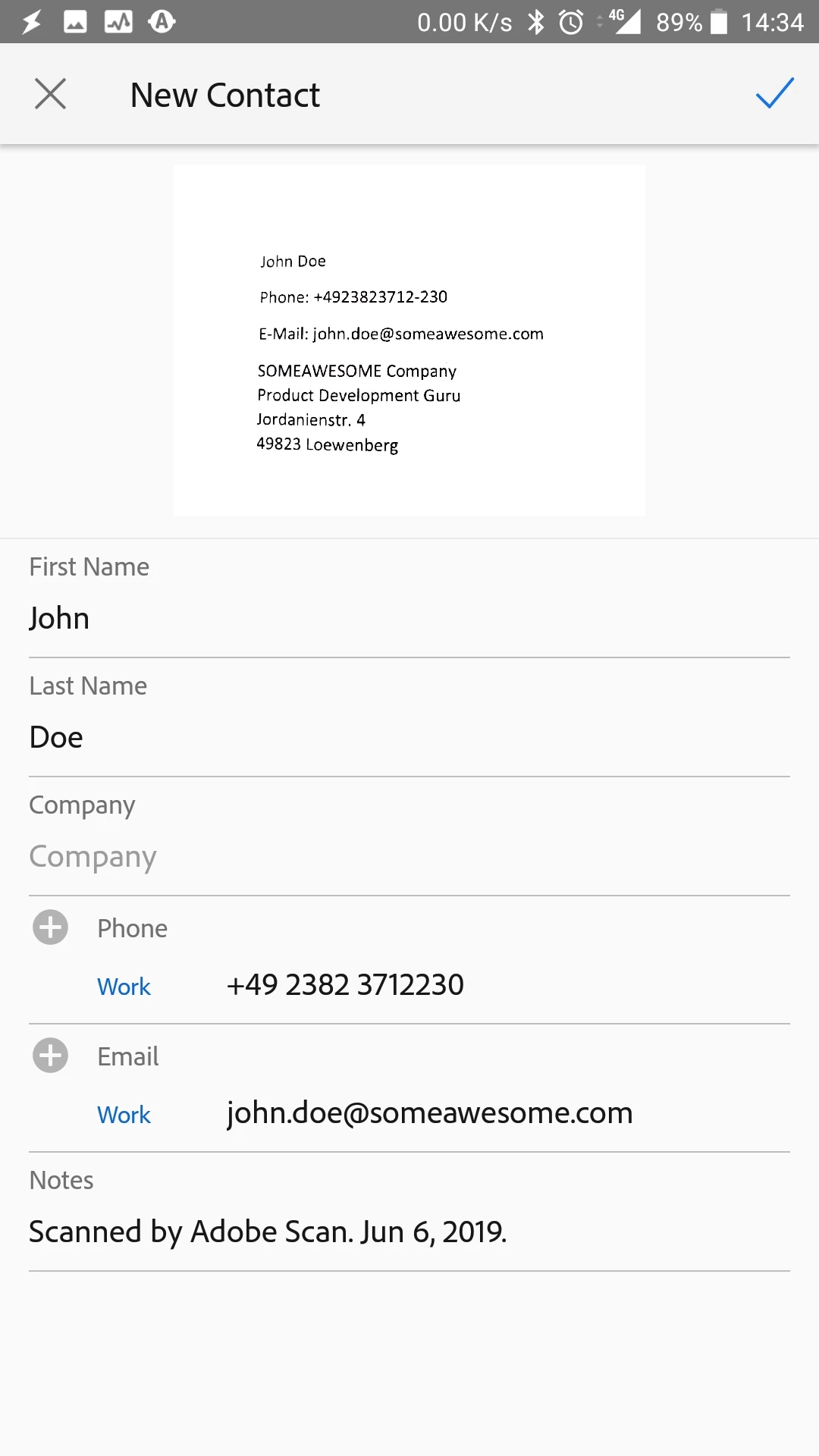
If I take a picture of the on-screen signtaure with Adobe Scan, the OCR recognizes nothing at all. If I print that same e-mail and scan off of paper, everything is recognized perfectly. The image taken directly off the screen is legible but has noticable moire, which I assume is the culprit. Even if I zoom in on the e-mail signature so that it fills an entire 24" monitor before taking a photo of it, Adobe Scan can't recognize it. I've tried a bunch of different LCDs and it's the same on all of them.
Any chance there might be a way to work around this issue? I'd really prefer not to print stuff just to turn around and digitize it again...
-edit- One workaround would be to take a screenshot of the e-mail signature on the phone itself - but I can't figure out how to tell Adobe Scan to recognize a gallery image as a business card - this option only seems to be available when using the camera to capture documents.
An example from my monitor:
Printed version:


 AdChoices