
Participating Frequently
November 19, 2023
Question

Paying for premium, app recognizes premium, but"Unable to upload more because exceeded free account

  • November 19, 2023
  • 1 reply
  • 1206 views

Hoping someone can please help with this saga!


I've been paying for premium for.... years. For about the last year (i haven't used the app much this year but thought it could at least keep my relatively insignificant amount of data) the app has given me this bizarre error message:
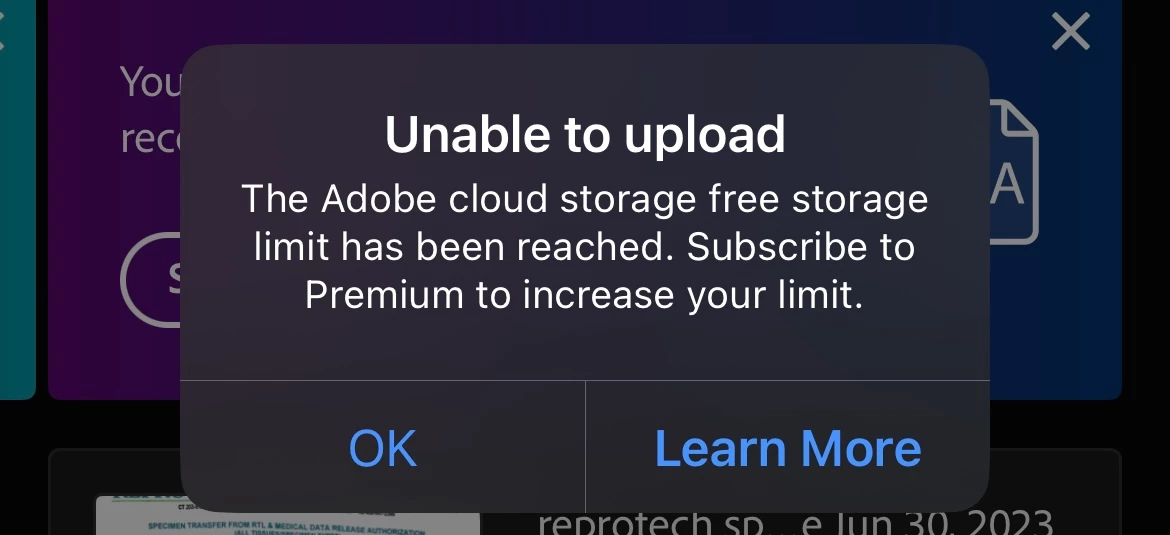
 

But it recognizes i have Premium:
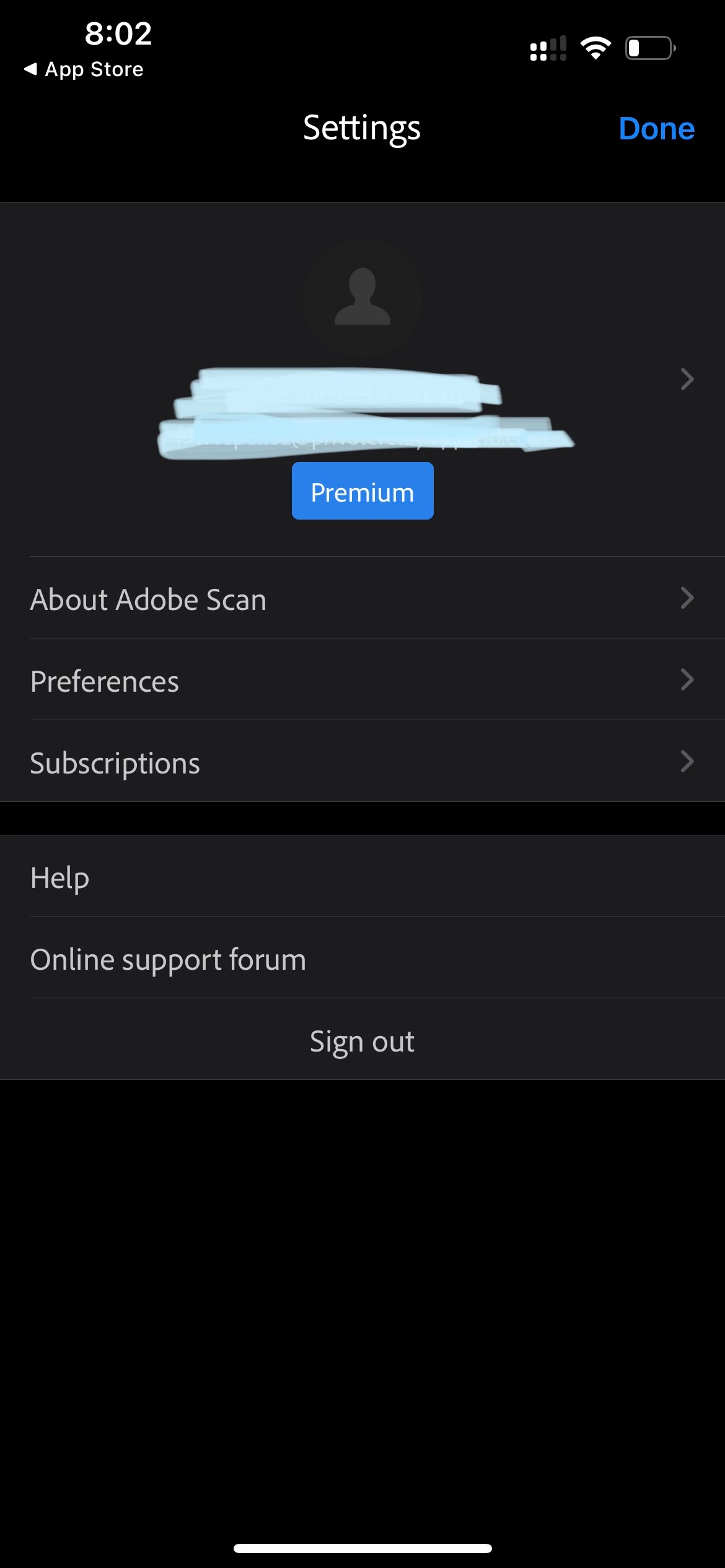
 
i have files that i kept uploading into the app, thinking it would resolve, but no, they keep pending.


i finally talked to adobe support. They had few ideas then said i needed to talk to Apple since the app was downloaded from the App Store. I talked to Apple support, and they said i needed to talk to Adobe. I talked to Adobe and their only idea was to delete the app, but i didn't want to lose those files forever. They "elevated me" to a higher level of support that could do nothing more, but required me talking to them on the phone for longer.

then i figured out a way to save all those, went through the hassle, deleted the app, and reinstalled it. Guess what, exact same error albeit with fewer files this time around.


 I'm pretty exhausted on this- i had a radical file loss previously with neat desk. I need a way to scan and store files.


 Anyway it seems that Adobe support may pay attention to these forums. Hopefully someone can help 🙏

This topic has been closed for replies.

1 reply

S_S
Community Manager
Community Manager
November 30, 2023

Hi @defaultxldf3moe1rlm,


Hope you are doing well. Sorry for your experience with Adobe Scan.


I checked with the support ticket, and the subscription details currently available on your account.


So, with Adobe Scan Premium, you do not get additional cloud storage and the limit comes down to 5Gb instead of the 20Gb with Acrobat Premium or Lightroom. 

This is the reason you are being shown the error. 


You might want to login to https://assets.adobe.com/files/ and try to delete a few files from your cloud drive or download them to your local storage as backup.

This will free up space for you to upload future files that you create using Adobe Scan.


Hope this helps.


-Souvik

Participating Frequently
December 2, 2023

Thank you, Souvik, but this is not helpful. As you can see in the original post (and copied below), my account both seems to give me the error that I've exceeded the "free storage" limit while ALSO seeming to show as if I've reached 100% of 20 GB. Nowhere does it imply 5GB as you're suggesting, which would be yet a third inconsistency!


 There's basically no chance I'm anywhere near 20GB. I have just 165 documents, most of them just one page. They would have to be more than 120 MB each which is ridiculous!


 I'm tired of being charged for a service I'm not receiving. I am also sad that my work in trying to secure my documents is effectively halted. Lastly, it's very frustrating to have adobe support bounce me around like this and ultimately force me to post in a "community forum" where no one can help. I need help NOW, please, please help or escalate to someone who can. Thanks in advance!


S_S
Community Manager
Community Manager
December 4, 2023

Hi @defaultxldf3moe1rlm,


Completely understandable!


But this has not exactly to do with documents. This can also be due to the fact about the Lightroom images that might have been stored in the backend server.


If you want to me get this checked with the backend team, please share your approval here on the reply so I can log a ticket.


Thanks,

Souvik