


Participant
July 5, 2021
Question

Unable to access my adobe scan account

  • July 5, 2021
  • 4 replies
  • 338 views

Hello!


I have an adobe scan account where i have uploaded copies of all my documents.

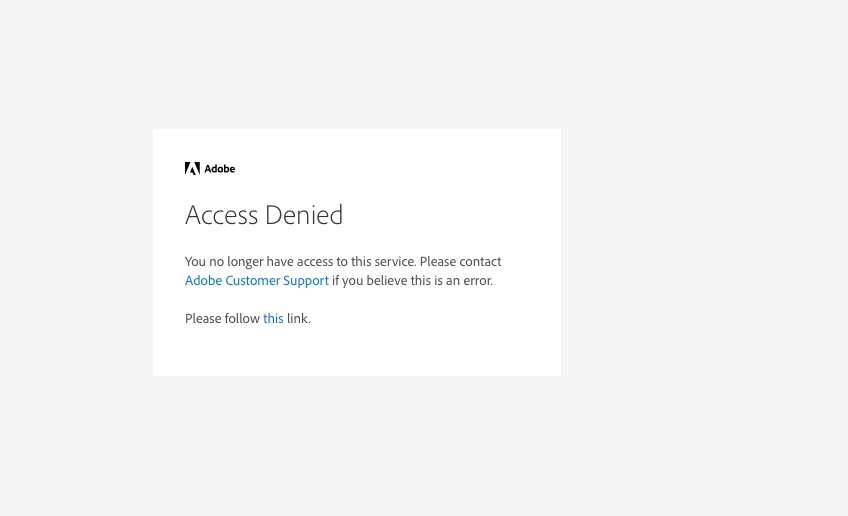
I am tried to access now but it says access denied - i attach the screen shot.

I tried to contact support, they told me chat and phone support is not available for adobe scan as it is free app.


I need to access all my scanned documents, they are extremilly important ones. what can i do?
This topic has been closed for replies.

4 replies

Participant
July 19, 2021

Make sure your online storage is not full.  If mine gets full it wont tell me, it just stops uploading documents.

July 13, 2021

But it happened before for me,but now its working.

Ria Tagra
Inspiring
July 9, 2021

Hi @Kanaylova15A8 


Hope you are doing well.


Thank you for posting your query here. Please help me with few details to understand your issue better.

  1. Make and model of your device?
  2. Application version?
  3. Are you trying login in Scan application in your mobile device or you are trying to sign in to Document cloud?


If the files were saved within the application, they are by default uploaded to Document Cloud.   

  1. Open Document Cloud and sign in with your Adobe ID and the password.    
  2. Then go to Files > Document Cloud > Adobe Scan folder.   
  3. Here you will see the Adobe Scan folder. Please look for your files here.   

Let us know how it works at your end. If you have any further queries please feel free to reach out to us.

Regards

Ria

Participant
July 5, 2021
No puedo entrar ami app de Facebook