Participant
September 30, 2021
Question

Unable to sign in on iOS 15

  • September 30, 2021
  • 3 replies
  • 646 views

After I upgraded to the latest ios 15 and with the latest app version available on the app store,  I am unable to get into the app.

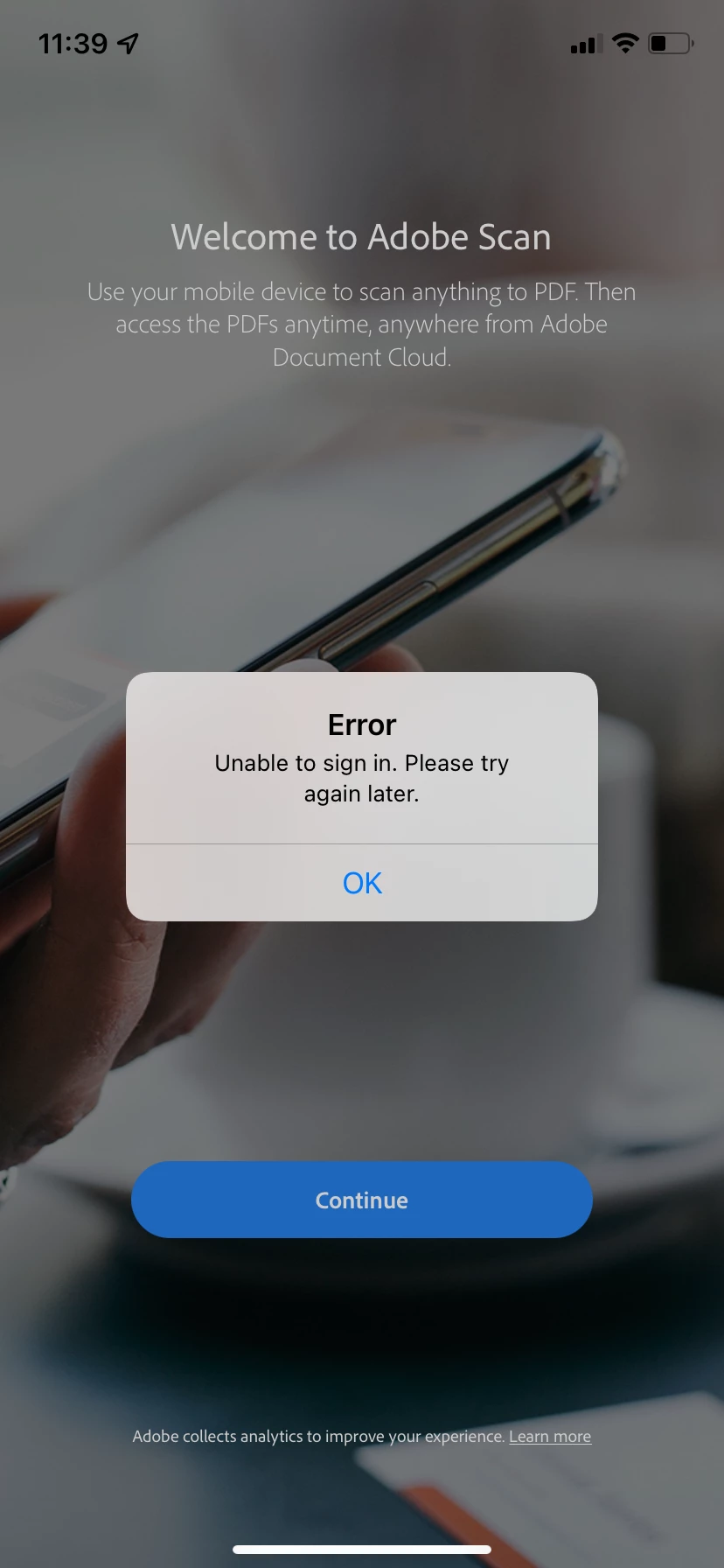
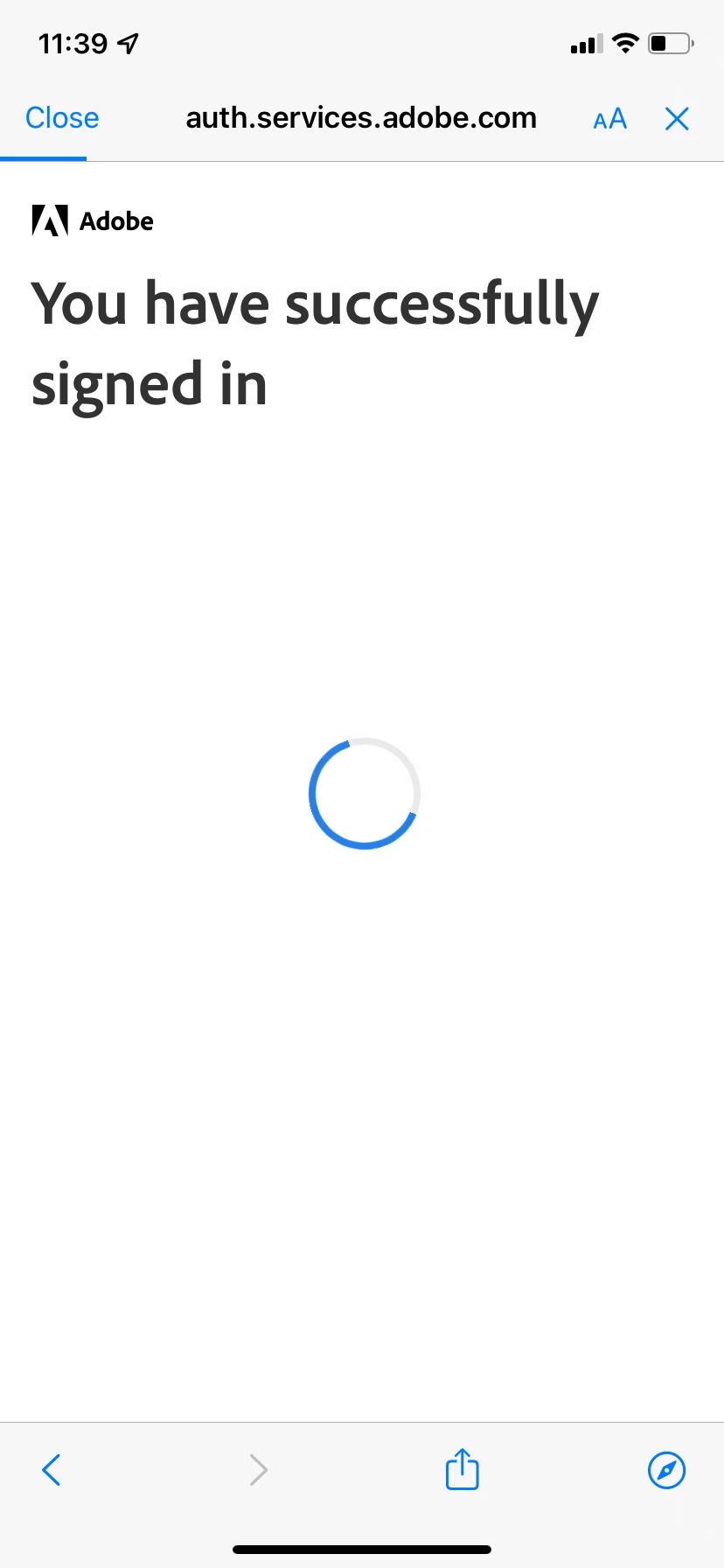
1. When I sign in. It shows - You are successfully logged in.

2. Then immediately shows - Unable to sign in. Please try again later.

3. The catch here is that I am able to login to the documentcloud and see my documents there.

4. I tried to login with other account id - got the same error.

5. I tried login in with my account on my other apple phone running on ios15 - got success.


What I already tried:

1. Restarting my phone.

2. Reinstalling Adobe Scan several times

3. Definitely looks like some version or cache problem in my apple iphone XR. Please help!!
 

This topic has been closed for replies.

3 replies

Participant
October 12, 2021

Hi, was wondering if you found a solution? I got the same issue. I am using an iPhone 11, Ios15 and when I try to sign in it won't work.

Participant
October 8, 2021

Same problem here.  Ios15 doesn't recognize Adobe on my iPhone. Has anyone found a solution?

Participant
October 8, 2021

Ria Tagra
Inspiring
October 4, 2021

Hi @Jubilant_Phoenix0D4D 


Thankyou for highlighting this, we will check this at our end and get back to you. Could you please provide few details asked below:

  1.  Exact version of application?
  2. Is your internet connection stable?
  3. Could you share the screenrecording while you sign in.
  4. Would you mind sharing your Adobe ID via Private message?


We will be waiting for your response. Once we've got that information from you, we can take a closer look.


Regards

Ria