




How to get started with the Photoshop workflow
See the full tutorial for how to get started with Substance 3D Viewer and Photoshop (Beta).
The Substance 3D Viewer (Beta) app comes with an integration to Photoshop (Beta).
- Download the latest version of Photoshop (Beta) (version 26.0.0 or later)
- Place a supported 3D file into a Photoshop document (you can use drag and drop or File > Place commands)
If Substance 3D Viewer isn't installed, you'll get a prompt to begin the download and installation.
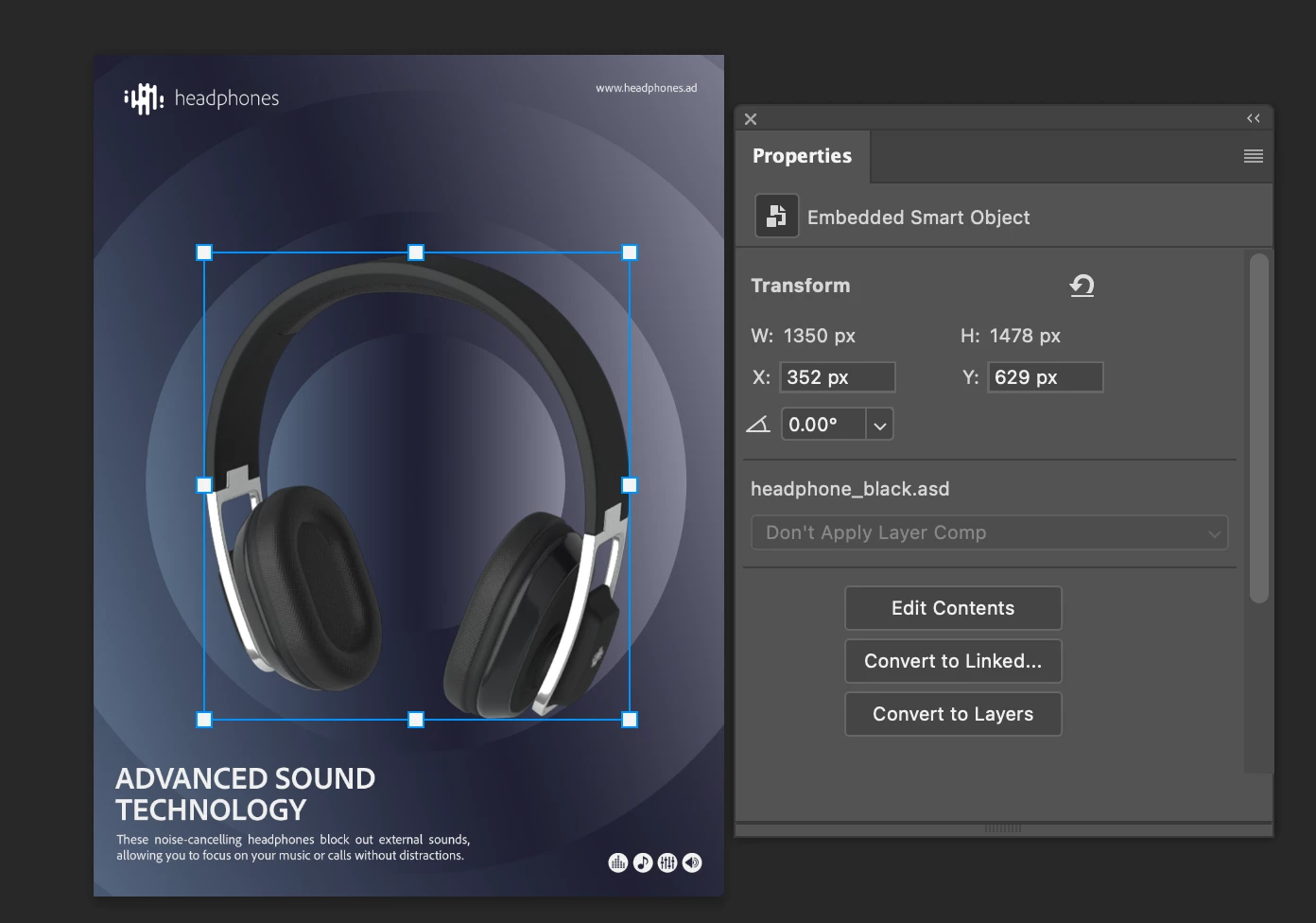
If Substance 3D Viewer is installed, then the Photoshop integration will immediately begin working. Placing a 3D file will call Substance 3D Viewer to place an embedded 3D Smart Object directly into your Photoshop document.
Edit the Smart Object layer by double clicking on the thumbnail or using the Edit Contents button in the Properties panel. This will start Substance 3D Viewer to begin editing the 3D files.
After making your changes in Substance 3D Viewer, you can use the To Photoshop button to send the changes back to Photoshop.
 AdChoices