


Participant
October 11, 2022
Answered

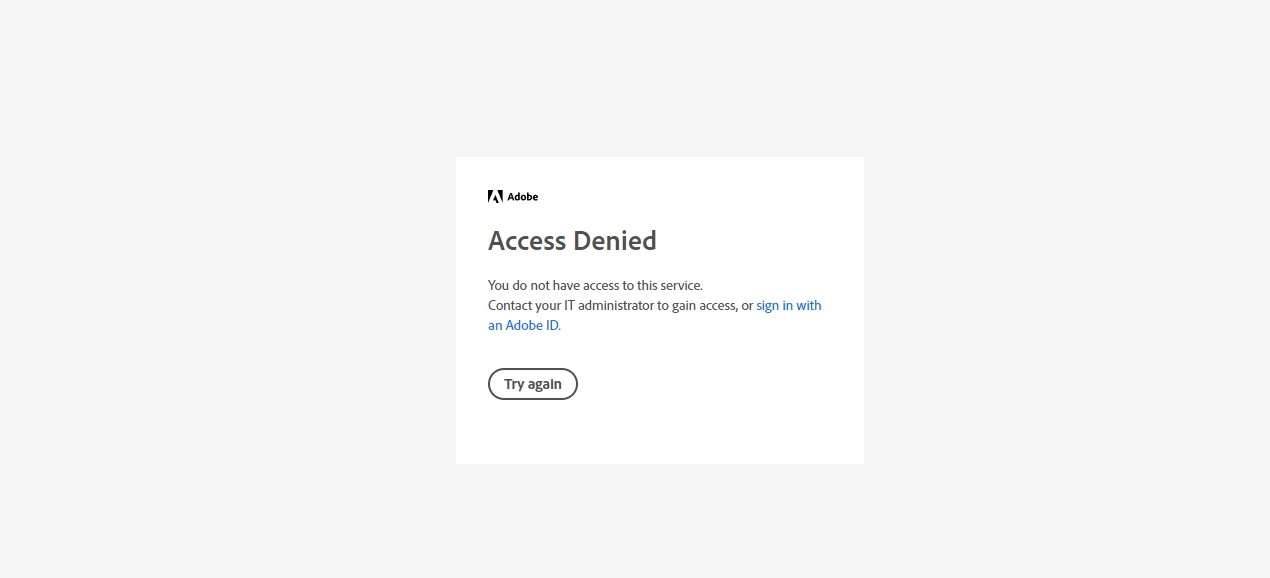
Invited people get "Access Denied" message

  • October 11, 2022
  • 2 replies
  • 861 views

I just got permission from the IT admin to share links "invite only" but when I invite my colleagues devs and POs to check the prototype they get the "Access Denied" message, and we are all from the same company and have the same e-mails ending. Please help I've been in this battle for 2 months already...


    This topic has been closed for replies.
    Correct answer Bel Fonseca

    I fixed it, Myra, thank you.

    The admin had to change some configurations. 🙂

    2 replies

    Participant
    February 21, 2023

    Hello Bel, I am facing the same problem. Can you share what was the fix for this issue?

    Participant
    February 22, 2023

    Sure 🙂
    It's like Myra said, the ones you invited must create an Adobe ID, just use the company's email and it should work 🙂

    Participant
    February 22, 2023

    Thanks Bel. Does all the invitees need to have an Adobe licensed account to view the shared prototype? Or just company email login is enough?

    Myra Ferguson
    Community Expert
    Community Expert
    October 11, 2022

    Have those who were invited signed in with their Adobe ID?

    Bel FonsecaAuthorCorrect answer
    Participant
    October 12, 2022

    I fixed it, Myra, thank you.

    The admin had to change some configurations. 🙂

    Myra Ferguson
    Community Expert
    Community Expert
    November 2, 2022

    I'm glad to hear your fixed it. Do you know what configurations the admin changed? It might help others who have the same issue.