Participant
November 17, 2025
Question

1 view not working

  • November 17, 2025
  • 2 replies
  • 62 views

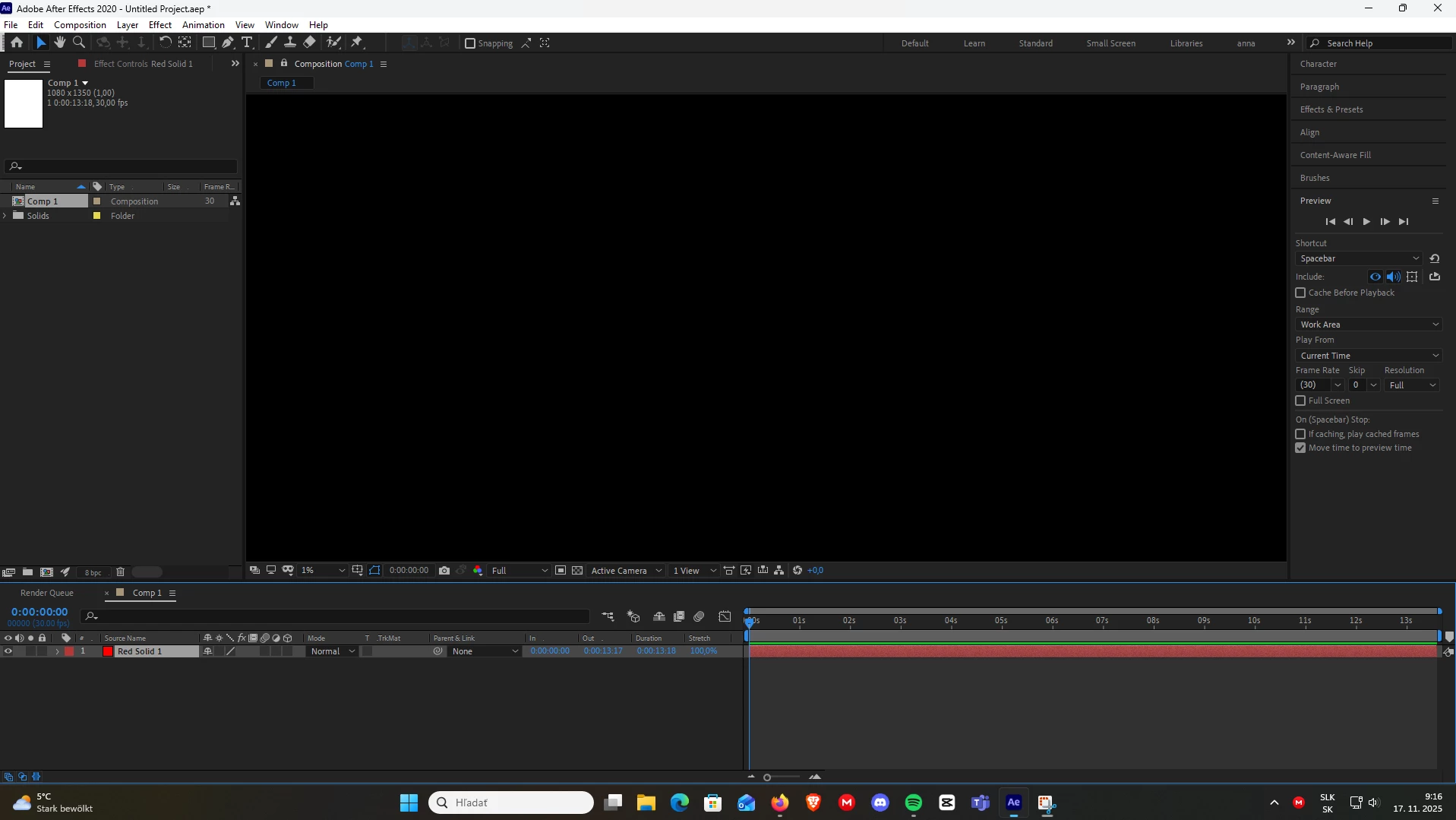
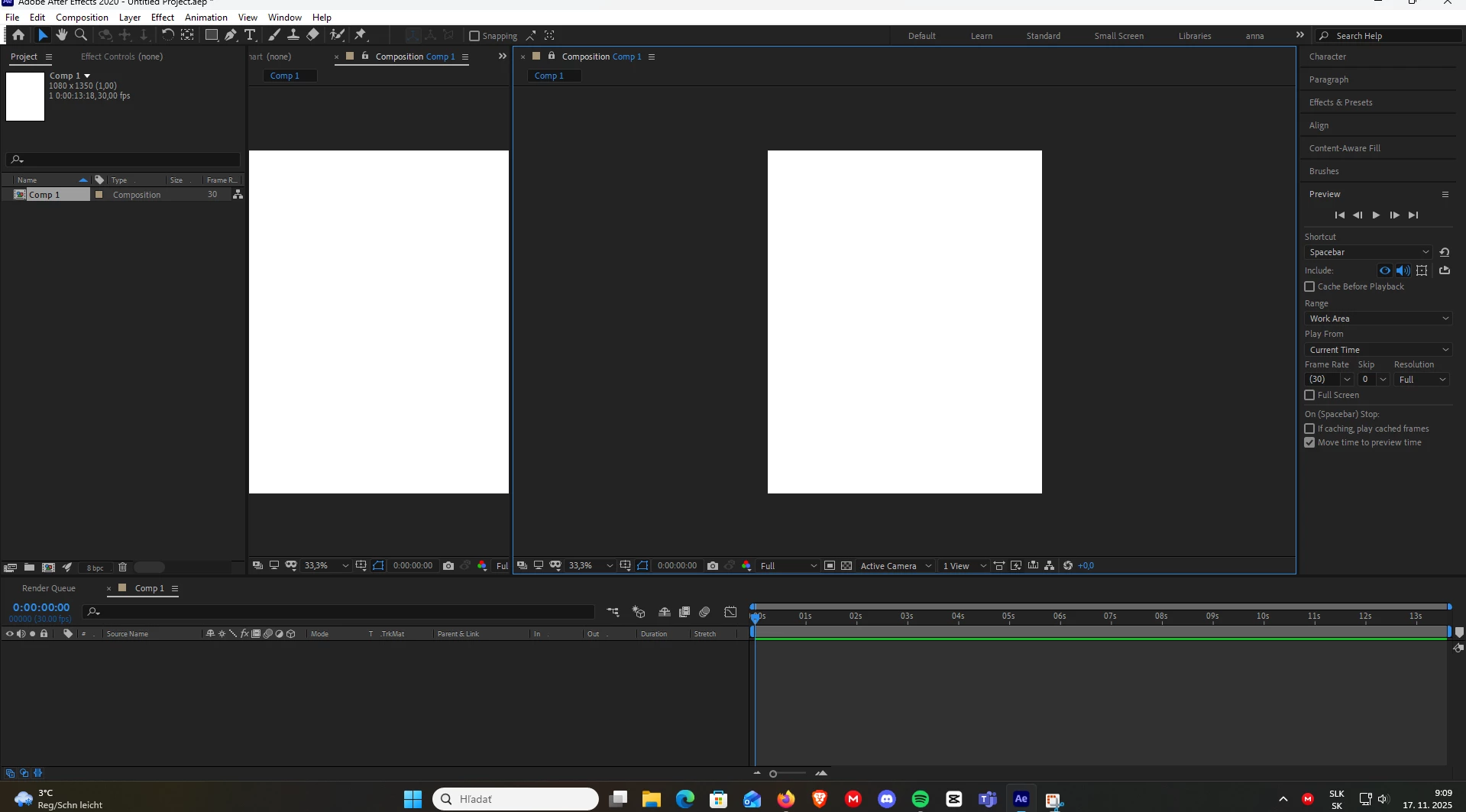
guys i need urgent help like right now....i tried everything...its stuck like this, funny how i can make it into two views and 3 etc...but not one...please help me :(((

2 replies

nishu_kush
Community Manager
Community Manager
November 18, 2025

We understand the issue you are experiencing, Vibrant_Serendipity9467.


This type of issue is often linked to corrupted preferences or an outdated GPU driver. Please try running After Effects in Safe Mode, which will launch the application with a fresh set of preferences. Additionally, ensure that your GPU driver is updated directly from the manufacturer's website instead of relying on Windows for the update.

Please let me know the outcome.


Thanks,
Nishu

Participating Frequently
November 17, 2025


  • Go to the top-right corner of AE.

  • Click Window → Workspace → Reset “Default”
    (or whichever workspace you're using)

  • OR
  • Click inside your Composition Panel to make sure it's active.
  • Then go:
    View → View Layout → 1 View

  • OR
  • Grab the Composition panel tab (the one named “Comp 1”).

  • Drag it until the blue highlight appears in the center of AE.

  • Drop it there.