
Legend
September 6, 2025
Answered

25.4.0 Rotobrush 3: Add/Subtract works on frames after, but not on the frame painted on?

  • September 6, 2025
  • 1 reply
  • 133 views

Hi There,


I haven't experienced this using similar footage in previous versions (still rotibrush 3 though) so sorry if this is user error.


But since upgrading to 25.4.0, I've immediately noticed that painting to add/subtract no longer works on the frame painted on, it only works on frames afterwards. See attached...


Here's the frame I've painted to add - notice the corner of the bed still isn't included?

 

But in the frames that follow, the painted area is correctly added...
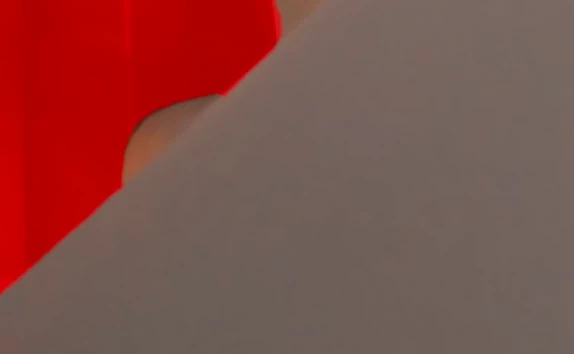
 

With the previous version of AE, add/subtract also worked on the frame painted on - have tried various mask prview modes, and playing with chatter/feather etc. And am also seeing this on multiple frames - basically any frame I need to tweak.


Does anyone know how to fix or what I'm doing wrong, or if this has changed in this version?


Any help much appreciated. Cheers, Ben


Correct answer csscms

Turned out to be a frame rate missmatch between the footage and comp. I usually use 25fps but this footage was slomo. Changeing the comp to 29.97 made add/subtract work as expected.


If you need to use 25fps (e.g. match timelines in Resolve), re-interpret imported clips as 25fps in AE, then change the comp to 25fps to match.


Initally, there was no warning but after restarting AE, it appeard under the footage. Hope that helps someone.

1 reply

csscmsAuthorCorrect answer
Legend
September 6, 2025

Turned out to be a frame rate missmatch between the footage and comp. I usually use 25fps but this footage was slomo. Changeing the comp to 29.97 made add/subtract work as expected.


If you need to use 25fps (e.g. match timelines in Resolve), re-interpret imported clips as 25fps in AE, then change the comp to 25fps to match.


Initally, there was no warning but after restarting AE, it appeard under the footage. Hope that helps someone.