
Question
2D to 3D logo extrusion side view split
Hello!
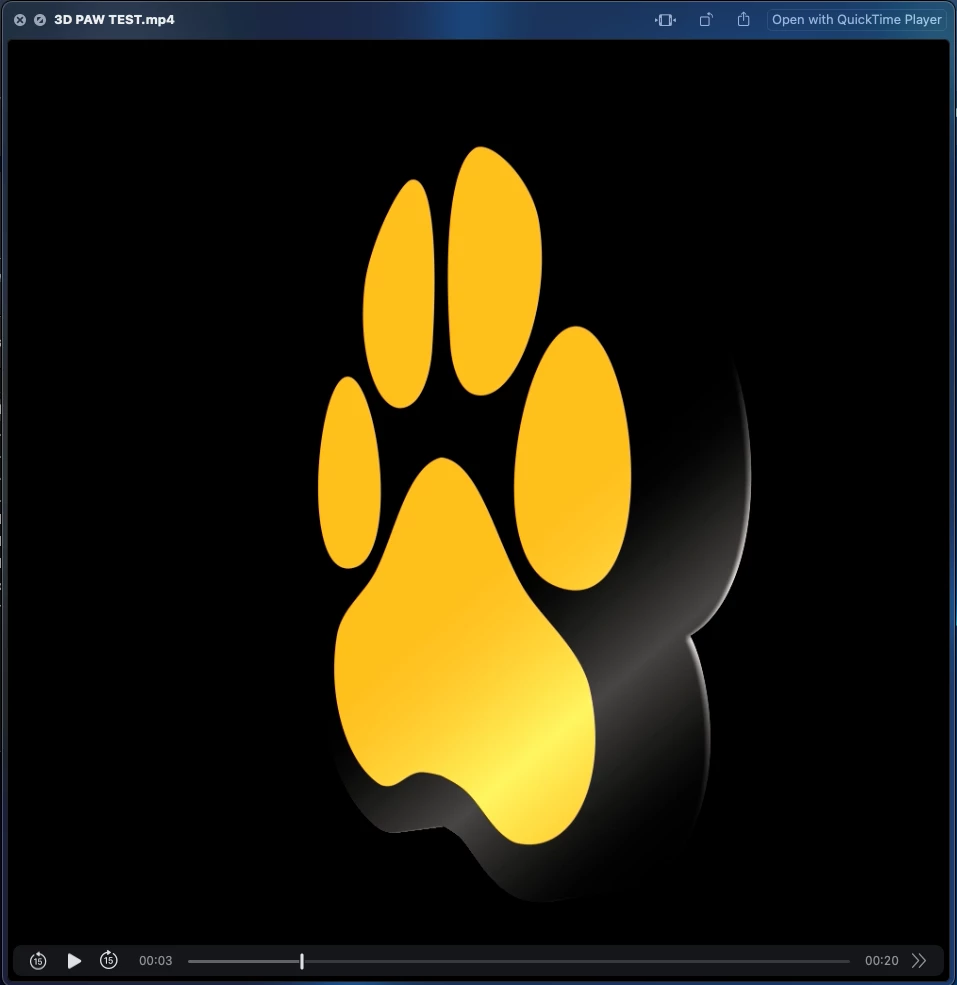
I have followed numerous tutorials on YouTube to extrude a 2D PNG into a 3D object so I can make it rotate, but no matter what I do, whenever I duplicate the layer enough times to make it 3D, the object has a weird line going through it from the side view. It looks like the layers are perhaps not close enough together. It does this with ANY 2D PNG I try to use. It looks like this before and after exporting. Changing blend mode did not help.
I reset and updated all my preferences and nothing. It looks fine from every angle but the side, so I can't rotate it! HELP!!
Tutorials used:
M3 iMac Sonoma 14.2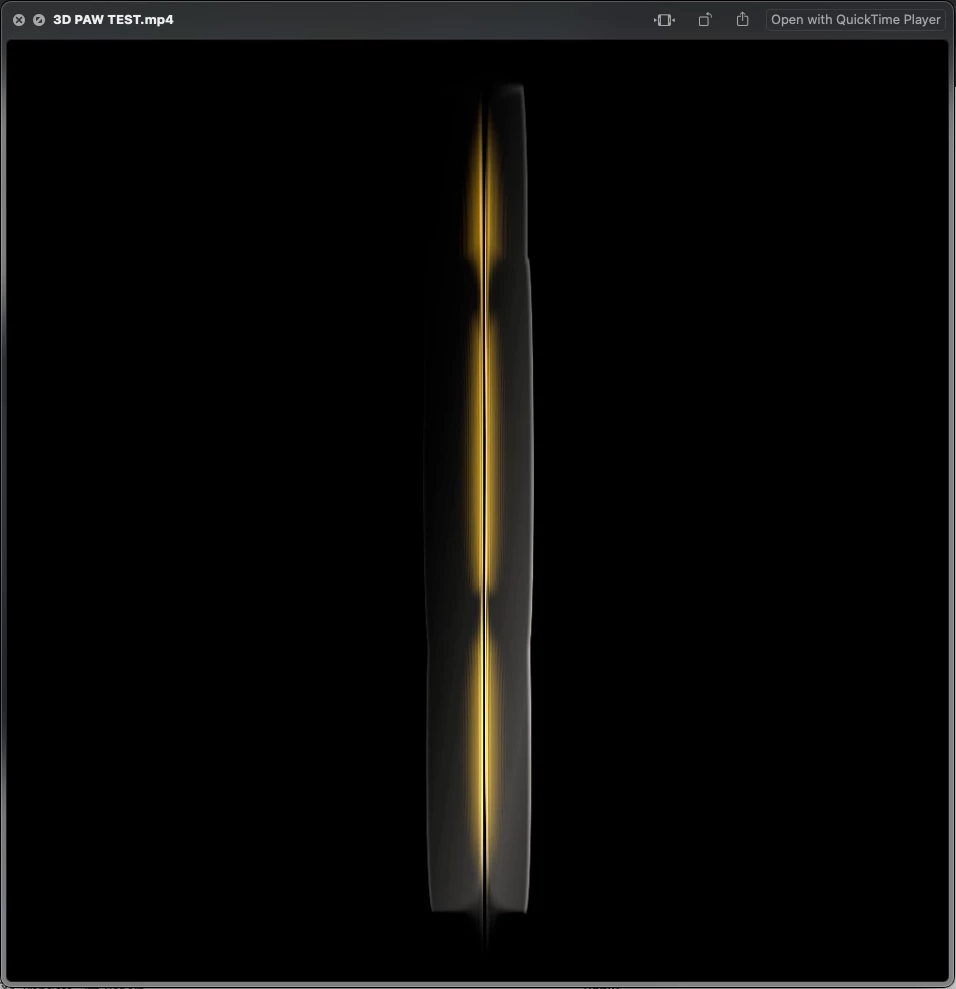


 AdChoices