
Fotowheel
Participant
December 27, 2023
Question

3D Axis not visible on Active 3D tracker camera

  • December 27, 2023
  • 2 replies
  • 226 views
 
  1. Version of the app: 24.1.0 
  2. Platform and OS version : Windows 11
  3. Basic steps to reproduce the problem:  3D camera track a video, create a new Text and camera.
  4. Expected result and actual result

Expected Result:

On the 3D Camera tracker Fx, after a successful camera track, creating a new Text, Camera, null ,etc.  The created object should show a 3D axis on the object for easy transformation. 

Actual result:

On the 3D Camera tracker Fx, after a successful camera track, creating a new Text, Camera, null ,etc.  The created object does not show a 3D axis on it,  it may only be seen if you set camera to default, but is not usable, also it seems only to be shown in multiple views but only at default camera. 


3D Axis not visible on active camera.
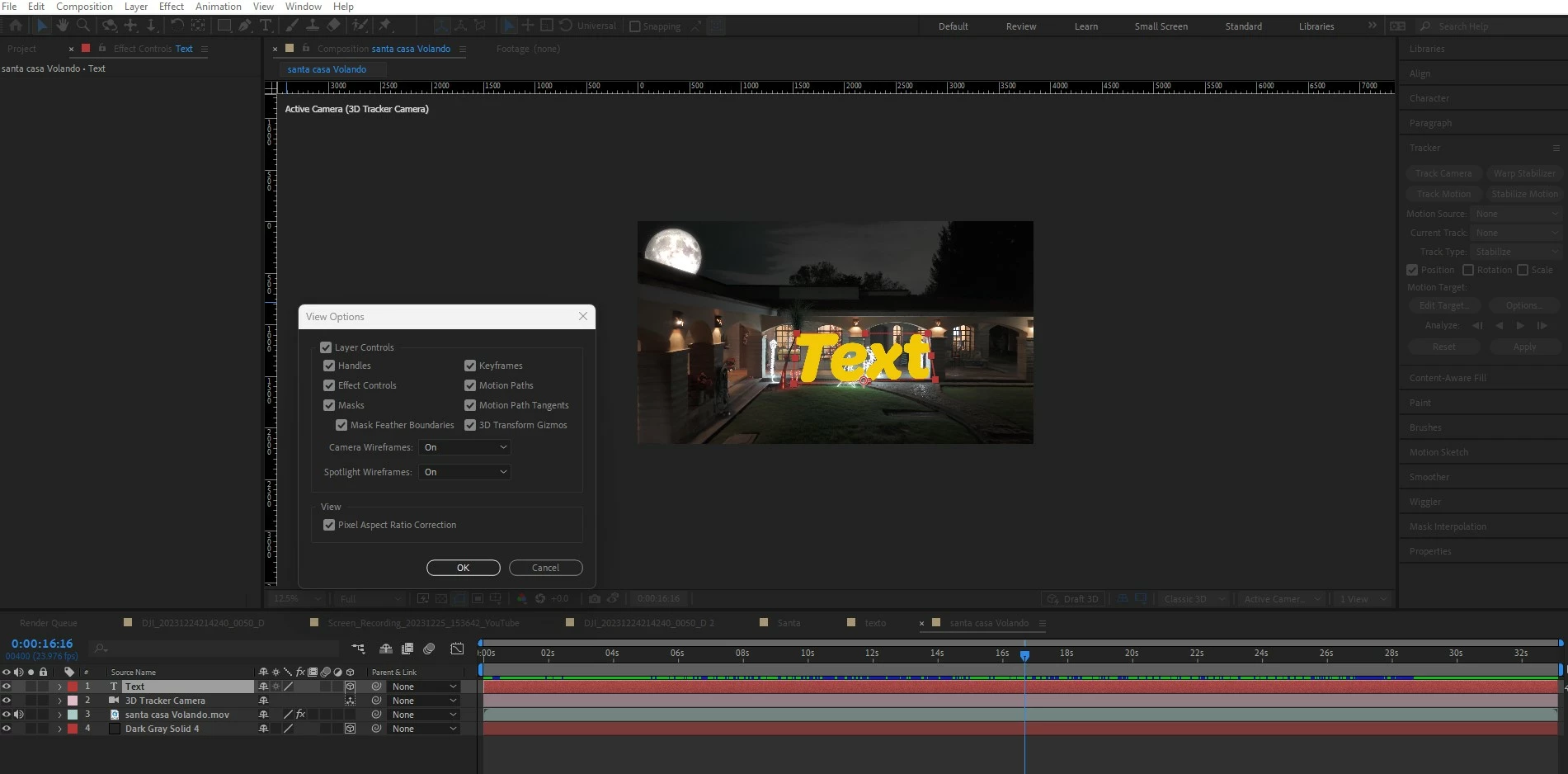
 

Not Visible on active camera view.
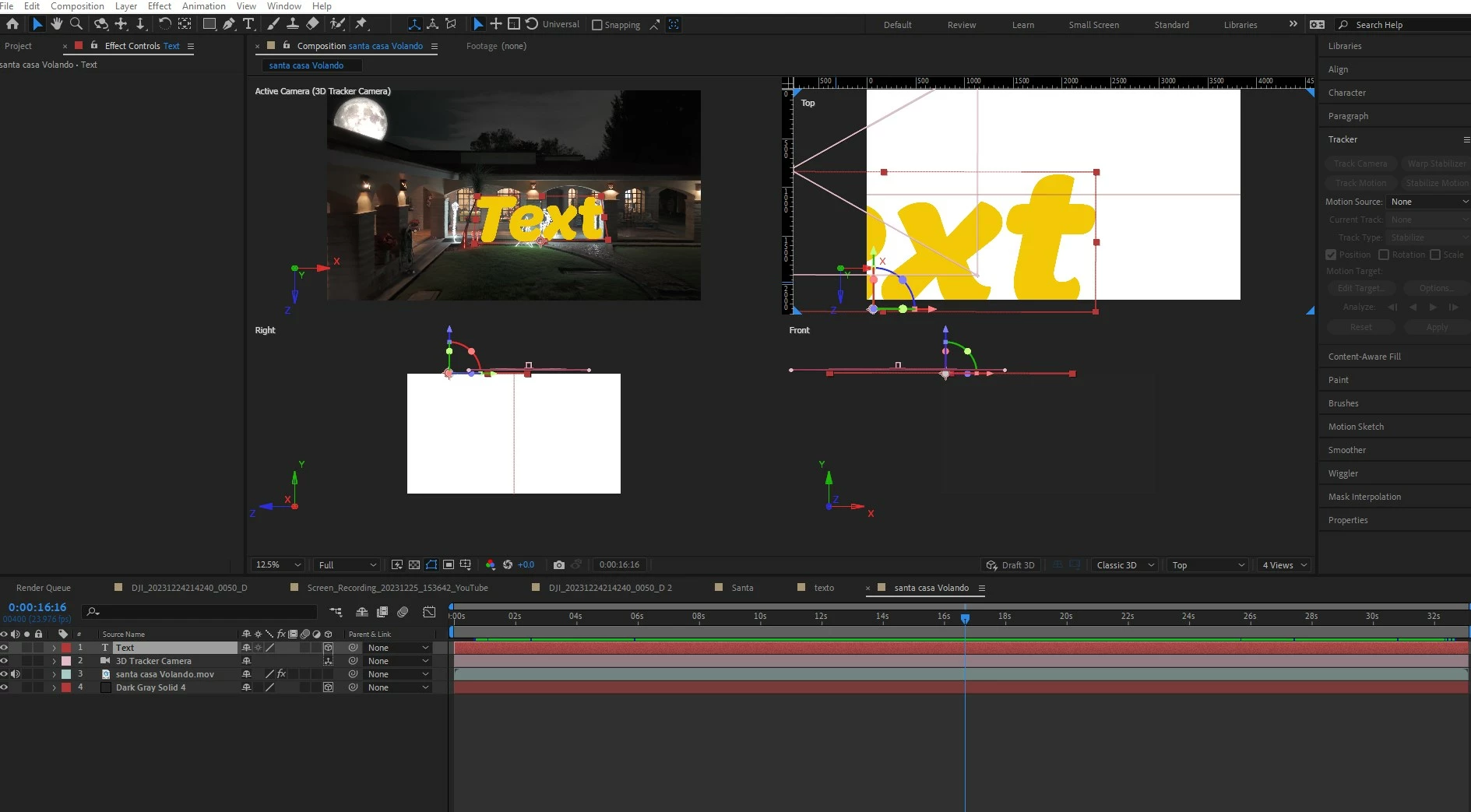


This topic has been closed for replies.

2 replies

nishu_kush
Community Manager
Community Manager
April 19, 2024

Did the suggestion above help?

Feel free to reach out. Moving this thread from Bugs to Discussions for now.


Thanks,

Nishu

Community Expert
December 27, 2023

I can tell from your screenshots that you did not create an origin and ground plane. Try creating a new Comp Sized solid, make it 3D, then Shift + Parent it to the text layer to see if you get a 3D axis from the solid. Shift + Parent will match the transform properties of the parent layer, including position, rotation, and scale. If that works, create a new 3D text layer and Shift + parent that to the original text layer and see if the 3D Axis is applied. I have had funky text layers appear occasionally that don't behave as they should until I replace them with a new text layer. Shift + Parent is the easiest way to do that.